Category Archives: Audio & Multimedia

Audio Encoders/Decoders, Audio File Players, Audio File Recorders, CD Burners, CD Players, Multimedia Creation Tools, Music Composers, Other, Presentation Tools, Rippers & Converters, Speech, Video Tools

Vidmore Video Enhancer for Mac 1.0.8

Type: Shareware
Cost: $19.95
Size: 47.25 MB
Release date: Jan 12 2021
Platform: Mac OS X,
Publisher’s Site:  https://www.vidmore.com/
Publisher’s Product Page:  https://www.vidmore.com/video-enhancer/
Country: China
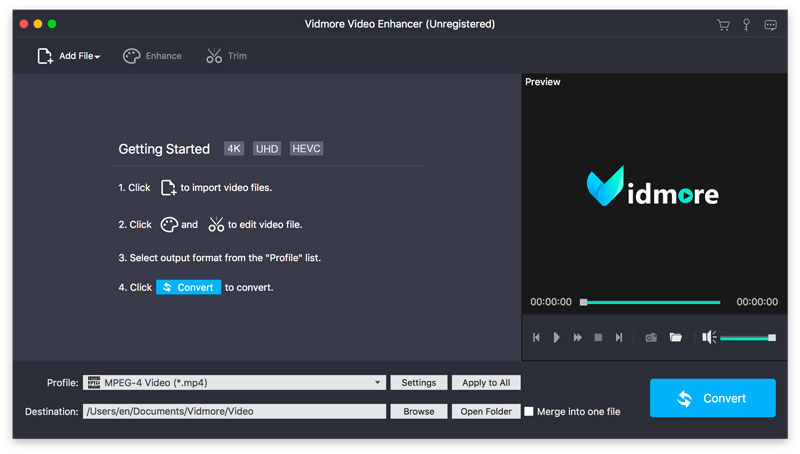

Vidmore Video Enhancer for Mac

Vidmore Video Enhancer for Mac is skilled at improving video quality. It could upscale resolution, remove video noise, reduce video shaking. It also allows you to rotate/crop/trim your videos.


Key functions:

1. Upscale resolution, optimize brightness and contrast
Vidmore Video Enhancer for Mac enables you to upscale your videos from low resolution to high which will create cleaner videos for you. In addition, it could also adjust the brightness, contrast, hue of your videos to improve the light, color balance, etc.

2. Remove video noise, reduce video shaking
If you are annoyed with the noise of your videos, Vidmore Video Enhancer for Mac could help you. It is able to remove the disturbing noise of your videos. And it also allows you to fix the shaky videos and let you get more professional videos.

3. Rotate, crop, trim videos
Vidmore Video Enhancer for Mac could help you rotate videos vertically and horizontally as you want. Moreover, it lets you crop the video and cut off the part you do not want easily. You could also divide a long video into several short videos.

4. Merge videos, add watermark to videos
If you would like to merge your videos, Vidmore Video Enhancer for Mac could do this for you. It could not only merge your videos, but also add text or watermark to your videos and make your videos more wonderful.

Graphcat<

Aiseesoft Mac Video Converter Ultimate 10.2.12

Type: Shareware
Cost: $25
Size: 122.92 MB
Release date: Sep 15 2021
Platform: Mac OS X,
Publisher’s Site:  https://www.aiseesoft.com/
Publisher’s Product Page:  https://www.aiseesoft.com/mac-video-converter-ultimate/
Country: China


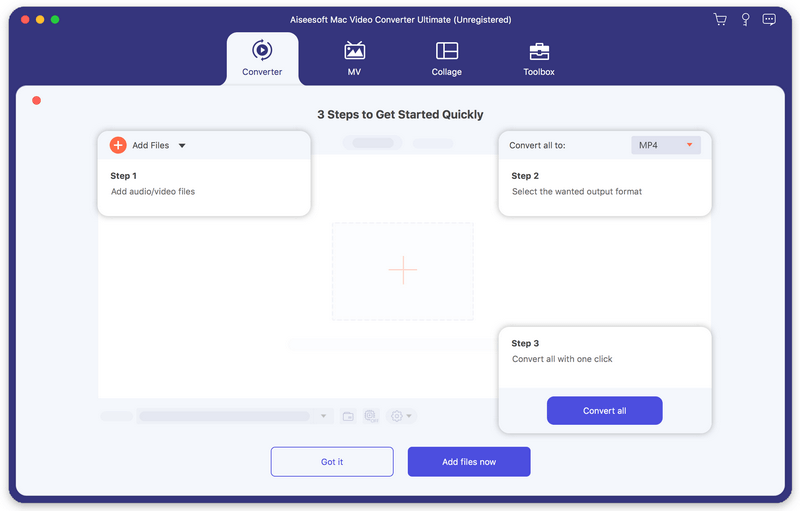
Aiseesoft Mac Video Converter Ultimate

Aiseesoft Mac Video Converter Ultimate helps convert any video to other formats like MP4, MOV, AVI and more, so that you can enjoy your videos on more devices. Before conversion, you could edit video effects. And the enhancement function enables you to enhance video quality. In addition, you could use the fast split function to clip your file equally.

Key features:

1. Convert video to popular formats on Mac
It is designed to convert video to MP4, AVI, MOV, MKV, etc. You are also allowed to convert music video to any audio formats such as MP3, AAC, AC3 and OGG.

2. Various video editing features
Aiseesoft Mac Video Converter Ultimate is more than a video converter. It can also work as a powerful video editor, which allows you to rotate/crop video, add video effects and filters, clip/merge video, add audio track and subtitles, remove video noise and reduce video shaking, etc.

3. Support external audio track and multi-audio track
You are allowed to add external audio track to your video, and you could import more than one audio file for one video to create your own video effects. You can also add your own subtitle if there is an unsynchronized subtitle to a movie. You can convert 2D video to Anaglyph, Side-by-Side or Top/Bottom 3D. Whats more, you can create head-turning video collage with videos and photo to get a perfect-design layout.

4. Support various devices
This software works well with the latest iPhone, iPad, iPod, Samsung, HTC, and more mobile devices, so that you can play the converted videos with the supported formats and enjoy them anytime.

Aiseesoft Video Editor for Mac 1.1.18

Type: Shareware
Cost: $28.76
Size: 52.44 MB
Release date: Aug 04 2021
Platform: Mac OS X,
Publisher’s Site:  https://www.aiseesoft.com
Publisher’s Product Page:  https://www.aiseesoft.com/video-editor/
Country: China


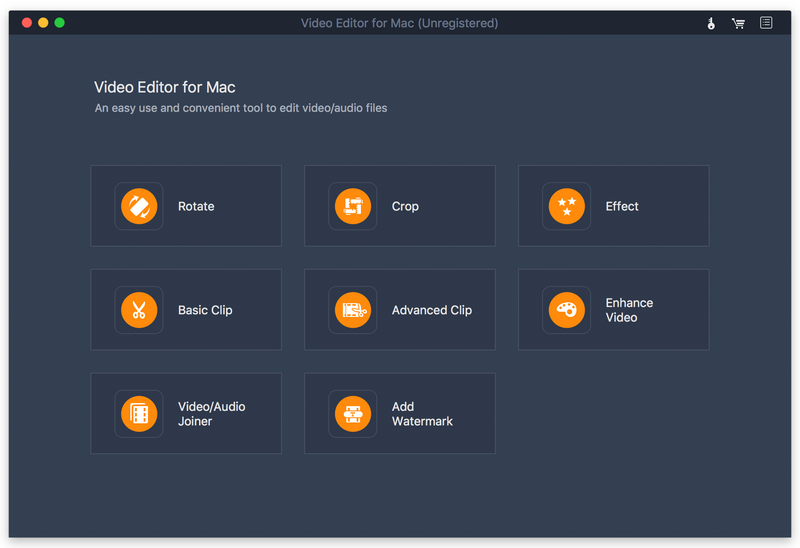
Aiseesoft Video Editor for Mac

Aiseesoft Video Editor for Mac aims to help you edit video from many aspects. You can easily get a high-quality video with its editing functions. With it, you can set video speed and volume, optimize brightness and contrast, crop video frame and clip video to several segments. It has many other editing functions such as clipping, cropping, rotating, and adding watermark.

Key Features:

1. Set video speed and volume
You are allowed to change video speed to make slow motion video or speed up video and set the video volume to meet your needs.

2. Optimize brightness and contrast
You can easily adjust the brightness of a video file and switch the difference between the darkest and lightest areas of a video.

3. Various editing features
With Aiseesoft Video Editor for Mac, you can drop video in 16:9, 4:3 or other aspect ratio to play on any screen or platform such as TV, computer, smartphone, or tablet. And you can clip and trim video files to remove unwanted video parts and reduce videos to the most important sections. Whats more, you can use the product to join the videos you want into one file. It is up to your needs. At the same time, you can preview the output files before conversion to check whether it meets your demands or not and add your own watermark to the output videos.