Category Archives: Audio & Multimedia

Audio Encoders/Decoders, Audio File Players, Audio File Recorders, CD Burners, CD Players, Multimedia Creation Tools, Music Composers, Other, Presentation Tools, Rippers & Converters, Speech, Video Tools

Tipard Video Converter Ultimate 10.2.6

Type: Shareware
Cost: $28
Size: 1.60 MB
Release date: Apr 09 2021
Platform: Win2000,WinXP,Win7 x32,Win7 x64,Windows 8,Windows 10,WinServer,WinOther,WinVista,WinVista x64
Publisher’s Site:  https://www.tipard.com/
Publisher’s Product Page:  https://www.tipard.com/video-converter-ultimate/
Country: China
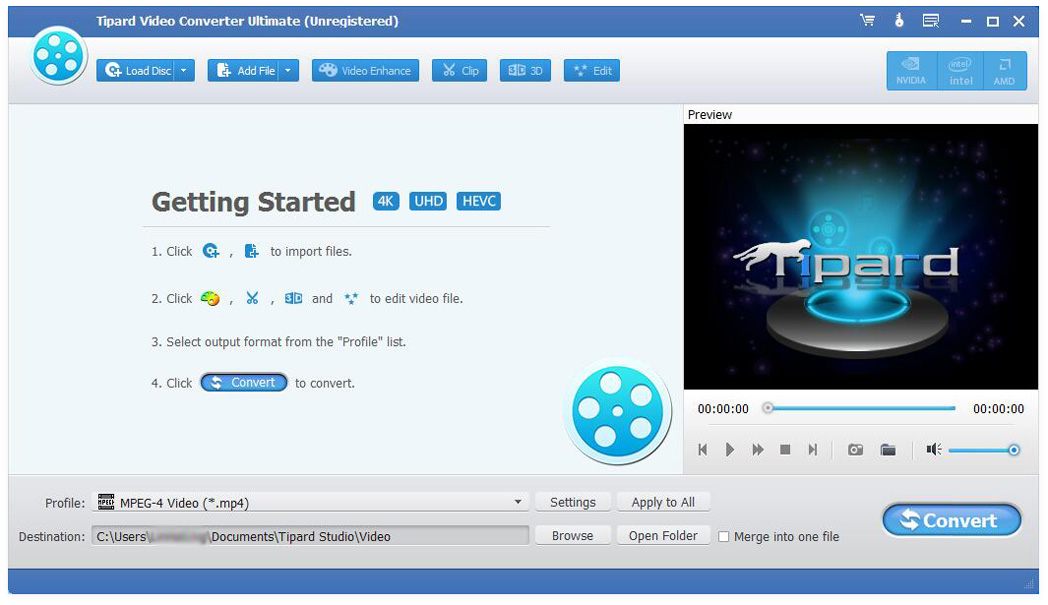

Tipard  Video Converter Ultimate

Video Converter Ultimate is a great video converter. It is able to convert any video and DVD to video/audio formats including AVI, WMV, MOV, MP4, MP3, FLAC, etc. It adds more powerful editing functions to enhance video by increasing resolution, optimizing brightness and contrast, removing video noise, and reducing video shaking.


Key functions:
1.Convert 120+ video formats and DVD to 4K and SD/HD formats (3D included)
This software is able to convert videos and DVD to other formats, like AVI, WMV, MOV, MP4, TS, etc. It also converts videos among the different resolution of SD, HD and 4k. For 4K videos, it can convert videos to 4K MP4,4K TS, 4K AVI, 4K FLV, 4K MKV, 4K WEBM. It can also convert 2D to 3D for an extraordinary visual experience.

2.Powerful edit functions to optimize the video files
With Video Converter Ultimate, you can easily trim video length, screenshot, adjust video effect and add text or picture watermark as you like, you can also increase video to higher resolution, optimize the visual effect and remove video noise, reduce the video shaking. With Media Metadata Editor, you can edit ID3 tag and file name, genre, etc. of your audio/video files. You can compress your video via Video Compressor. You can also make a GIF image with GIF Maker.

3.Fast conversion speed and high quality
Tipard Video Converter Ultimate adopts AMD APP and NVIDIA CUDA technology, which enables batch conversion and merging process at super-fast speed and with zero-quality loss.

5. Edit videos with MV feature
With the MV feature, you could edit the videos and photos with more tools. This feature provides many themes that you can directly apply while editing, you are also able to add BGM to your video.

6. Support all popular devices
This software offers many default settings for iPhone/iPad/iPod, Android devices, Samsung devices and other popular devices, you could enjoy your video on different devices.

Graphcat<

Apeaksoft Blu-ray Player 1.1.8

Type: Shareware
Cost: $39.20
Size: 1.60 MB
Release date: Jan 18 2021
Platform: Win2000,WinXP,Win7 x32,Win7 x64,Windows 8,Windows 10,WinServer,WinOther,WinVista,WinVista x64
Publisher’s Site:  https://www.apeaksoft.com/
Publisher’s Product Page:  https://www.apeaksoft.com/blu-ray-player/
Country: China


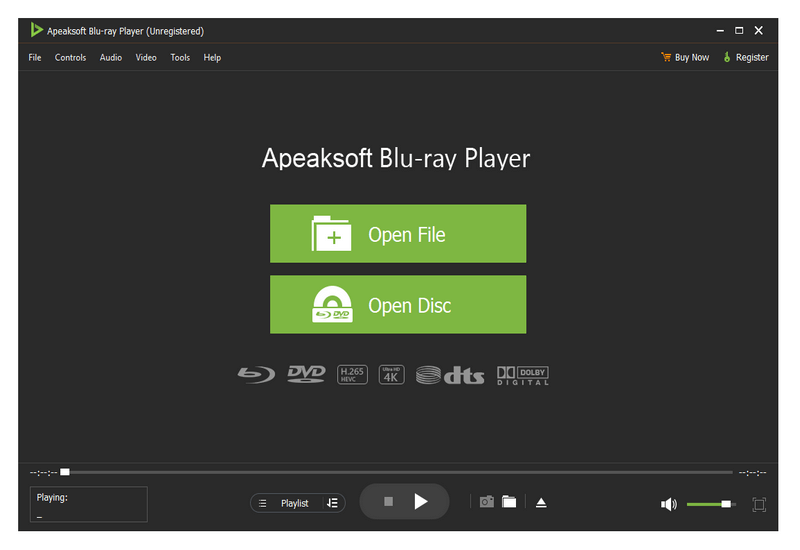
Apeaksoft Blu-ray Player

Apeaksoft Blu-ray Player can play DVD/Blu-ray disc/folder/ISO files with high image quality. Meanwhile, it can also support 4K and 1080p HD videos. Besides, it allows you to play common videos including MP4, MOV, AVI, M4V, MPEG, MKV, FLV, etc. This magical software also enables you to select your needed audio track, subtitle track as well as the video track.

Key functions:

1. Play DVD/Blu-ray disc/folder/ISO files with perfect effect
This professional Blu-ray Player can play DVD/Blu-ray disc/folder/ISO files with high-quality and it would bring you wonderful watching experience.

2. Play 4K videos, 1080p HD videos and common videos
With the assistance of Apeaksoft Blu-ray Player, you can play your 4K videos like 4K H.265 MP4, 4K H.264 TS, 4K MKV and others with high-quality. Furthermore, it is able to play 1080p videos like HD AVI Video (.avi), HD H.264/MPEG-4 AVC Video (.mp4), HD MKV Video Format (.mkv), HD MOV Video (.mov) and so on. Meanwhile, it can also play common videos like MP4, MOV, AVI, M4V, MPEG, MKV, FLV, TS etc.

3. Region free and various playback modes
As we all know that more and more Blu-ray discs have a region code, Apeaksoft Blu-ray Player could do you a favor in this case. With it, you could play any Blu-ray disc for region free. In addition, it provides various playback modes for users. When watching videos, you could change the screen size and move to the chapter or part you want to watch according to your need.

4. Customize your watching experience
This Blu-ray player software also allows you to adjust image and audio effect. You are able to change audio track, audio channel and audio device to get better audio effect. You can also choose video track or subtitle.

AnyMP4 DVD Ripper for Mac 9.0.6

Type: Shareware
Cost: $26.25
Size: 65.59 MB
Release date: Apr 22 2021
Platform: Mac OS X,
Publisher’s Site:  https://www.anymp4.com/
Publisher’s Product Page:  https://www.anymp4.com/dvd-ripper-for-mac/
Country: China


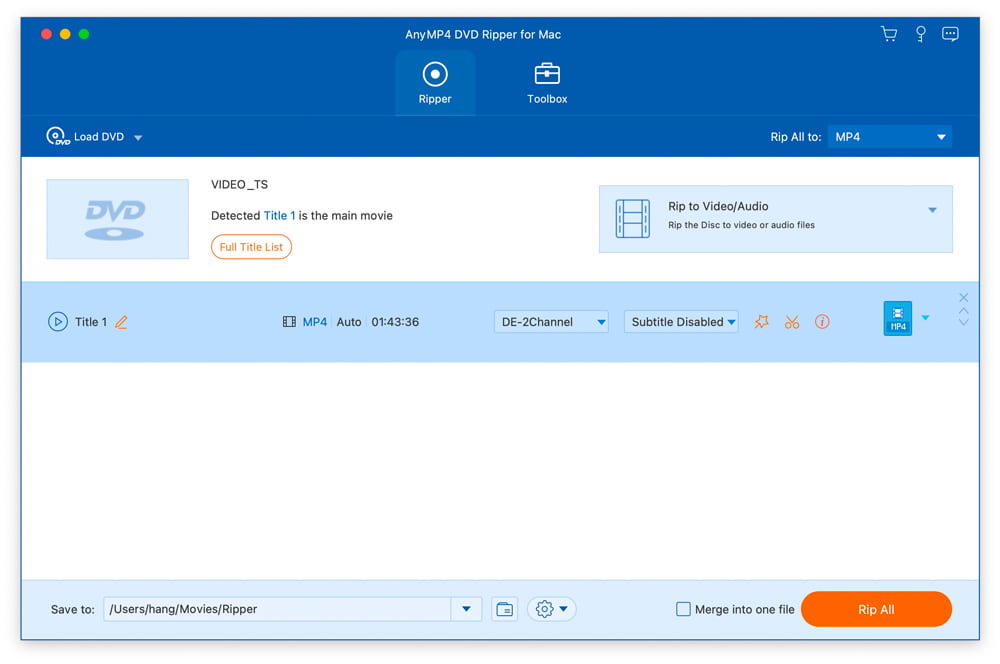
AnyMP4 DVD Ripper for Mac

AnyMP4 DVD Ripper for Mac is designed with many pre-defined output profiles, so you can choose one profile at your disposal. It highly supports most portable iOS and Android devices, such as iPhone 12/11 Pro Max/11 Pro/11, iPhone XS, iPhone XS Max, iPhone XR, iPhone X, iPhone 8, iPad, iPod, Samsung Galaxy S10, HTC, HUAWEI, etc. It allows you to easily view DVD movies on your smart phone or tablet.

Key Features:

1. Convert DVD to any video or audio files.
AnyMP4 DVD Ripper for Mac can help you convert DVD to popular videos like MP4, MKV, AVI, MOV, WMV, FLV, M4V, TS, DivX, WebM, 3GP and it can also rip DVD to popular audio formats including MP3, WAV, OGG, M4A, WMA, AC3, etc. with high ripping speed and quality.

2. Edit DVD and adjust video effects.
AnyMP4 DVD Ripper for Mac is equipped with many useful editing features to help you customize video effects before ripping the DVD. For instance, you can rotate video position, cut the video length to only save the necessary part, crop video to remove the black edge, add personal text and image watermark, adjust output video effects like brightness, contrast, saturation, and hue.

3. New functions for Mac version.
In the latest Mac version, you can enhance video quality easily. And you can compress a large HD/SD video in MTS, TS, MP4, MOV, etc. into a smaller size file according to you need. And you can make GIF image with it conveniently.