Category Archives: Audio & Multimedia

Audio Encoders/Decoders, Audio File Players, Audio File Recorders, CD Burners, CD Players, Multimedia Creation Tools, Music Composers, Other, Presentation Tools, Rippers & Converters, Speech, Video Tools

UkeySoft Apple Music Converter for Mac 6.8.6

Type: Shareware
Cost: $39.95
Size: 45.99 MB
Release date: Jan 01 2019
Platform: Mac OS X,
Publisher’s Site:  https://www.ukeysoft.com
Publisher’s Product Page:  https://www.ukeysoft.com/apple-music-converter/
Country: China
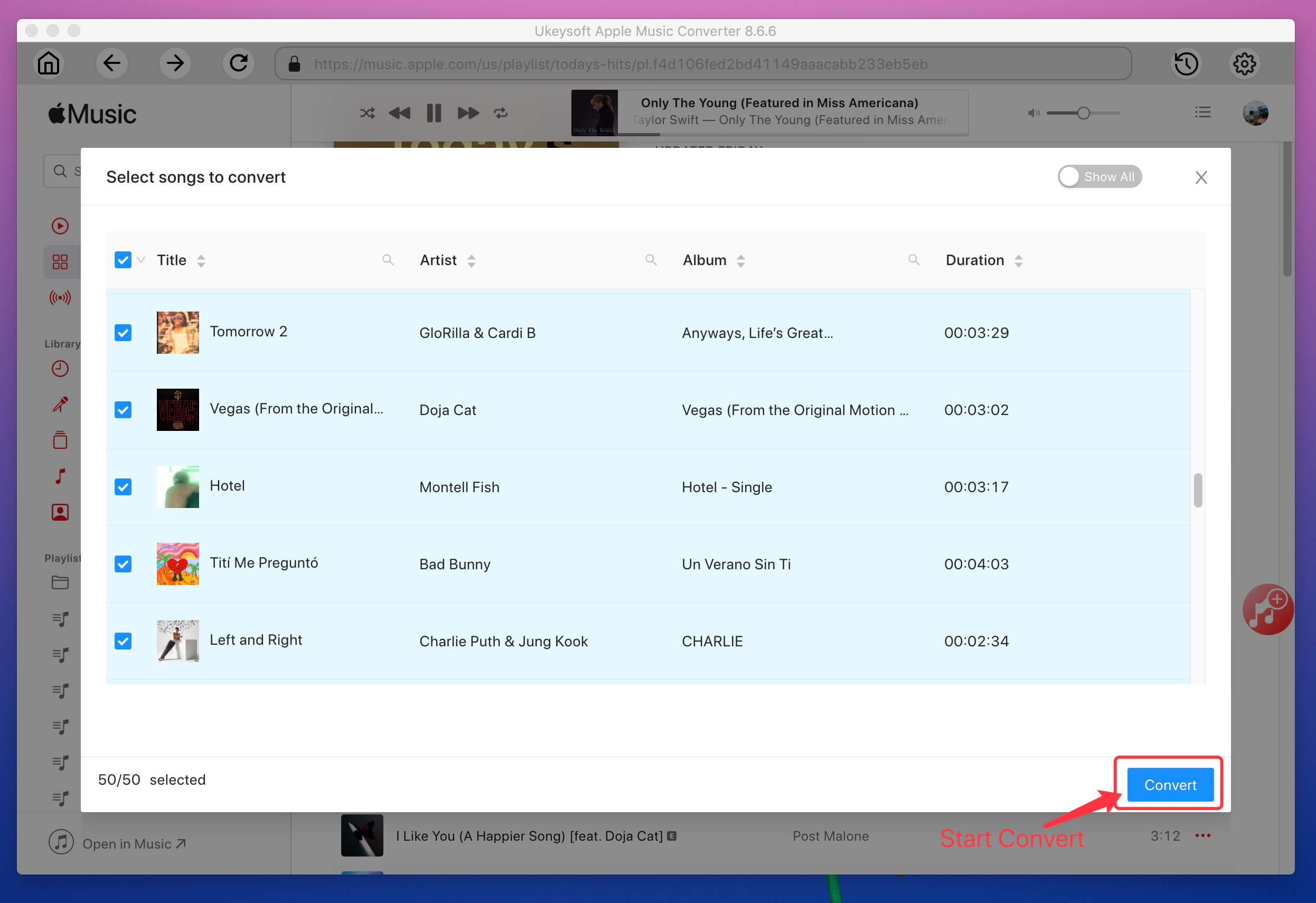

UkeySoft Apple Music Converter for Mac

Apple Music is a music streaming service and comes with DRM protection, you can’t keep Apple Music songs forever, and you can’t transfer Apple Music to MP3 player, iPod Nano/Shuffle/Classic, Apple Watch, PSP, Zune, mobile phone and other non-authorized devices, because Apple adds DRM protection to all Apple Music’s tracks. To enjoy your Apple Music songs on any devices, you need to remove DRM protection from Apple Music and convert Apple Music M4P songs to MP3, WAV, M4A, AAC, etc.


UkeySoft Apple Music Converter for Mac can remove DRM from Apple Music and convert Apple Music, iTunes music and audiobooks to MP3, M4A, AC3, M4A, M4R, AIFF, FLAC, MKA or AU on Mac. With UkeySoft Apple Music Converter, you can easily to convert the protected Apple Music songs to MP3 with ID tags preserved. After converting Apple Music to MP3, it will keep all the music metadata, such as the song title, artist name, album name, genre, song artwork or album artwork. Different from general audio conversion software, UkeySoft Apple Music Converter(Mac) also supports iTunes M4P songs, M4B/M4P Audiobooks and Audible AA/AAX Audiobooks to MP3 and keep original metadata to the output audio files.

After removing DRM protection from Apple Music and get DRM-free Apple Music songs, you can keep Apple Music songs forever, or transfer the converted Apple Music to any devices for listening offline, such as MP3 player, iPod, iPhone, iPad, Apple Watch, PSP, Zune, Android phones/tablets, other mobile phones, etc.

Features:
Convert Apple Music, iTunes purchased M4P songs to MP3, M4A, etc.
Convert iTunes M4B audiobooks and Audible AA/AAX audiobooks to MP3 or M4A.
Extract audio from iTunes movies, TV shows, music videos and other M4V videos.
Keep original ID tags and all metadata after converting Apple Music to MP3.
Batch convert Apple Music songs at up to 16X speed and keep the original audio quality.
UkeySoft Apple Music Converter for Mac v. 6.8.6 fully compatible with macOS Catalina 10.15.

Graphcat<

UkeySoft Spotify Music Converter for Mac 2.5.6

Type: Shareware
Cost: $39.95
Size: 12.67 MB
Release date: Jan 01 2019
Platform: Mac OS X,
Publisher’s Site:  https://www.ukeysoft.com
Publisher’s Product Page:  https://www.ukeysoft.com/spotify-music-converter/
Country: China


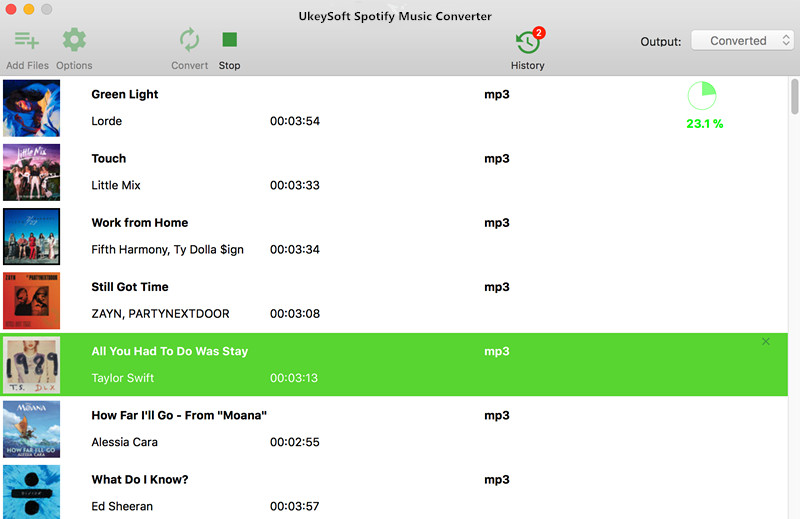
UkeySoft Spotify Music Converter for Mac

Spotify is one of the most popular music streaming service, over 30 million songs in Spotify is Ogg Vorbis format that protected by DRM encryption. Spotify Free users cannot listen to the songs offline. Even though you can download Spotify playlist for offline listening with a Premium account, the songs you get are DRM protected and you cant transfer Spotify music to MP3 player, iPod Nano/Shuffle/Classic, Apple Watch, PSP, Zune, Android, iPhone and other non-authorized devices Only premium subscribers can listen to offline on Spotify. So, if you (have to) go online after the cancellation of your subscription, you lose the ability to listen offline. To keep Spotify music playable offline on any devices, you need to remove the DRM protection from Spotify music and convert Spotify music to other common audio formats MP3/M4A/WAV/FLAC, etc. So that you can play Spotify tracks on all music players offline at anytime.

UkeySoft Spotify Music Converter for Mac also is a Spotify Music Downloader for Spotify Free and Premium users to download and convert Spotify songs, playlists and albums to MP3, WAV, FLAC, M4A for offline playing on any device. You can download Spotify songs/playlists/albums to MP3, FLAC, WAV or M4A with Free or Premium subscription.

Features:

1. Losslessly download and convert Spotify Music to MP3, FLAC, AAC, WAV, M4A on macOS.

2. Completely remove DRM protection from Spotify songs, playlists & albums.

3. Enjoy Spotify tracks offline on any devices without Spotify Premium.

4. Keep the title, artist, cover, album, year, genre and other ID3 tags information in the converted songs.

5. Burn Spotify music to CD, enjoy Spotify music without Spotify app and web player.

6. 5X faster speed to download songs & playlist from Spotify and keep the original audio quality.

7. Supports macOS 10.15 and later.

Apeaksoft Blu-ray Player 1.0.30

Type: Shareware
Cost: $39.20
Size: 54.44 MB
Release date: Aug 13 2020
Platform: Win2000,WinXP,Win7 x32,Win7 x64,Windows 8,Windows 10,WinServer,WinOther,WinVista,WinVista x64
Publisher’s Site:  https://www.apeaksoft.com/
Publisher’s Product Page:  https://www.apeaksoft.com/blu-ray-player/
Country: China


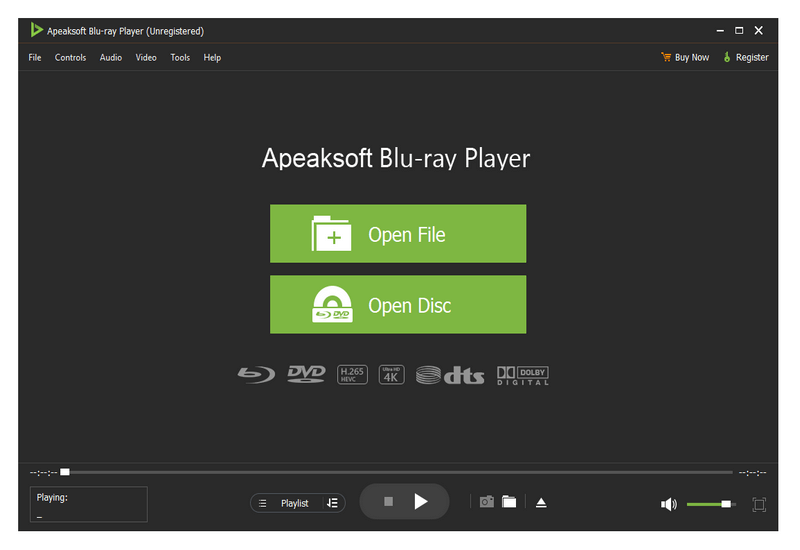
Apeaksoft Blu-ray Player

Apeaksoft Blu-ray Player can play DVD/Blu-ray disc/folder/ISO files with high image quality. Meanwhile, it can also support 4K and 1080p HD videos. Besides, it allows you to play common videos including MP4, MOV, AVI, M4V, MPEG, MKV, FLV, etc. This magical software also enables you to select your needed audio track, subtitle track as well as the video track.

Key functions:

1. Play DVD/Blu-ray disc/folder/ISO files with perfect effect
This professional Blu-ray Player can play DVD/Blu-ray disc/folder/ISO files with high-quality and it would bring you wonderful watching experience.

2. Play 4K videos, 1080p HD videos and common videos
With the assistance of Apeaksoft Blu-ray Player, you can play your 4K videos like 4K H.265 MP4, 4K H.264 TS, 4K MKV and others with high-quality. Furthermore, it is able to play 1080p videos like HD AVI Video (.avi), HD H.264/MPEG-4 AVC Video (.mp4), HD MKV Video Format (.mkv), HD MOV Video (.mov) and so on. Meanwhile, it can also play common videos like MP4, MOV, AVI, M4V, MPEG, MKV, FLV, TS etc.

3. Region free and various playback mode
As we all know that more and more Blu-ray discs have a region code, Apeaksoft Blu-ray Player could do you a favor in this case. With it, you could play any Blu-ray disc for region free. In addition, it provides various playback modes for users. When watching videos, you could change the screen size and move to the chapter or part you want to watch according to your need.

4. Customize your watching experience
This Blu-ray player software also allows you to adjust image and audio effect. You are able to change audio track, audio channel and audio device to get better audio effect. You can also choose video track or subtitle.