Category Archives: Audio & Multimedia

Audio Encoders/Decoders, Audio File Players, Audio File Recorders, CD Burners, CD Players, Multimedia Creation Tools, Music Composers, Other, Presentation Tools, Rippers & Converters, Speech, Video Tools

AnyMP4 MTS Converter 7.2.28

Type: Shareware
Cost: $26.25
Size: 39.97 MB
Release date: Jul 02 2020
Platform: Win2000,WinXP,Win7 x32,Win7 x64,Windows 8,Windows 10,WinServer,WinOther,WinVista,WinVista x64
Publisher’s Site:  https://www.anymp4.com
Publisher’s Product Page:  https://www.anymp4.com/mts-converter/
Country: China

AnyMP4 MTS Converter

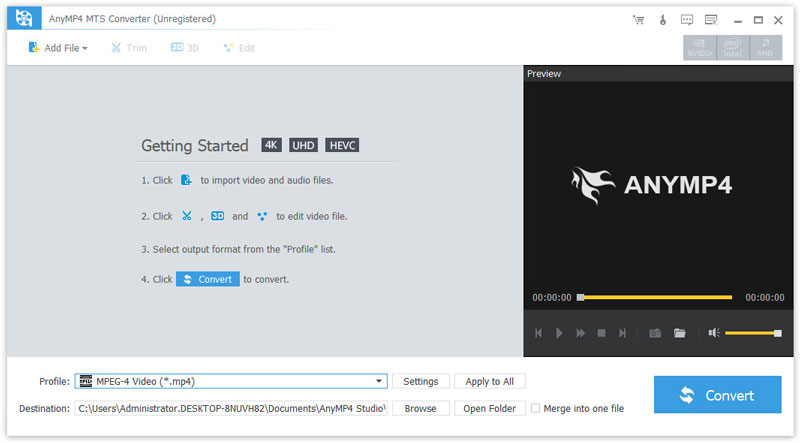
AnyMP4 MTS Converter owns powerful encoder and decoder technology to convert MTS, TS, M2TS, and popular video/audio files to any video (AMV, ASF, AVI, DivX, Flash H264, H.264 AVI, FLV, SWF, H.264/MPEG-4 AVC, M4V MPEG-4, MKV, MOV, etc.) and audio (AAC, AC3, AIFF, AMR, AU, M4A, MKA, FLAC, MP2, MP3, OGG, WAV, WMA) format. Moreover, it supports iPad mini 5, iPad Pro, iPhone 11/11 Pro/11 Pro Max/XS/XS Max/XR/X/8, Samsung series and so on.


Key Features:

1. Convert MTS to other video/audio formats.
It can convert MTS and other video/audio files to the video formats of AMV, ASF, AVI, DivX, Flash H264, FLV, SWF, H.264 AVI, H.264/MPEG-4 AVC, M4V MPEG-4, DV, MKV, MOV, MPEG-1, MPEG-2, MPEG-4, MTV, VOB, WMV, XviD, VCD, WebM and HD or audio format of AAC, AC3, AIFF, AMR, AU, FLAC, M4A, MKA, MP2, MP3, OGG, WAV, WMA.

2. Adjust output video effect.
You are allowed to define the output video and audio parameters, such as Video Resolution, Video Bitrate, Frame Rate, Encoder and Audio Channels, Sample Rate, Encoder, Audio Bitrate as well as video Brightness, Contrast, Saturation, Hue, and Volume. What’s more, you can choose audio tracks/subtitles at your disposal as well.

3. Crop and Merge function.
Unwanted playing areas of a video can be cut out so as to fit your different portable players. And AnyMP4 MTS Converter enables you to merge several videos or audio files into one. You can also trim a video or audio to your desired time length segments by setting the start and end time.

4. Convert files to be fit for all players.
The output files can be played on iPad mini 5, iPad Pro, iPhone 11/11 Pro/11 Pro Max/XS/XS Max/XR/X/8, Samsung series and so on. You can watch the amazing videos at any time and places with your portable devices.

Graphcat<

AnyMP4 MP4 Converter 7.2.28

Type: Shareware
Cost: $26.25
Size: 40.82 MB
Release date: Jun 17 2020
Platform: Win2000,WinXP,Win7 x32,Win7 x64,Windows 8,Windows 10,WinServer,WinOther,WinVista,WinVista x64
Publisher’s Site:  https://www.anymp4.com
Publisher’s Product Page:  https://www.anymp4.com/mp4-converter/
Country: China


AnyMP4 MP4 Converter

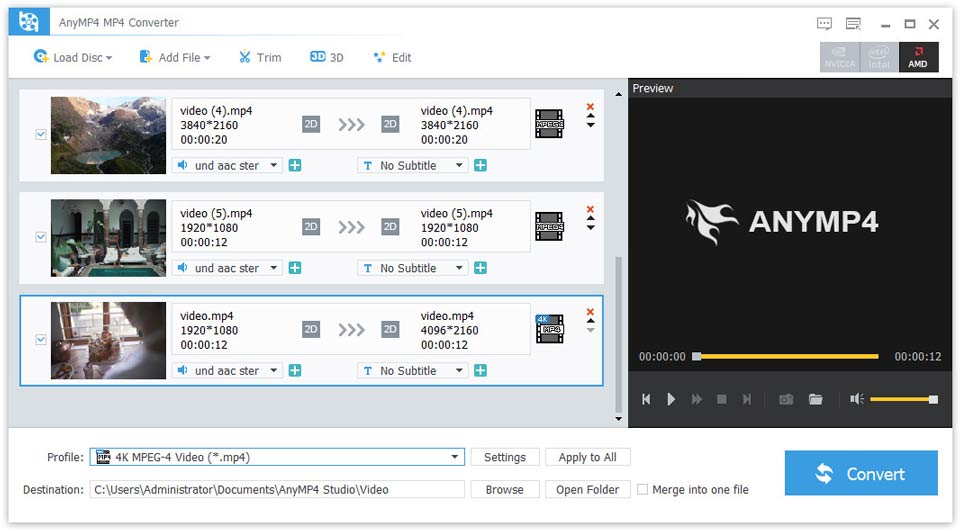
AnyMP4 MP4 Converter not only converts DVD disc to MP4 and others, but also converts AVI to MP4, WMV to MP4, MOV to MP4, M4V to MP4, etc. Meanwhile, it can convert any video to HD MP4, HD H.264, HD MPEG-4 video and more. So you can easily enjoy your converted videos on iPhone 11/11 Pro/11 Pro Max/XS/XS Max/XR/X/8, iPad mini 5, Samsung serial, etc. Besides, this MP4 Video Converter owns powerful video editing functions like cropping the video frame, adding any text or picture watermark and so on.

Key features:
1. Convert DVD disc/video to MP4.
AnyMP4 MP4 Video Converter can help you convert DVD disc/movie to MP4 and more. Besides, it can also convert DVD discs to 1080p HD like HD MP4, HD H.264, HD MPEG-4 video and more. Whats more, with AnyMP4 MP4 Video Converter, you are able to convert AVI, WMV, MOV, M4V to MP4 and other popular videos to MP4. Besides, it can convert any video to MP4 formats, like TS, HD MP4, HD AVI, HD MOV, HD ASF, HD H.264/MPEG-4 AVC, HD MPEG-4, MPEG-2 HD, etc.

2. Edit video effect.
AnyMP4 MP4 Converter enables you to customize the video effect. So you can crop the video frame, add any watermark to the videos, trim the source DVD and video files to your preferred length and merge different DVD titles/chapters or the video clips into one file. Besides, you can rename your videos with unique names.

3. Batch conversion.
If you have several videos or DVDs that need to be converted, you can convert them simultaneously in one click. So with AnyMP4 MP4 Converter, you can save the conversion time with fast speed and enjoy excellent quality.

Apeaksoft Slideshow Maker 1.0.22

Type: Shareware
Cost: $53.32
Size: 1.90 MB
Release date: Jun 28 2020
Platform: Win2000,WinXP,Win7 x32,Win7 x64,Windows 8,Windows 10,WinServer,WinOther,WinVista,WinVista x64
Publisher’s Site:  https://www.apeaksoft.com/
Publisher’s Product Page:  https://www.apeaksoft.com/slideshow-maker/
Country: China


Apeaksoft Slideshow Maker

If you want to change your videos, photos and audio files into slideshow, absolutely, Apeaksoft Slideshow Maker is your best choice. With it, you can load your files from videos (MP4, MOV, AVI, FLV, WMV, MTS, M2TS, TS, M4V, RMVB, ASF, VOB, etc.), photos (JPG, JPEG, PNG, TIF, TIFF, BMP, GIF, etc.), and audio (MP3, AIFF, FLAC, AAC, WAV, WMA, M4A, etc.) and make your own slideshow videos without any hassle.

Key functions:

1. Make slideshow easily
With Apeaksoft Slideshow Maker, you only need to load your own videos, photos, audio files, and you could also add the background music if you want. Then click the Export button, you will get your wonderful slideshow videos.

2. Support all kinds of media formats
Apeaksoft Slideshow Maker supports various video formats, such as M4V, RMVB, ASF, VOB, DAT, 3GP, MOD, TOD, WebM, etc. For the photos formats, it supports JPG, JPEG, PNG, TIF, TIFF, BMP, GIF, etc. It also supports the audio formats, such as FLAC, AAC, WAV, WMA, M4A, OGG and so on.

3. Select theme and edit
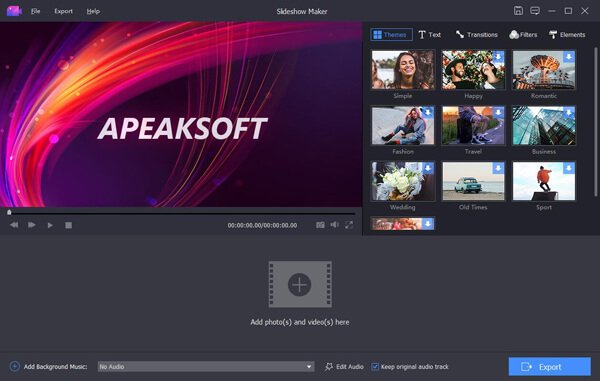
All kinds of slideshow themes such as Romantic, Fashion, Business, etc. are provided to create slideshow. You can choose the theme according to your demand.

4. Make your own slideshow themes
Besides the built-in slideshow themes, Apeaksoft Slideshow Maker has many text effects, transitions modes, filters and other elements to help you customize existing themes and make new themes.