Category Archives: Audio & Multimedia

Audio Encoders/Decoders, Audio File Players, Audio File Recorders, CD Burners, CD Players, Multimedia Creation Tools, Music Composers, Other, Presentation Tools, Rippers & Converters, Speech, Video Tools

Aiseesoft Video Converter Ultimate 9.2.86

Type: Shareware
Cost: $29.40
Size: 38.84 MB
Release date: Feb 12 2020
Platform: Win2000,WinXP,Win7 x32,Win7 x64,Windows 8,Windows 10,WinServer,WinOther,WinVista,WinVista x64
Publisher’s Site:  https://www.aiseesoft.com/
Publisher’s Product Page:  https://www.aiseesoft.com/video-converter-ultimate/
Country: China
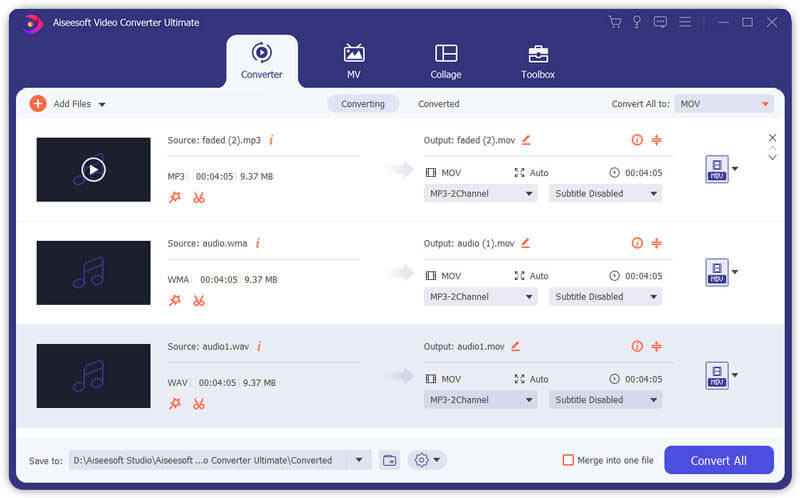

Aiseesoft Video Converter Ultimate

Aiseesoft Video Converter Ultimate is a comprehensive video converter. It can convert any video, home-made DVD to video/audio format including AVI, WMV, MOV, MP4, MP3, FLAC, etc. It adds more powerful editing functions to enhance video by upscaling resolution, optimizing brightness and contrast, removing video noise, and reducing video shaking. You can also add additional subtitles and audio tracks to the video.


Key functions
1. Convert over 1,000 video(4K/3D included) and audio formats as well as DVDs to other popular formats.
This software can convert videos and home-made DVDs to other formats, like AVI, WMV, MOV, MP4, TS, etc. It also converts videos among the different resolution of SD, HD and 4K video. For 4K videos, it supports converting videos to 4K MP4, 4K TS, 4K AVI, 4K FLV, 4K MKV, 4K WEBM. In addition, it supports converting 2D to 3D for an extraordinary visual experience.

2. Powerful editing functions
You can trim video length, catch screenshot, adjust video effects and add text or picture watermark as needed with its powerful editing feature. You can use it to upscale video to higher resolution, optimize the visual effect in one click and remove video noise. For your shaky video, it can reduce the video shaking easily. It also lets you rotate and flip the video.

3. Fast conversion speed and super-high quality
This converting software adopts AMD APP and NVIDIA CUDA technology, which enables batch conversion and merging process at super-fast speed and with zero-quality loss.

4. Support all popular devices
This software offers many default settings for iPhone/iPad/iPod (iPad Air 2, iPhone 11 Pro/11/XS/XS Max/XR included), Android devices, Samsung devices and other popular devices.

Graphcat<

AnyMP4 Audio Converter 7.2.18

Type: Shareware
Cost: $20.25
Size: 40.83 MB
Release date: Feb 20 2020
Platform: Win2000,WinXP,Win7 x32,Win7 x64,Windows 8,Windows 10,WinServer,WinOther,WinVista,WinVista x64
Publisher’s Site:  https://www.anymp4.com
Publisher’s Product Page:  https://www.anymp4.com/audio-converter/
Country: China


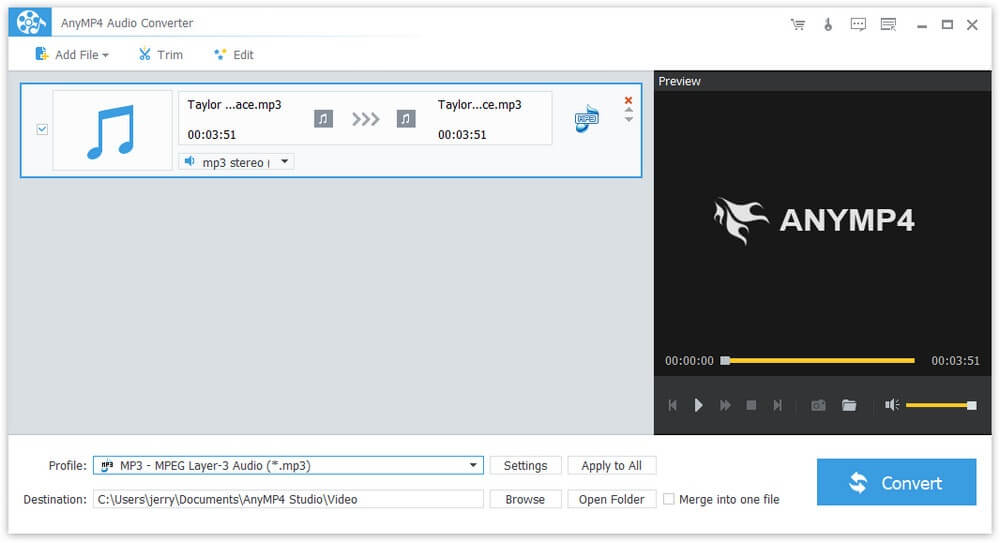
AnyMP4 Audio Converter

AnyMP4 Audio Converter not only convert audio/video to your needed audio formats like MP3, FLAC, WAV, WMA, ALAC, AAC, AC3 and so on, but also can customize the output file by trimming, merging, adjusting the audio settings and so on. Hence, you can enjoy them on your portable devices like iPad Air, iPad Mini, iPhone, iPod, Samsung Galaxy series and other devices.

Key Features:

1. Convert audio to your needed audio formats.
With this Audio File Converter, you can convert different kinds of audio files to other audio formats including MP3, FLAC, WAV, WMA, ALAC, AAC, AC3 and more. Therefore, you can enjoy them on your portable devices such as iPhone, iPod, iPad, PSP, PS3 and more.

2. Extract audio files from videos.
AnyMP4 Audio Converter software also enables you to extract audio files from any video formats like MP4, MKV, AVI, WMV, MOV, M4V and so on, and you are able to convert them to your needed audio format. Therefore, you can enjoy your audio at any time.

3. Editing your audio by trimming, merging, renaming and so on.
It allows you to trim the audio length by setting the start time and the end time, merge two or more audio files into one single file, rename your audio to any name you like, and adjust the audio settings including Encoder, Sample Rate, Channels and Audio Bitrate.

4. Batch conversion with fast speed and super quality.
You can convert several audio/videos simultaneously. So, with this Audio Converter software, you can convert audio/video in few minutes. Its overall effects will be better than before.

AnyMP4 Audio Converter for Mac 8.2.10

Type: Shareware
Cost: $20.25
Size: 49.00 MB
Release date: Feb 21 2020
Platform: Mac OS X,
Publisher’s Site:  https://www.anymp4.com
Publisher’s Product Page:  https://www.anymp4.com/audio-converter-for-mac/
Country: China


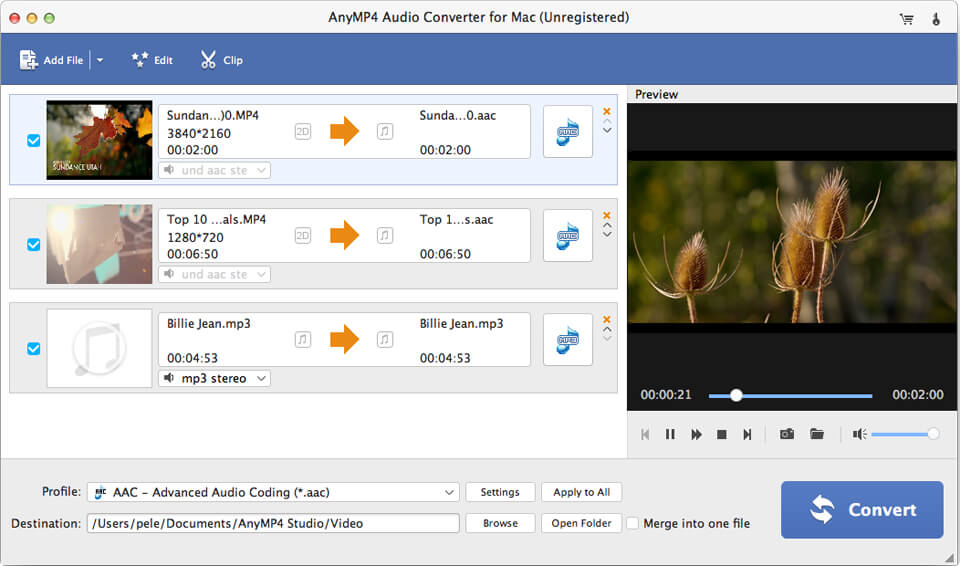
AnyMP4 Audio Converter for Mac

AnyMP4 Audio Converter for Mac enables you to convert audio file to any other audio formats including MP3, FLAC, WAV, WMA, AAC, ALAC, AC3 and more with fast speed. Besides, it can help you extract audio from video files, and then convert the extracted audio to the audio format you want on Mac. Apart from that, it allows you to trim the audio length, merge several audio files into a single file. Therefore, you can enjoy these audio files on iPod Touch, iPad Mini 5, iPad, iPhone 11/11 Pro/X/XS/XR Max, PS3 and other digital devices.

Key functions:

1. Convert audio to your needed audio formats on Mac.
This Audio File Converter for Mac can help you convert audio to MP3, FLAC, WAV, WMA, AAC, ALAC, AC3 on your Mac. Hence, you can enjoy them on any of your digital devices like iPod Touch, iPad Mini 5, iPad, iPhone 11/11 Pro/X/XS/XR Max, PS3 and other digital devices.

2. Extract audio files from videos on Mac.
With this Audio Converter for Mac, you are able to extract audio from the videos such as MP4, MOV, M4V, MKV, AVI, WMV, MTS and others. Meanwhile, you can convert these audio files to your needed formats like MP3, FLAC, WAV, WMA, AAC, ALAC, AC3 and more.

3. Editing functions for your audio.
This software owns powerful editing functions, so you can trim the audio to your needed length by clicking ?Trim? button. You can merge several audio files into one single file according to your needs. Meanwhile, you can rename your audio and find your audio file more easily.

4. Fast speed and good quality.
AnyMP4 Audio Converter for Mac owns fast conversion speed. So, you never need to worry about the conversion time.