Category Archives: Audio & Multimedia

Audio Encoders/Decoders, Audio File Players, Audio File Recorders, CD Burners, CD Players, Multimedia Creation Tools, Music Composers, Other, Presentation Tools, Rippers & Converters, Speech, Video Tools

FonePaw Video Cutter 1.0.6

Type: Shareware
Cost: $6.95
Size: 38.02 MB
Release date: Nov 09 2021
Platform: Win2000,WinXP,Win7 x32,Win7 x64,Windows 8,Windows 10,WinServer,WinOther,WinVista,WinVista x64
Publisher’s Site:  http://www.fonepaw.com/
Publisher’s Product Page:  https://www.fonepaw.com/video-cutter/
Country: Hong Kong

FonePaw Video Cutter

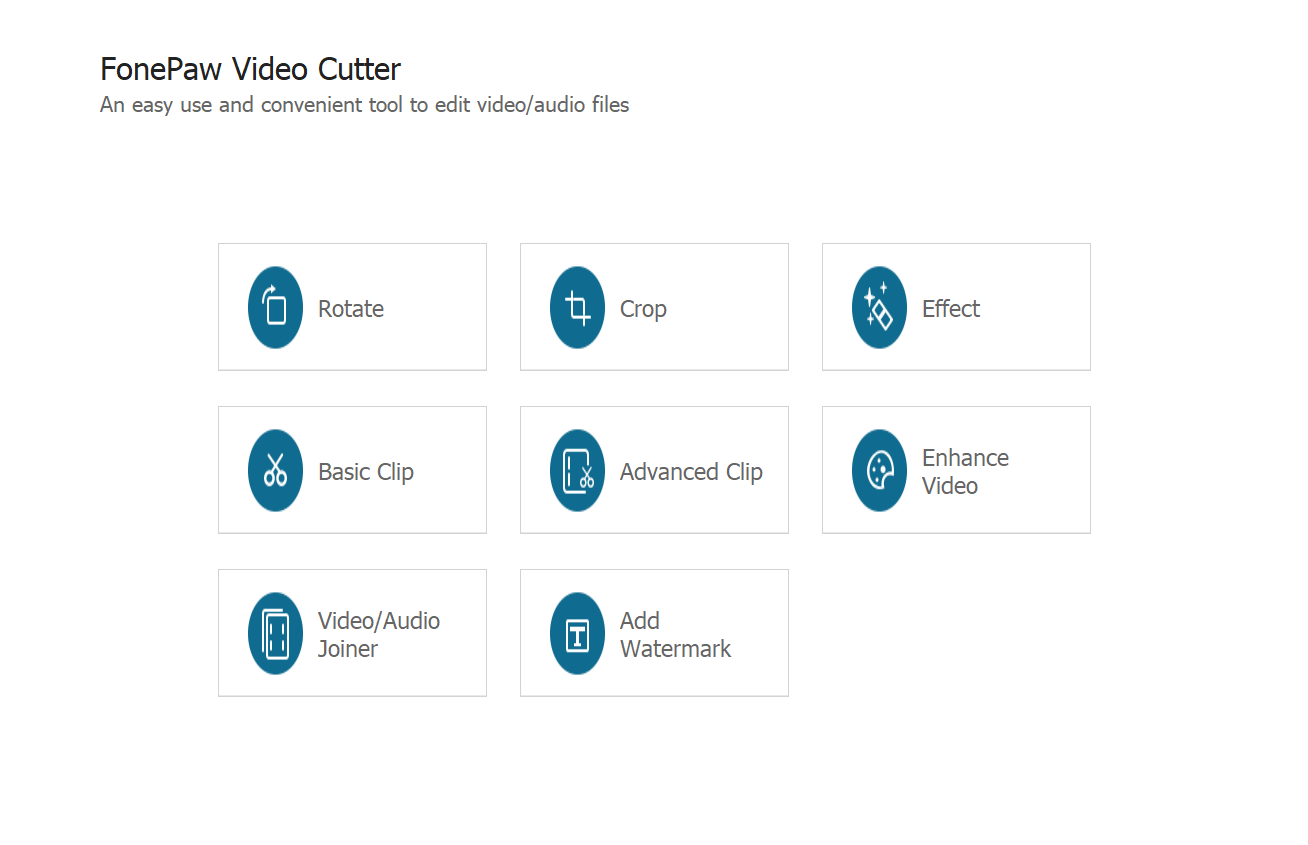
The basic clip feature meets the most basic video cutting needs. It cuts the video into different parts. If you want to cut the video precisely, you can choose the Advanced Clip. You can set the exact start and end time and decide to save all clips or merge them into one.Want to merge multiple video clips into one? The video/audio joiner helps you to do that. It allows you to merge not only videos but also audios into one media file. More importantly, the steps are easier than most video editors.You can easily improve video quality by increasing video resolution, adjusting brightness and contactreducing noise and shaking of a video.Video Cutter allows you to rotate the video to 90 degrees by clockwise or counterclockwise as you like. Even better, you can convert the portrait video to landscape or vise versa.

Graphcat<

Aiseesoft HD Converter for Mac 9.2.20

Type: Shareware
Cost: $25.60
Size: 49.61 MB
Release date: Aug 31 2021
Platform: Mac OS X,
Publisher’s Site:  https://www.aiseesoft.com
Publisher’s Product Page:  https://www.aiseesoft.com/hd-converter-for-mac.html
Country: China


Aiseesoft HD Converter for Mac

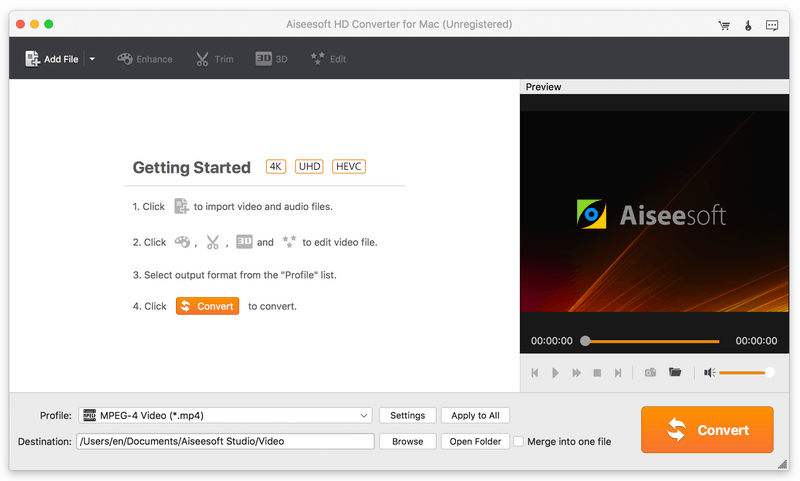
Aiseesoft HD Converter for Mac enables you to convert HD videos and other popular video/audio files to any other video and audio formats. In addition, it can edit video effects before conversion and it supports batch conversion.


Key functions:

1. Convert HD videos and other common videos
Aiseesoft HD Converter for Mac can convert 4K UHD and 1080P HD video to suitable HD/SD video. Moreover, it could change common videos to any other popular video formats without any quality loss. Converting 2D videos to 3D videos is also possible.

2. Extract audio track from videos
Besides converting videos, Aiseesoft HD Converter for Mac is able to extract audio track from video files. It supports various audio formats such as MP3, AAC, AC3, AIFF, FLAC, WAV, WMA and so on.

3. Edit video effects
Aiseesoft HD Converter for Mac provides all kinds of editing functions for users and you could customize the output video and audio effects. You can crop, clip, merge videos, add watermark to videos, adjust video effects and so on.

4. Fast conversion speed and high output quality
Aiseesoft HD Converter for Mac allows you to convert multiple videos simultaneously which will save your time. Meanwhile, it could keep the original video quality, so you do not worry about the output video quality.

Aiseesoft Audio Converter for Mac 9.2.12

Type: Shareware
Cost: $15.20
Size: 52.50 MB
Release date: Jul 28 2021
Platform: Mac OS X,
Publisher’s Site:  https://www.aiseesoft.com
Publisher’s Product Page:  https://www.aiseesoft.com/audio-converter-for-mac.html
Country: China


Aiseesoft Audio Converter for Mac

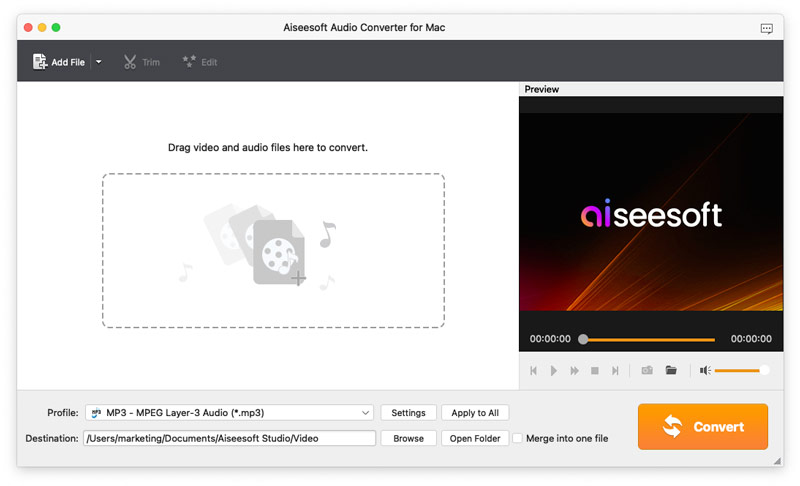
Aiseesoft Audio Converter for Mac enables you to convert all popular video and audio files to any audio (AAC, AC3, FLAC, M4A, MKA, MP2, MP3, OGG, WAV, WMA) formats. It is one of the best audio converters for Mac users. It can merge and cut audio files for you. Highly supporting various audio formats, it lets you enjoy audio files on iPad, iPhone, iPod, Samsung, etc. conveniently.

Key features:

1. Various output audio formats.

With Aiseesoft Audio Converter for Mac, you can extract lossless audio files from videos quickly. You can convert videos to audio formats, such as MP3, OGG, WAV, WMA, AAC, AC3, AIFF, AMR, AU, FLAC, M4A, MKA, MP2 formats on Mac at ease.

2. Merge and cut audio files before converting.

After loading more than one file into Aiseesoft Audio Converter for Mac, you can merge many short files together by clicking the "Merge" button. Meanwhile, you can drag the "Start Time" and "End Time" of the audio files to trim or remove the unwanted part.

3. Customize audio settings.

Apart from audio conversion, you can also define output parameters freely, including audio encoder, sample rate, channels, and audio bitrate. Whats more, you are allowed to adjust the output audio volume and select audio track and subtitle for output files. Most importantly, you can save your time and convert several files in batch in high quality.