Type: Shareware
Cost: $5.99
Size: 118.52 MB
Release date: Jan 02 2021
Platform: Win2000,WinXP,Win7 x32,Win7 x64,Windows 8,Windows 10,WinServer,WinOther,WinVista,WinVista x64
Publisher’s Site: https://www.turbo-play.com
Publisher’s Product Page: https://www.turbo-play.com
Country: Greece
Cost: $5.99
Size: 118.52 MB
Release date: Jan 02 2021
Platform: Win2000,WinXP,Win7 x32,Win7 x64,Windows 8,Windows 10,WinServer,WinOther,WinVista,WinVista x64
Publisher’s Site: https://www.turbo-play.com
Publisher’s Product Page: https://www.turbo-play.com
Country: Greece
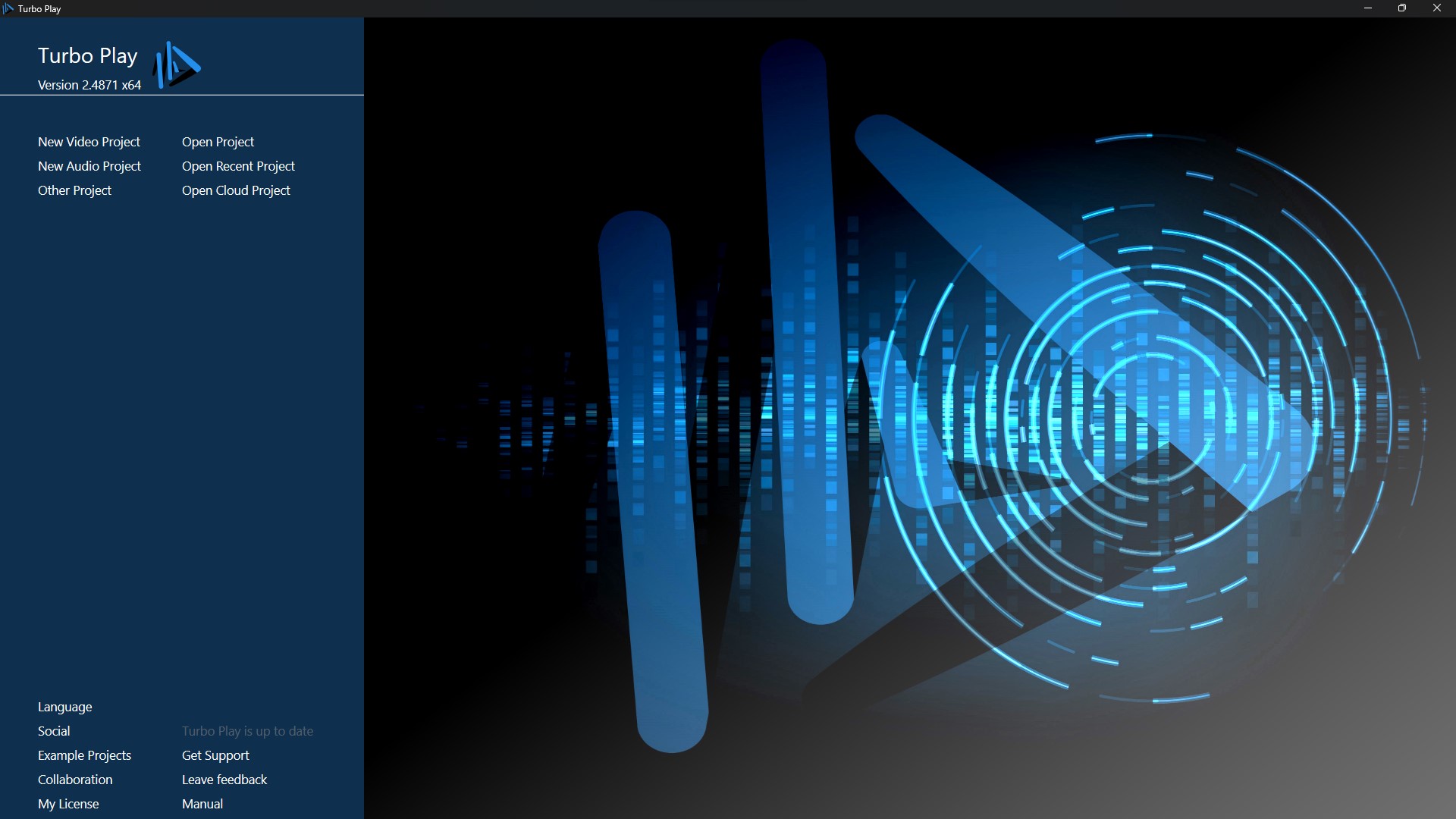

Featured video arranger: image, video, text editors.
Single blend mode and multiple blend mode with more than 30 different blend modes.
Animation editor with move,zoom,rotate,scale animation modes with 3D object support.
Featured layer blend modes and geometric/brush masking capabilities.
Multiple-Cut mode with unlimited part grid.
Multiple media bays with grid list, categories and sort.
GPU-based H.264/H.265 hardware acceleration in rendering.
Over 300 high quality GPU-accelerated effects,transitions,visualizers.
Image color grading.
Lens Correction workspace.
Advanced GPU-accelerated text editor with partial effects, transforms, outlining, glow and linear brush support.
Adobe After Effects plugin support, including 10 quality effects
OpenFX plugin support;
Unlimited tracks, sticky feature, multiple timelines, smart hiding.
Polymorphic tracks and 15 different polymorphic part types.
ASIO, VST 3.x, Remote Control, DMX support, Art-Net support
CoreASIO support: All inputs, record/play to more than one ASIO drivers, loopback recording, FLAC capturing, MP3 streaming, HTTP recording, RTP play/record
Includes 8+GB Orchestra samples and drumkits.
FLAC,MP3,WAV,MID,XML,SF2,SFZ formats
Featured mixer with auxiliary ports, streaming capabilities and n-dimension pans.
Includes featured ASIO driver with VST support, remote control, mixer and streaming support.
Featured audio effects (Compression, Gates, Equalizer, Filters, Reverb, Noise reduction etc)
General Multi-Band subhost, allows multiband configuration for any other effect/VST
AI experimental features (Singing-to-notes, Auto Harmony, Speech to Text)
MIDI Learning, MIDI mapping
Keyboard learning and mapping
DMX Lighting control (ART-NET) interface
HLSL Audio Visualizations
Scripts
Unlimited redo/undo arranger
Cloud storage support
Part Visualization
Project packaging support
Single blend mode and multiple blend mode with more than 30 different blend modes.
Animation editor with move,zoom,rotate,scale animation modes with 3D object support.
Featured layer blend modes and geometric/brush masking capabilities.
Multiple-Cut mode with unlimited part grid.
Multiple media bays with grid list, categories and sort.
GPU-based H.264/H.265 hardware acceleration in rendering.
Over 300 high quality GPU-accelerated effects,transitions,visualizers.
Image color grading.
Lens Correction workspace.
Advanced GPU-accelerated text editor with partial effects, transforms, outlining, glow and linear brush support.
Adobe After Effects plugin support, including 10 quality effects
OpenFX plugin support;
Unlimited tracks, sticky feature, multiple timelines, smart hiding.
Polymorphic tracks and 15 different polymorphic part types.
ASIO, VST 3.x, Remote Control, DMX support, Art-Net support
CoreASIO support: All inputs, record/play to more than one ASIO drivers, loopback recording, FLAC capturing, MP3 streaming, HTTP recording, RTP play/record
Includes 8+GB Orchestra samples and drumkits.
FLAC,MP3,WAV,MID,XML,SF2,SFZ formats
Featured mixer with auxiliary ports, streaming capabilities and n-dimension pans.
Includes featured ASIO driver with VST support, remote control, mixer and streaming support.
Featured audio effects (Compression, Gates, Equalizer, Filters, Reverb, Noise reduction etc)
General Multi-Band subhost, allows multiband configuration for any other effect/VST
AI experimental features (Singing-to-notes, Auto Harmony, Speech to Text)
MIDI Learning, MIDI mapping
Keyboard learning and mapping
DMX Lighting control (ART-NET) interface
HLSL Audio Visualizations
Scripts
Unlimited redo/undo arranger
Cloud storage support
Part Visualization
Project packaging support
 <
<