Category Archives: Graphic Apps

Animation Tools, CAD, Converters & Optimizers, Editors, Font Tools, Gallery & Cataloging Tools, Icon Tools, Other, Screen Capture, Viewers

Free Online PDF to DWG Converter 10

Type: Freeware
Cost: $0
Size: 47.86 MB
Release date: Aug 11 2014
Platform: Win98,WinOther,Win2000,WinXP,Win7 x32,Win7 x64,Windows 8,WinServer,WinVista,WinVista x64,Linux
Publisher’s Site:  http://www.cadsofttools.com
Publisher’s Product Page:  http://cadsofttools.com/pdf-to-dwg-online/
Country: Germany


Free Online PDF to DWG Converter

Free online-converter can easily convert PDF data into editable AutoCAD DWG entities without the need of any other CAD-applications. It is also possible to get access to entities in the converted file. The proportions of drawings remain the same that makes the file converted to DWG almost identical to/with the original one. In addition to this, user can edit texts after conversion that makes work with DWG file more efficient and easier. Besides that smoothing arc objects helps to achieve higher precision of correspondence with the original file.


Free Online PDF to DWG Converter works in any browser on the platforms: Windows, OS X, Linux, Android, iOS, Windows Phone.

Free Online PDF to DWG Converter has several key features: high quality of conversion of the original file, editable entities such as lines, polylines, hatches, arcs, ellipses and images, all the objects on the layer are converted to the same layer, the converted text matches the original one quite closely.

Easy in use and fast in converting PDF to DWG converter helps you to save your time and to get the result of high quality at the same time. Online-converter doesnt need any CAD programs installed on your PC. The PDF to DWG service helps to extract CAD entities and save them as DWG within minutes.

The up-to-date free converter makes your work with CAD-drawings easier than ever!

Graphcat<

Icecream Screen Recorder 1.46

Type: Freeware
Cost: $0
Size: 42.14 MB
Release date: Jun 01 2015
Platform: Win7 x32,Win7 x64,Windows 8,Win2000,WinServer,WinVista,WinVista x64
Publisher’s Site:  http://icecreamapps.com/
Publisher’s Product Page:  http://icecreamapps.com/Screen-Recorder/
Country: Cyprus


Icecream Screen Recorder

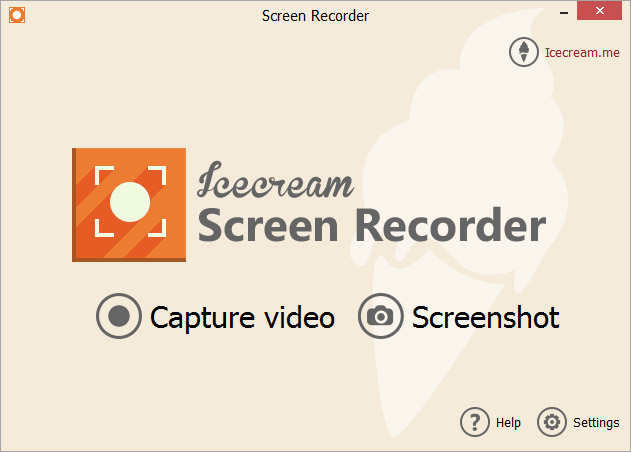
Icecream Screen Recorder has everything you need for fuss-free screen capturing. The program creates screenshots and screencasts, records full screen or selected areas, captures video with audio, and features drawing tool and additional options for controlling the recording. The program features two modes that are Capture screen and Screenshot. User can select a desired area of the screen or record on-screen activity in a full screen mode. There is a drawing panel with a number of basic drawing tools like brush, rectangle, oval, and arrow. Using these tools, you can comment on the screenshot or video, highlight important information and make notes. Besides, there is a standard text tool with the ability to choose font color and size. The program supports multiple additional options such as audio recording, particularly, it is capable of recording system sounds and microphone, setting minimum disk space and max file sizes, hiding desktop icons, showing or hiding mouse cursor, showing countdown before recording, disabling screensaver, highlighting mouse cursor and even more. Videos are saved in MKV format which is supported by the majority of video players. Screenshots can be saved as images in JPG or PNG format (customizable in Settings), URL, or copied to buffer. Minimum selected are supported by the program is 30x30px and maximum is fullscreen. Icecream Screen Recorder now supports recording tasks, all you need to do is set the time for the start and stop and the program will record video within selected area for you at the needed time. Note that the screensavers and Windows sleep mode will be blocker automatically. This free, lightweight and fast application will be a great alternative to pricey and complicated screen recorders. The program is available on multiple languages and can be downloaded without registration.

Icecream Image Resizer 1.17

Type: Freeware
Cost: $0
Size: 15.21 MB
Release date: Jun 01 2015
Platform: Win2000,WinXP,Win7 x32,Win7 x64,Windows 8,WinServer,WinVista,WinVista x64
Publisher’s Site:  http://icecreamapps.com/
Publisher’s Product Page:  http://icecreamapps.com/Image-Resizer/
Country: Cyprus


Icecream Image Resizer

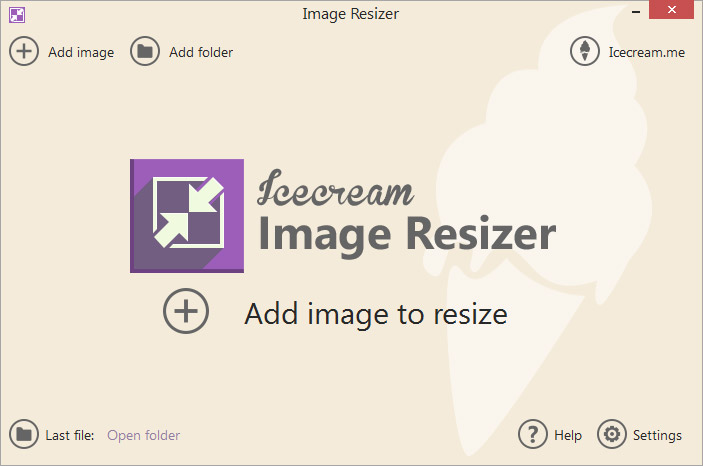
Icecream Image Resizer is a tool for changing the parameters of your photos by using custom or preset profiles. The program also features additional options to give you more control over the output files.
Batch resizing support gives you an opportunity to change several photos at a time instead of repeating the process for each single file. You can also add the entire folder to resize all the photos stored in it. The program sets no limitations for maximum files quantity and you can add and resize as many images as you want within the same session.
Users can opt for preset profiles for different tasks (email, desktop, HD 1080p, HD 720p, and 320×200, iPhone 5,6 and 6 Plus) or set the parameters manually.
Icecream Image Resizer also allows keeping original aspect ratio to avoid breaking the original ratio and end up having a stretched image. Besides, you can enable the vertical image recognition option to work with vertical photos.
Drag and drop support helps you add files directly from where they are stored without searching for them with Windows Explorer.
Icecream Image Resizer is a smart tool that managed to combine extended capabilities, stable performance and simplicity within the same interface. The good news you do not have to pay for this application, use additional installation software or request activation keys.