Category Archives: System Utilities

Automation Tools, Backup & Restore, Benchmarking, Clipboard Tools, File & Disk Management, File Compression, Launchers & Task Managers, Other, Printer, Registry Tools, Shell Tools, System Maintenance, Text/Document Editors

Aiseesoft iPhone Cleaner for Mac 1.0.6

Type: Shareware
Cost: $23.96
Size: 24.07 MB
Release date: May 18 2021
Platform: Mac OS X,
Publisher’s Site:  https://www.aiseesoft.com
Publisher’s Product Page:  https://www.aiseesoft.com/iphone-cleaner/
Country: China

Aiseesoft iPhone Cleaner for Mac

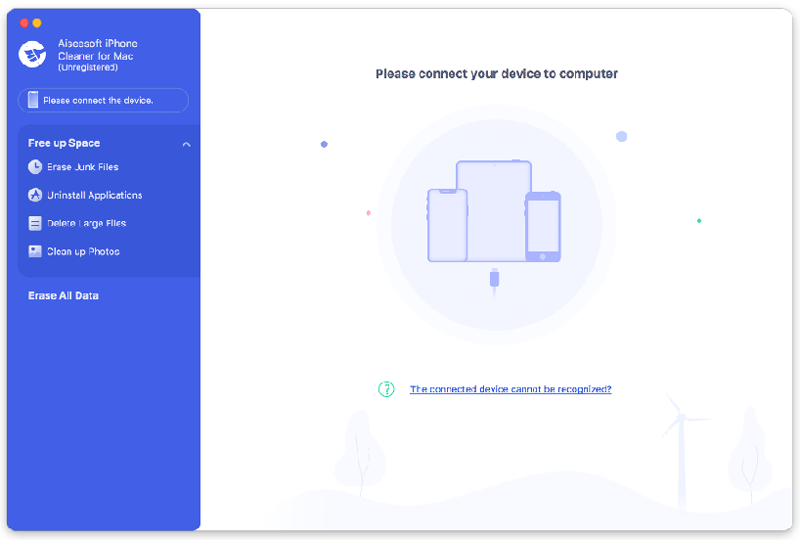
Do you want to clean up your iOS devices? If you want to get more free space in your iOS devices, Aiseesoft iPhone Cleaner for Mac is your best choice. With it, you could delete useless files in your devices or wipe all data in your devices permanently.


Key functions:

1. Erase junk files and uninstall apps
Aiseesoft iPhone Cleaner for Mac enables you to remove junk files, such as image/iTunes caches, invalid files, downloaded temporary files, crash log files, and so on. It is also powerful in uninstalling the apps which you no longer use. It supports various latest iOS devices.

2. Delete large files
As it is known to use, there are often some large video files in our devices which occupy large space. If you want to wipe them, Aiseesoft iPhone Cleaner for Mac could help you. Moreover, it allows you to back up the large files before deleting them.

3. Clean up photos
If you saved many photos in your devices, Aiseesoft iPhone Cleaner for Mac could help you manage these photos. You could choose to compress your photos to a smaller size or back up and delete your photos.

4. Wipe all your data permanently
If you want to wipe all the data in your iOS devices completely, Aiseesoft iPhone Cleaner for Mac could do this job for you. Just in one click, you could erase all the data in your phone permanently. And it provides three security levels for you, you could choose the one according to your need. Aiseesoft iPhone Cleaner for Mac is 100% safe to use, no one can retrieve your private data after cleaning.

Graphcat<

Apeaksoft Android Data Recovery 2.0.72

Type: Shareware
Cost: $44.76
Size: 1.71 MB
Release date: Feb 24 2021
Platform: Win2000,WinXP,Win7 x32,Win7 x64,Windows 8,Windows 10,WinServer,WinOther,WinVista,WinVista x64
Publisher’s Site:  https://www.apeaksoft.com/
Publisher’s Product Page:  https://www.apeaksoft.com/android-data-recovery/
Country: China


Apeaksoft Android Data Recovery

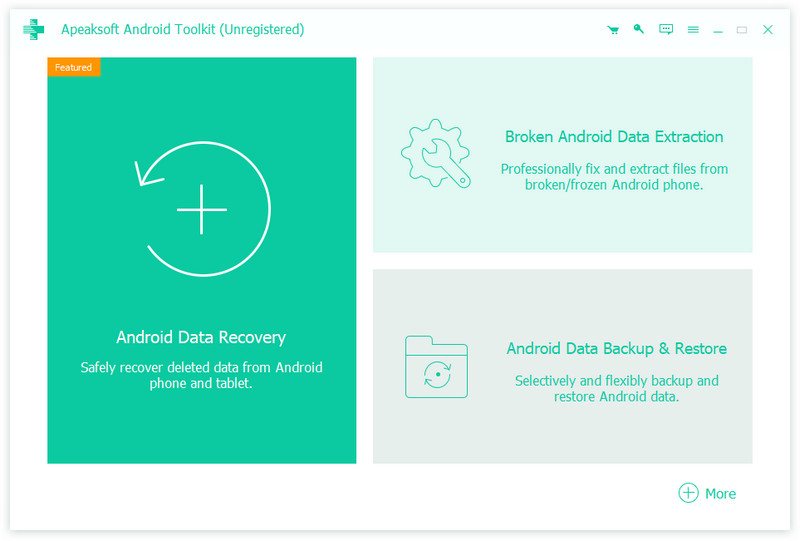
Apeaksoft Android Data Recovery is a useful data recovery program for PC users. It does a great job in recovering Android data like contacts, text messages, call history and documents, etc. As the most popular Android data recovery software, it is compatible with almost all Android phones, tablets and SD cards such as Samsung, LG, HTC, Sony, Huawei, and ZTE, etc.

Key functions:

1. Recover lost data
Apeaksoft Android Data Recovery can recover your lost or deleted important data from Android phones, tablets and SD card. If you lost your contacts, messages, call history, you can easily retrieve them back with the help of this software.

2. Support all popular Android devices
Apeaksoft Android Data Recovery supports a wide range of Android brands including Samsung, LG, HTC, Sony, Huawei, ZTE and more. In addition, it supports various popular Android operating systems.

3. Android Data Backup and Restore function
With this function, you could back up your Android data safely and selectively. For the backed up data, you could preview and select the data you want to restore. In addition, you could choose to restore them to Android device or computer.

4. Broken Android Data Extraction function
If you have a frozen/damaged phone, with this software, you could extract the existing messages, photos, videos, contacts, call history, etc. from your broken phone. It supports Samsung devices like Samsung Galaxy Note, Samsung Galaxy S, etc.

UFS Explorer Network RAID 8.15

Type: Shareware
Cost: $224.95
Size: 17.46 MB
Release date: Apr 22 2021
Platform: Win2000,WinXP,Win7 x32,Win7 x64,Windows 8,Windows 10,WinServer,WinOther,WinVista,WinVista x64
Publisher’s Site:  https://www.sysdevlabs.com
Publisher’s Product Page:  https://www.ufsexplorer.com/ufs-explorer-network-raid.php
Country: Ukraine


UFS Explorer Network RAID

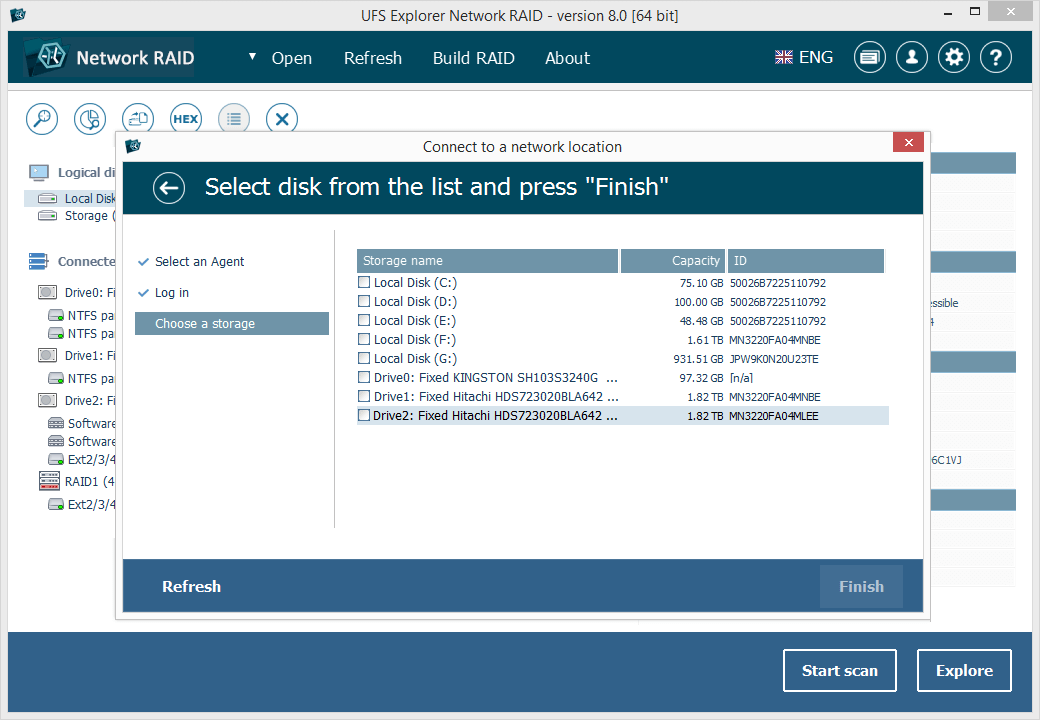
UFS Explorer Network RAID is an advantageous software product suitable for both local and distributed data recovery over LAN from any linear storage medium or a complex RAID system. The program allows restoring files from any storage attached to another remote computer, even if it is running a different operating system, and makes it possible to assemble RAID from disks connected to two or more PCs. RAID sets of various complexity are supported, including standard RAID patterns, nested/hybrid RAID levels and custom RAID configurations. A flexible RAID builder with an embedded script handler makes it easy to define and modify RAID configurations while a hexadecimal viewer allows analyzing raw data of partitions and disks. In addition to RAID, the application works with PCs, laptops, USB flash drives, memory cards, external hard drives, virtual disks of VMware, Hyper-V, VirtualBox, QEMU, XEN, Parallels and disk image files of various formats. The software supports a wide range of file systems of Windows (NTFS, FAT, FAT32, exFAT), macOS (HFS+, APFS), Linux (Ext2, Ext3, Ext4, XFS, JFS, ReiserFS, UFS/UFS2, Btrfs), BSD/Solaris (ZFS) and is capable of handling a variety of modern storage technologies, like mdadm and LVM, Windows dynamic disks and MS Storage Spaces, Apple Software RAID and Fusion Drive, Drobo BeyondRAID, Synology Hybrid RAID and Btrfs-RAID, etc. UFS Explorer Network RAID provides direct access via LAN and allows recovering data from drives containing bad sectors connected through a DeepSpar Disk Imager device. In addition to that, the software features various options for work with damaged disks. It allows configuring parameters for access and usage of a storage device, creating a full or partial disk image with various settings and rules for processing bad blocks. Disks and arrays with bad blocks can be handled using bad sector maps generated during imaging, through recognition of a given pattern or created by third-party tools.