Category Archives: System Utilities

Automation Tools, Backup & Restore, Benchmarking, Clipboard Tools, File & Disk Management, File Compression, Launchers & Task Managers, Other, Printer, Registry Tools, Shell Tools, System Maintenance, Text/Document Editors

RPM Remote Print Manager Elite 64 Bit 6.2.0.509

Type: Shareware
Cost: $750
Size: 64.56 MB
Release date: Aug 21 2019
Platform: Win2000,WinXP,Win7 x32,Win7 x64,Windows 8,Windows 10,WinServer,WinOther,WinVista,WinVista x64
Publisher’s Site:  http://www.brooksnet.com/
Publisher’s Product Page:  https://www.brooksnet.com/content/virtual-print-server
Country: United States of America

RPM Remote Print Manager Elite 64 Bit

Printing should be one click away. but there are so many problems which make printing difficult if not impossible. RPM Remote Print Manager (RPM) has grown through the years from all the print problems our customers have brought to us. We are here to help you solve your printing problems.


RPM is our virtual printer product. Our customers have been using RPM for 20 years!
RPM as virtual printer

RPM does what you expect a virtual PDF printer to do, and more:

convert incoming print jobs to other formats, such as PDF, TIFF and PCL
save multiple documents into a single document
print the same job to multiple printers
in one pass, send to a printer and save to disk
print the same job multiple times, using separate paper trays

RPM as print server

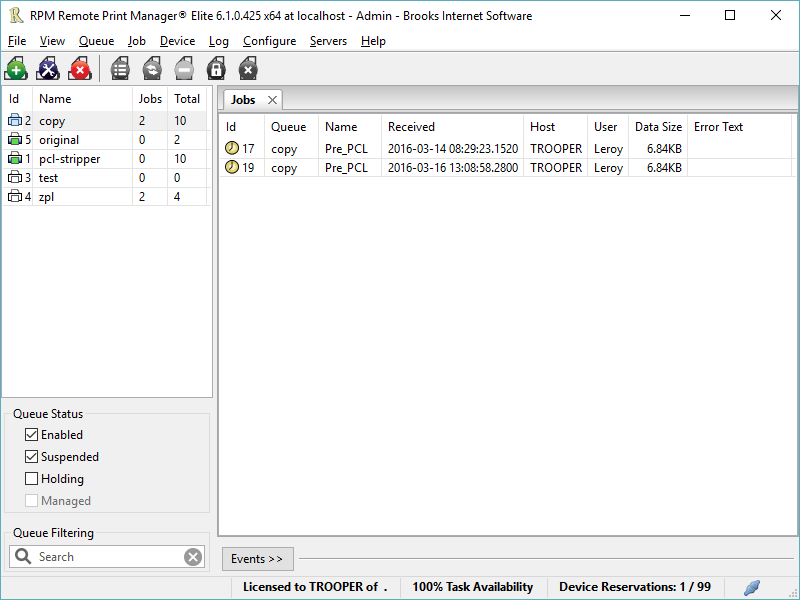
RPM is implemented as a Windows print server. Its core capabilities include:

managing your print workflow
send print jobs to any Windows printer
send print jobs to any printer on your network using core Windows print protocols, or LPR, or direct with port 9100
archive print jobs to local folders, shared folders, or anywhere via FTP
run any local application on your print job
send your print job via email as an attachment or in the message body

RPM also provides extensive data editing, manipulation and translation.

Windows version support

RPM 6.1 supports these versions of Windows: Vista, 7, Server 2008 (including R2), Windows 8 and 8.1, Server 2012 (including R2), and Windows 10. Support for Windows XP and Server 2003 has been dropped, so we no longer test new RPM versions on these older versions of Windows.

Graphcat<

SnapShot Master 3.20.2

Type: Shareware
Cost: $1000
Size: 229.21 MB
Release date: Jul 03 2019
Platform: Win2000,WinXP,Win7 x32,Win7 x64,Windows 8,Windows 10,WinServer,WinOther,WinVista,WinVista x64
Publisher’s Site:  https://www.smikar.com
Publisher’s Product Page:  https://www.smikar.com/snapshot-master/
Country: Australia


SnapShot Master

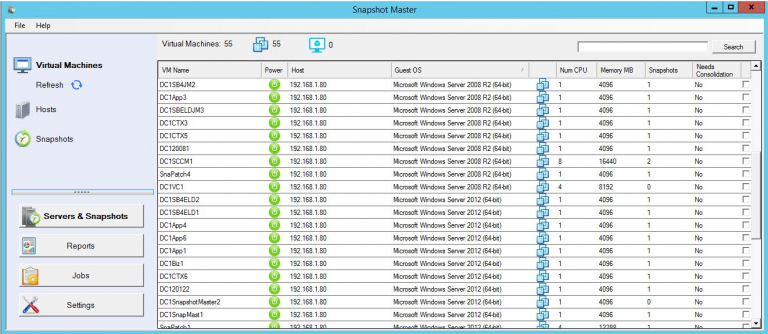
Snapshot Master interfaces with both VMWare’s vCentre or Microsoft’s System Centre Virtual Machine Manager (SCVMM) to give you information about your virtual machine snapshots/checkpoints.

Create a Snapshot on a schedule and then delete after (X) days for a single or multiple VMs
Choose to Snapshot the VM’s memory and Quiesce the File System
Manage all the Snapshots of your VMs
Consolidate your VMs Snapshots
Revert the Snapshot of each VM (most recent snapshot or oldest snapshot)
Delete Snapshots (Delete All, Delete all except most recent, Delete all larger than (X))
Receive email reports of your snapshot schedules and reminders that your snapshots will automatically delete
Integrates with both VMware and Microsoft HyperV
Schedule the power off and power on of a single VM
Schedule the power off and power on of multiple VMs
Remotely connect to a VM via Remote Desktop (RDP) directly from the SnapShot Master console
Ping each VM
Ping each VMware or HyperV Host
Connect to the VM’s Computer Management Console
Execute Remote Powershell

Reports:
All Virtual Machines with Snapshots
All Snapshots larger than (X)
All Snapshots older than (X) days
All Snapshots
All Snapshots with creator
Snapshots on specific Virtual Machine
All Virtual Machines
Virtual Machines with Alerts
Virtual Machines created in the last (X) days
Virtual Machines removes in the last (X) days
Virtual Machines with less than (X)% free space
All Virtual Machines with creation dates and creator
Virtual Machines without VMware tools, not running or out of date
All Hosts report
All Hosts with alerts
Top 5 Hosts with most used memory
Number of Virtual Machines per Datastore
Datastores with less than (X)% free space

UFS Explorer Standard Recovery 7.9

Type: Shareware
Cost: $54.95
Size: 15.30 MB
Release date: Jul 03 2019
Platform: Win2000,WinXP,Win7 x32,Win7 x64,Windows 8,Windows 10,WinServer,WinOther,WinVista,WinVista x64
Publisher’s Site:  https://www.sysdevlabs.com
Publisher’s Product Page:  https://www.ufsexplorer.com/ufs-explorer-standard-recovery.php
Country: Ukraine


UFS Explorer Standard Recovery

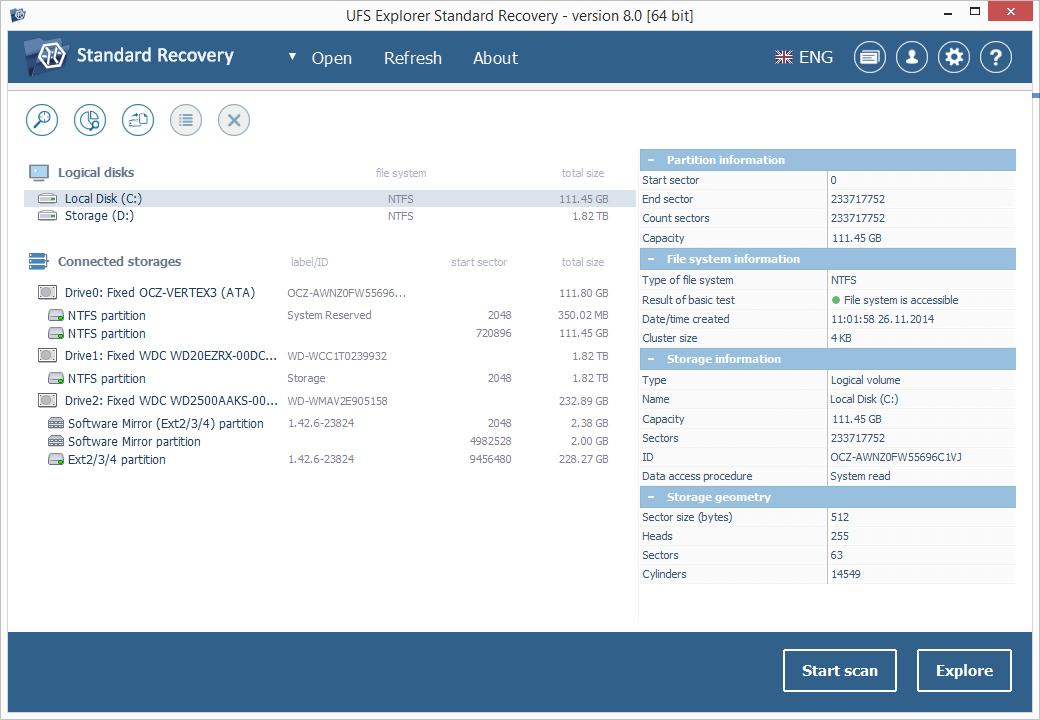
UFS Explorer Standard Recovery was developed to make even complex data recovery a simple procedure for both home users and professionals.

The software embraces sophisticated mechanisms allowing to easily recover accidentally deleted files and data lost due to logical system damage after disk formatting, hardware malfunction, software failure, virus attack, power outage, etc.

UFS Explorer Standard Recovery supports a wide range of file systems of different OS, including Windows (FAT/FAT32/exFAT and NTFS), macOS (APFS, HFS+), Linux (XFS, Ext2, Ext3, Ext4, Linux JFS, ReiserFS, UFS/UFS2, big-endian UFS, Btrfs) and BSD/Solaris (UFS, simple ZFS volumes). Spanned volumes, like MDADM, Apple, NT LDM, LVM and others are automatically recognized and assembled by the utility, without any additional user actions required.

This program is capable of restoring files from different devices, like your PC, USB flash drive, memory card of a photo/video camera, external hard drive, etc. In addition to that, the application effectively works with disk images and virtual disks created by major virtualization software, like VMware and Hyper-V, enabling equally successful data recovery from both physical and virtual storages.

The user-friendly interface of UFS Explorer Standard Recovery can be adapted to fit the screen resolution and provides clear step-by-step guidance through the process of data recovery, simplifying complex tasks, which consequently can be carried out with just several mouse clicks. Moreover, the application is enhanced with various helpful filter and sorting options and allows previewing found files of most common formats, including images, PDF- and text documents.

UFS Explorer Standard Recovery applies the most advanced techniques to scan the device for lost data and to recover lost and deleted files while working in a safe read-only mode, without performing any risky modifications on the storage, making the operation harmless for the data.