Category Archives: System Utilities

Automation Tools, Backup & Restore, Benchmarking, Clipboard Tools, File & Disk Management, File Compression, Launchers & Task Managers, Other, Printer, Registry Tools, Shell Tools, System Maintenance, Text/Document Editors

Mirekusoft Install Monitor 4.2.986.1

Type: Shareware
Cost: $24.99
Size: 868.00 kB
Release date: Dec 28 2018
Platform: Win2000,WinXP,Win7 x32,Win7 x64,Windows 8,Windows 10,WinServer,WinOther,WinVista,WinVista x64
Publisher’s Site:  http://www.mirekusoft.com
Publisher’s Product Page:  https://www.mirekusoft.com/how-it-works
Country: United States of America

Mirekusoft Install Monitor

When you install programs they place several new registry changes and files all over your system. However when you try uninstalling, they leave behind several items you will never need. This unnecessary junk accumulates over time and only helps slow down your computer. Many programs also install unnecessary background processes that run automatically. This slows your computer when it starts up and uses more resources.


Install Monitor is a complete solution for solving the issue of PC performance and reliability. Unlike uninstallers, system optimizers, and registry cleaners that target symptoms, Install Monitor targets the problem directly with intelligent monitoring. This creates a protective layer that allows you to manage or completely remove changes made by programs.

In addition to completely removing programs, it also allows you to prevent programs from automatically starting to reduce the amount of programs running and improve performance.

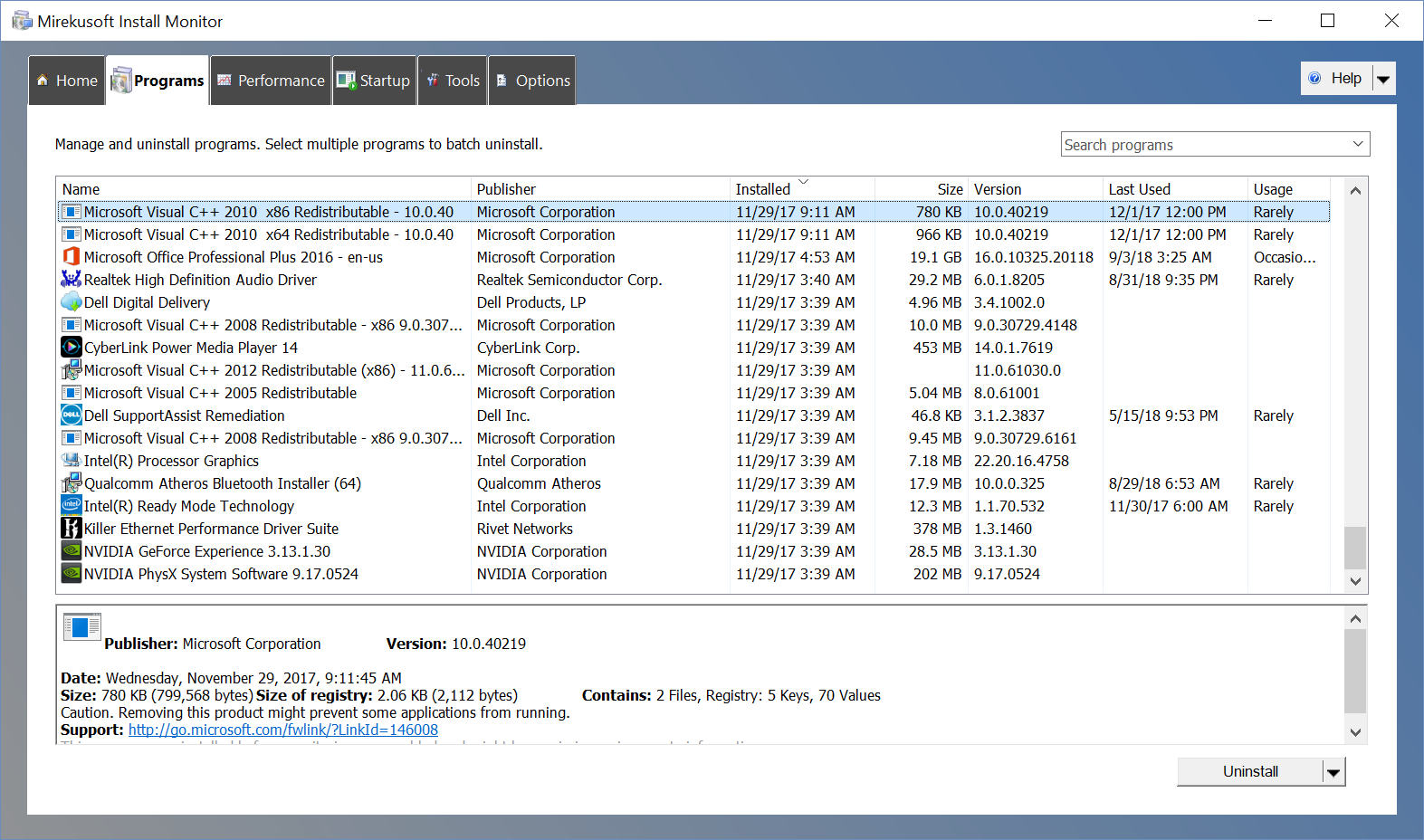
Install Monitor is a better replacement for the Windows uninstall program. It provides detailed information about the software you installed. You can find out how much disk, CPU, and memory your programs are using, and how often you use different programs. The program tree can show you which programs were installed together.

It’s the #1 way smart PC users keep their system fast and clean. Take back control of your PC!

Graphcat<

NSF File Viewer 18.0

Type: Shareware
Cost: $59
Size: 19.07 MB
Release date: Feb 21 2019
Platform: Win2000,WinXP,Win7 x32,Win7 x64,Windows 8,Windows 10,WinServer,WinOther,WinVista,WinVista x64
Publisher’s Site:  https://www.arysontechnologies.com/
Publisher’s Product Page:  https://www.arysontechnologies.com/lotus-notes/nsf-viewer.html
Country: United States of America


NSF File Viewer

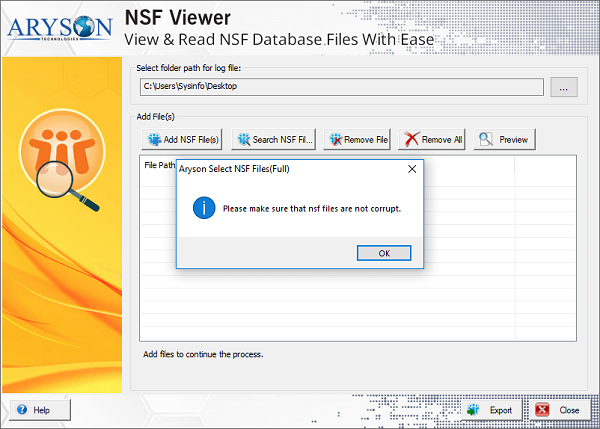
Lotus Notes NSF Viewer offered by Aryson Technologies which is totally IBM Lotus Notes Database Viewer. It allows to view or open your email, contacts or other email items from unreadable or corrupted NSF file without any data loss. Dual scanning mode of the Aryson NSF Viewer software selects unreadable NSF file after that explore all email items of NSF file with whole attachments. It also allows to saves NSF file emails to PDF file as well as Outlook PST file format successfully. The software smoothly runs on entire Windows platforms including Win10 and all previous versions. It is a free solution that allows to easily save your NSF file into PDF file as well as PST file 25 items per folder. IBM Notes application required to install during use of this software. NSF Viewer software also maintains exact formatting of mailboxes of Lotus Notes NSF file after saving into PDF file and PST file format. If you want to save entire emails and contacts from NSF file to Outlook PST and Adobe PDF file then you can go with the upgrade version of this software.

Aiseesoft Mac Cleaner 2.0.6

Type: Shareware
Cost: $19.95
Size: 54.41 MB
Release date: Dec 18 2018
Platform: Mac OS X
Publisher’s Site:  https://www.aiseesoft.com
Publisher’s Product Page:  https://www.aiseesoft.com/mac-cleaner/
Country: China


Aiseesoft Mac Cleaner

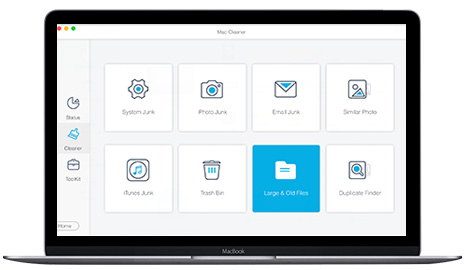
Aiseesoft Mac Cleaner enables you to check the Mac system status. For instance, you can see the CPU usage clearly. Moreover, you can see the usages of memory and disk. Mac cleaner can help you figure out what is taking up space on hard drive and where all that space is being wasted. After that, you can start to remove these junk files, system logs, caches, mail attachments, iTunes backups, etc. from Mac.

Key Functions:

1.Junk Files:
Find and erase worthless cache data/logs quickly;Delete photo/mail junk files; Clear Trash up; Get more Mac storage space.

2. Large & Old Files:
Scan all large or old files; Selectively delete worthless files according to your need; Quick preview to deside which ones you want to delete.

3. Duplicate Finder:
Quickly find and delete duplicate files or folders on your Mac. Highly support any popular data type like video, music, image, document and others.

4. Uninstall App:
For some not commonly used apps, you can uninstall them and remove their associated files to regain more space on Mac.

5. Privacy Data:
Clear visit history, download history, download files, search logs, cookies, login logs, and more on Safari, Chrome and Firefox to protect your personal information.