Category Archives: System Utilities

Automation Tools, Backup & Restore, Benchmarking, Clipboard Tools, File & Disk Management, File Compression, Launchers & Task Managers, Other, Printer, Registry Tools, Shell Tools, System Maintenance, Text/Document Editors

SysinfoTools Windows Data Recovery 1

Type: Shareware
Cost: $49
Size: 1.59 MB
Release date: Sep 19 2017
Platform: Win2000,WinXP,Win7 x32,Win7 x64,Windows 8,Windows 10,WinServer,WinOther,WinVista,WinVista x64
Publisher’s Site:  http://www.sysinfotools.com
Publisher’s Product Page:  http://www.sysinfotools.com/recovery/windows-data-recovery.php
Country: United States of America
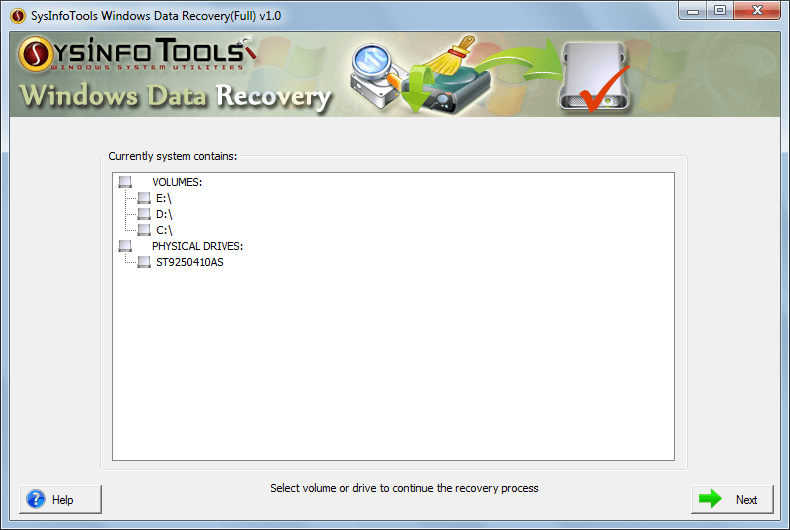

SysinfoTools Windows Data Recovery

SysinfoTools Windows Data Recovery tool is the best data recovery software for recovering data from corrupt as well as formatted hard disk drives of Windows system. You may lose data due to accidental deletion or corruption. You can download free demo version of Windows Data Recovery tool.


Key features of Sysinfo Windows Data Recovery tool are:

* Restore maximum possible data from damaged or corrupt hard drive;
* Support hard disk data recovery after accidental formation;
* Volumes and drives containing both FAT as well as NTFS file systems, are supported;
* Support both popular partition tables, i.e. master boot record and GUID partition table;
* Standard and Advance modes for scanning corrupt physical drives;
* New custom volume can be added to the list in case of physical drive recovery;
* RAW recovery is enabled for recovering maximum possible data from corrupt drive;
* Users are enabled to add new file signatures with RAW recovery mode;
* Auto-display the information of selected drive or volume before scanning process;
* Two recovery modes in case of FAT data recovery: Standard and Advanced;
* Three recovery modes in case of NTFS data recovery: Standard, Advanced and Deep;
* Maximum file systems can be found in the volume with advanced recovery mode;
* Preview of recovered data, i.e. files and folders, is shown in the tree-structure;
* Users are allowed to save the specific files at any location on their system;
* Auto-search the files (multiple files at a time) in the system directory;
* Highly compatible with all major versions of Windows-based operating systems including Win 10.

Graphcat<

DataVare Hotmail Backup Expert 1.0

Type: Shareware
Cost: $29
Size: 4.25 MB
Release date: Mar 07 2018
Platform: Win2000,WinXP,Win7 x32,Win7 x64,Windows 8,Windows 10,WinServer,WinOther,WinVista,WinVista x64
Publisher’s Site:  http://www.datavare.com
Publisher’s Product Page:  http://www.datavare.com/software/hotmail-backup-expert.html
Country: South Africa


DataVare Hotmail Backup Expert

Without doubt it can be said that Hotmail, now known as Outlook.com is one of the most widely utilized web mail service these days. Hotmail Backup software to download all emails of Outlook.com, MSN, Windows Live Hotmail to local hard drive. Email can be export in PST, MBOX, MSG or EML. This software only works with the Hotmail Inbox, no other folders. There is also a feature to select which part of the email to extract from: From, Subject or Body. There is also a feature to filter which emails to save by specifying a string of search characters. This is the most efficient Hotmail Backup utility.

DataVare OST to PST Converter Expert 2.0

Type: Shareware
Cost: $49
Size: 2.28 MB
Release date: Dec 29 2017
Platform: Win2000,WinXP,Win7 x32,Win7 x64,Windows 8,Windows 10,WinServer,WinOther,WinVista,WinVista x64
Publisher’s Site:  http://www.datavare.com
Publisher’s Product Page:  http://www.datavare.com/software/ost-to-pst-converter-expert.html
Country: South Africa


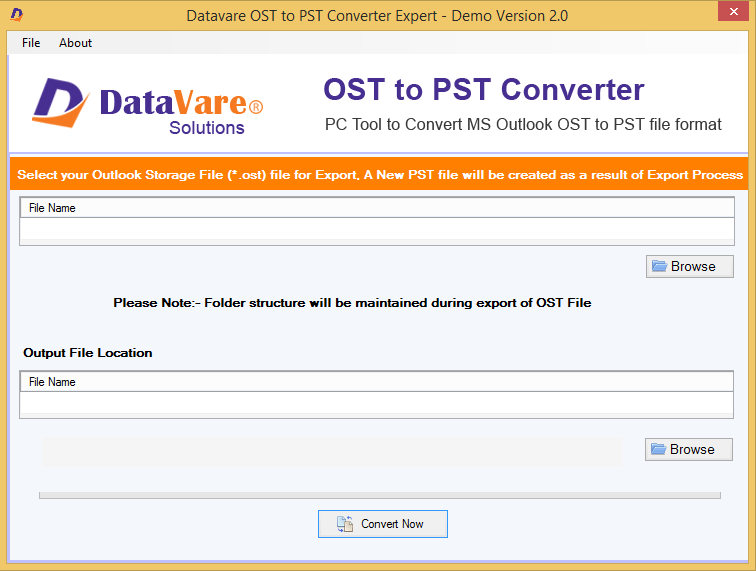
DataVare OST to PST Converter Expert

Feel free to install OST to PST converter from DataVare! The independent program is capable to export both archive and new OST files to PST. If you are facing oversized issue of OST, use the program to swiftly export OST to PST and save your data from corruption. DataVare has kept the software simple and straight. Users with little technical knowledge can also operate it with less technical help because it carries just 3-4 steps of migration. With OST to PST converter, every time desired conversion result is achieved. The utility scans converted data so well and shows preview of the scanned OST file. You can separately open each folder and their items. DataVare has launched the program to meet both industrial and personal purposes. Download the app to your Windows. It integrates well with any Windows OS including 10, 8, 7, XP & Vista.