Category Archives: System Utilities

Automation Tools, Backup & Restore, Benchmarking, Clipboard Tools, File & Disk Management, File Compression, Launchers & Task Managers, Other, Printer, Registry Tools, Shell Tools, System Maintenance, Text/Document Editors

Acronis True Image Cloud for Mac 1.6038

Type: Shareware
Cost: $99.99
Size: 96.80 MB
Release date: Dec 02 2015
Platform: Mac OS X
Publisher’s Site:  http://www.acronis.com
Publisher’s Product Page:  http://www.acronis.com/en-us/personal/online-backup/
Country: United States of America

Acronis True Image Cloud for Mac

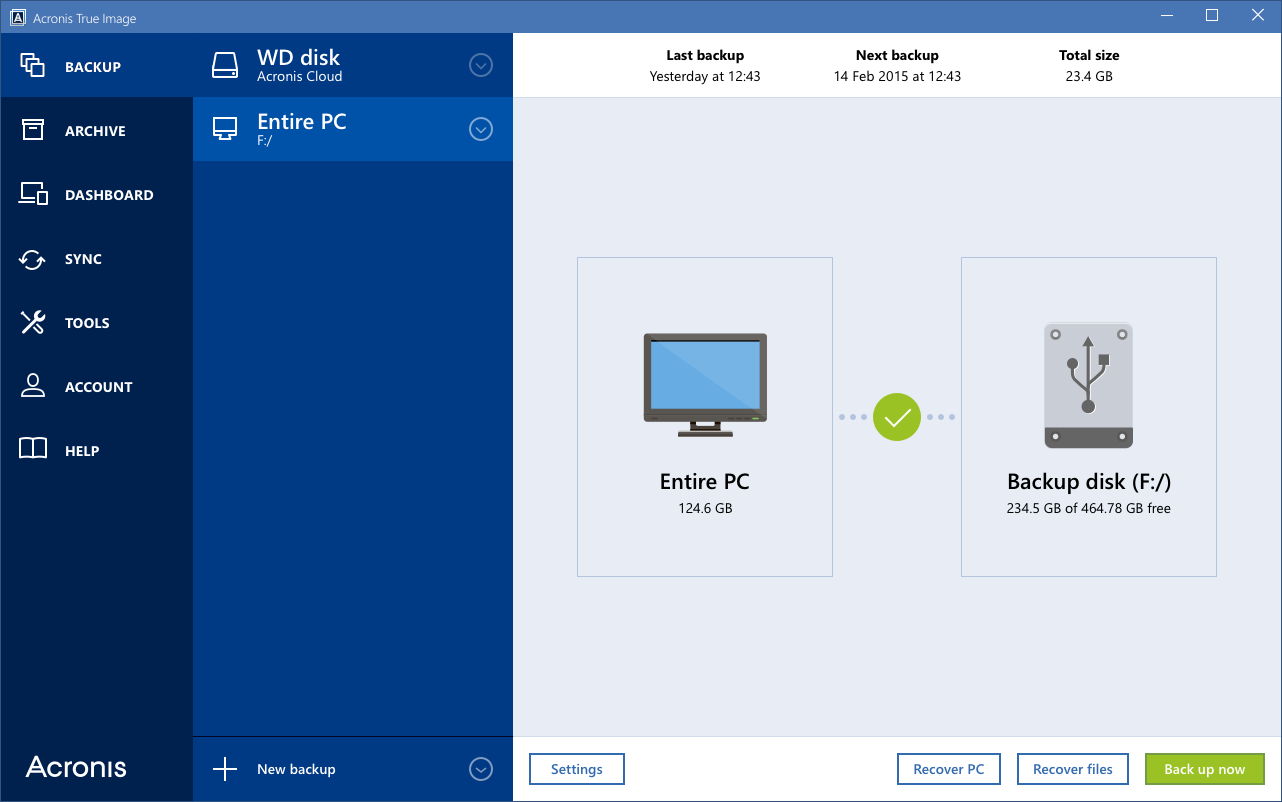
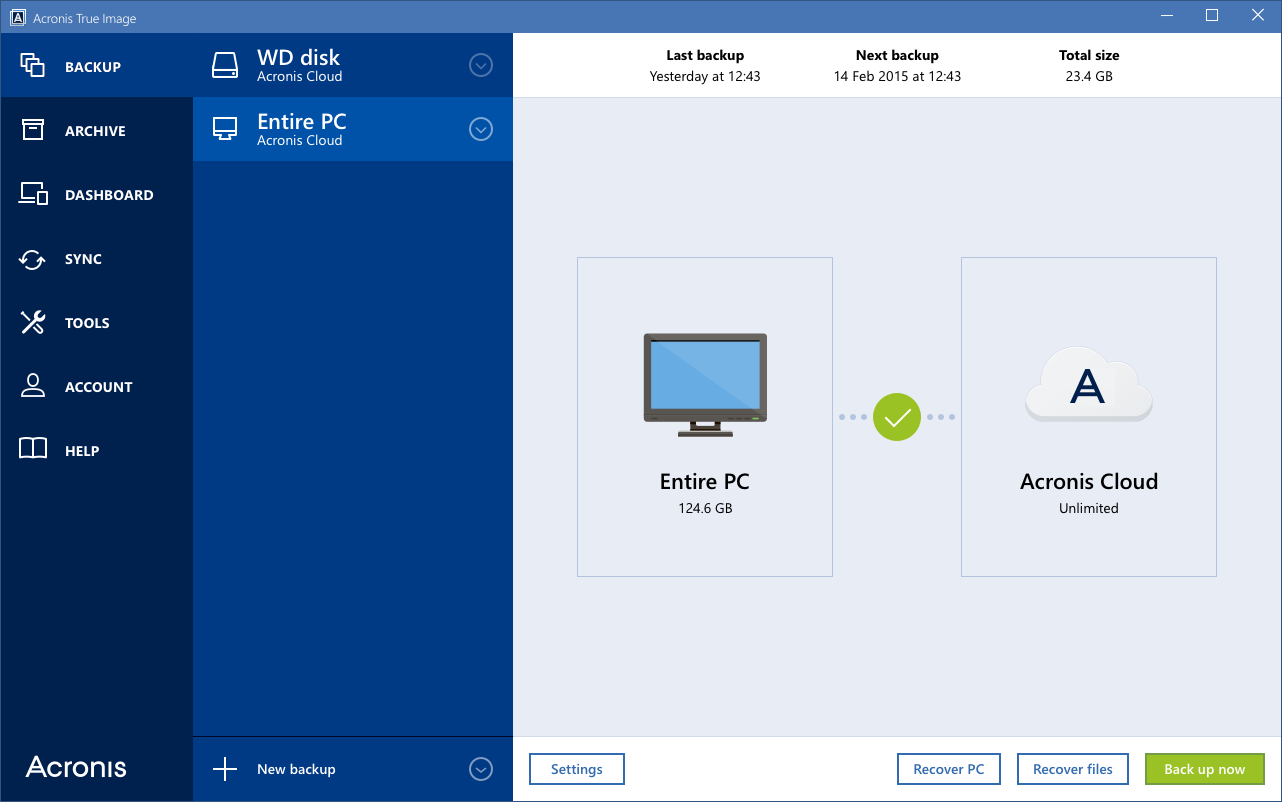
Protect your digital life with Acronis True Image Cloud, the #1 backup solution to safeguard PC, Mac, Android, iPhone, iPad, and Windows tablet devices for you, your family, and your small office. Acronis True Image is the only backup solution that provides backup and recovery for computers and mobile devices with both local and secure cloud space. You can backup, recover or move your entire computer to new hardware with the industrys fastest cloud backup and restore. Archive and access your information anytime, anywhere using an online dashboard. Now optimized for Windows 10 and latest OS X releases.


Key features:

Entire PC Backup: Local and Cloud
Multi-device Protection: PC, Mac and Mobile
Unlimited Cloud Space
Full disk-image backup
Industrys fastest backup and recovery
Flexible, quick, easy recovery
Free upgrades to next versions
Data migration (PC)
Parallels compatible (Mac)
Personal key encryption technology that protects your backups
Smart scheduling
Ease of use
Advanced backup modes
Support of most storage media
Rescue media you can create on any external drive
Full system restore from the cloud

Graphcat<

MTPdrive 2.0.70

Type: Shareware
Cost: $39.95
Size: 3.39 MB
Release date: Apr 03 2015
Platform: Win2000,WinXP,Win7 x32,Win7 x64,Windows 8,Windows 10,WinServer,WinOther,WinVista,WinVista x64
Publisher’s Site:  http://www.crankingpixels.com
Publisher’s Product Page:  http://www.mtpdrive.com/index.html
Country: Canada


MTPdrive

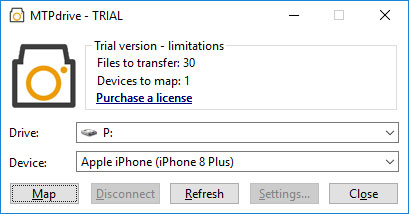
The MTPdrive allows mapping devices operating in MTP mode to a drive letter in the Microsoft Windows. It offers read access to the files on the device with ability to delete them (e.g. digital cameras or Apple devices). Write access is supported as well but it depends on device’s capabilities (typically Android based devices allow it). The MTPdrive can be configured to access original file/directory structure on the device (default) or use virtual file/directory names to simplify navigation through the device (useful for digital cameras). The MTPdrive is an evolution of the PTPdrive, it enhances its features (e.g. allows accessing movies in the Apple devices) and also improves usability/performance (accessing original file/directory structure on the device does not require waiting for collecting information about all the files before the mapping can be done).

Acronis True Image 2016 for Mac 1.6038

Type: Shareware
Cost: $49.99
Size: 96.80 MB
Release date: Dec 02 2015
Platform: Mac OS X
Publisher’s Site:  http://www.acronis.com
Publisher’s Product Page:  http://www.acronis.com/en-us/personal/computer-backup/
Country: United States of America


Acronis True Image 2016 for Mac

Protect your digital life with Acronis True Image 2016, the #1 backup solution to safeguard PCs and Macs. Acronis True Image protects your files, pictures, videos, operating system, applications, settings, and preferences. If your PC or Mac is lost, stolen, or damaged, you can easily and quickly restore your entire computer to its exact previous state to the same or different hardware. You can also restore just the files and folders you need. Save time and frustration with the industrys fastest backup and restore now optimized for Windows 10 and the latest OS X releases.

Key features:

Full disk-image backup
Industrys fastest backup and recovery
Entire PC Backup
Universal Restore to New Hardware
Personal key encryption technology that protects your backups
Data migration (PC)
Parallels compatibility and virtual machine backup
Smart scheduling
Ease of use
Advanced backup modes
Support of most storage media