QuestPDF Alternatives 2023.4.4

Product Page: https://ironpdf.com/blog/compare-to-other-components/questpdf-html-to-pdf-alternatives/
questpdf-screenshot.png

IronPDF offers an intuitive API that allows you to manipulate PDF documents with ease. It supports a wide range of features, including merging and splitting PDFs, adding and removing pages, adding watermarks and annotations, and much more. Additionally, IronPDF offers OCR text extraction, which allows you to extract text from scanned PDFs and images.

If you are looking for a powerful PDF manipulation library that is easy to use and offers exceptional performance, then IronPDF is the perfect choice for you. It offers all the features of QuestPDF and much more, making it the best alternative for developers who need to work with PDFs regularly. Visit the IronPDF website today at https://ironpdf.com/blog/compare-to-other-components/questpdf-html-to-pdf-alternatives/ to learn more about this powerful PDF manipulation library and how it can help you simplify text extraction and other PDF manipulation tasks.


Graphcat<

4Easysoft DVD Creator

Product Page: https://www.4easysoft.com/

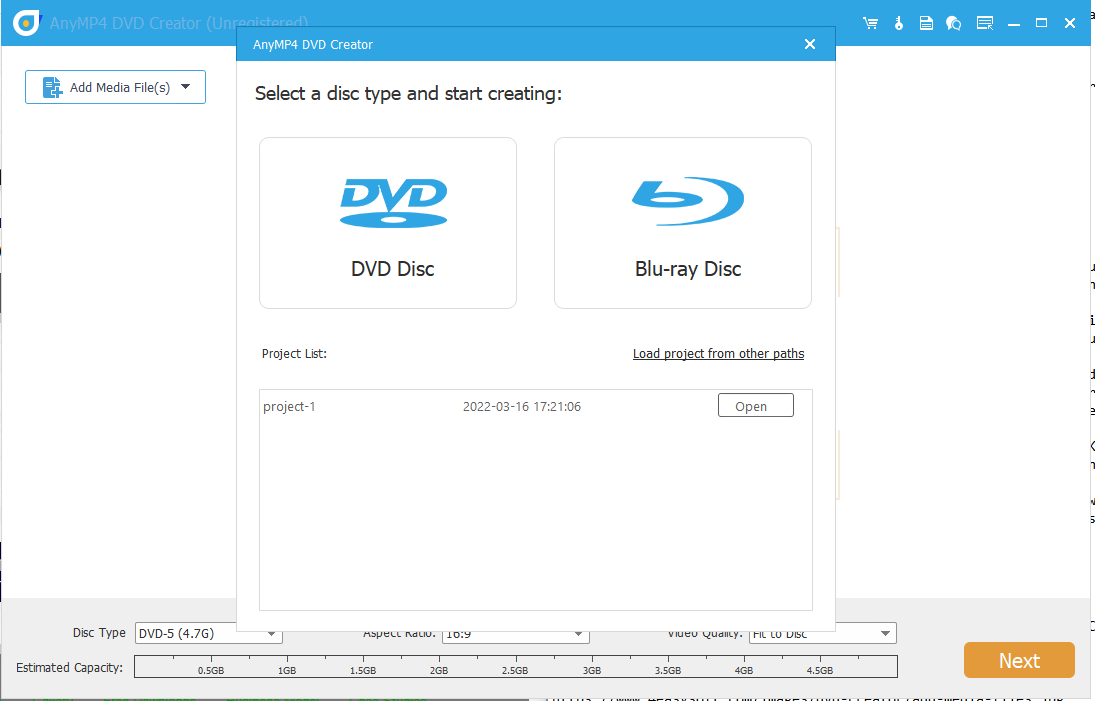
dvd.png

4Easysoft DVD Creator is able to make all kinds of popular videos to DVD/Blu-ray disc/folder/ISO files, MP4, FLV, MOV, WMV, VOB, MTS, AVI, etc. included. It also supports all disc types. Moreover, it enables you to customize the DVD menu with your desire template, adjust the brightness and saturation, and add watermark/audio track/subtitle to your movies. Functions: 1. Create DVD/Blu-ray disc/folder/ISO files with any videos If you want to create a DVD/Blu-ray disc/folder/ISO file with your desired videos with super high speed and excellent video quality, 4Easysoft DVD Creator can do you a favor. You can create your DVD with various video formats, including MP4, AVI, MOV, WMV, MKV, FLV, TS, MTS, M2TS, and more. Besides, it supports all popular disc types, including DVD-5 (4.7GB), DVD-9 (8.5GB), DVD-R, DVD+R, DVD-RW, DVD+RW, DVD-ROM, DVD-RAM, DVD-DL, etc. 2. Edit and customize your DVD Want to edit and customize your DVD before burning? Try 4Easysoft DVD Creator. There are multiple templates and features for you to choose. You can adjust brightness, saturation, volume, contrast and hue to edit your DVD, you can also add audio track, watermark and subtitles to your videos. Besides, you can trim/crop/rotate your videos and merge/split chapters as you wish. 3. High-quality output and NTSC/PAL is supported 4Easysoft DVD Creator supports high-quality output. For DVD, you can save your videos in 720P, which is a maximum quality for DVD disc. For Blu-ray, it allows you to create a 1080P movie to your Blu-ray disc. Meanwhile, it supports NTSC/PAL, so you can set it for playing on the corresponding TV or DVD players. It also provides fast burning speed, so you don’t need to wait for long before enjoying your movies.

Syncfusion OCR Alternatives 2023.4.13

Product Page: https://ironsoftware.com/csharp/ocr/blog/compare-to-other-components/syncfusion-ocr-alternatives/

syncfusion-ocr-screenshot.png

Syncfusion OCR also offers a straightforward and easy-to-use interface for developers, with detailed documentation and code examples to help get started quickly. The library also includes various options for image preprocessing, including deskewing, noise removal, and contrast enhancement, further improving the accuracy of the OCR process.

If you are interested in learning more about Syncfusion OCR for C# and its best alternative, visit at https://ironsoftware.com/csharp/ocr/blog/compare-to-other-components/syncfusion-ocr-alternatives/. There you will find detailed documentation, code examples, and a free trial version to get started with. With its high accuracy, advanced features, and user-friendly interface, Syncfusion OCR is an excellent tool for developers looking to incorporate OCR capabilities into their applications.