Dr.Web CureIt 12.6.202301272

Product Page: http://www.freedrweb.com/cureit/?lng=en
en_cureit_scr_007.png

Do you have anti-virus software installed on your computer, but still worry about its effectiveness?

Run Dr.Web CureIt! (no need to install it) to quickly scan your computer and cure it of any malicious objects.


Dr.Web CureIt is an indispensable tool for curing computers running MS Windows 8/7/Vista/XP/Server 2003/2008/2012 (32- and 64-bit systems).

Dr.Web CureIt detects and neutralizes viruses, rootkits, Trojan horses, spyware, and other malicious objects that have gone undetected by your anti-virus software.
How Do I Use Dr.Web CureIt!?

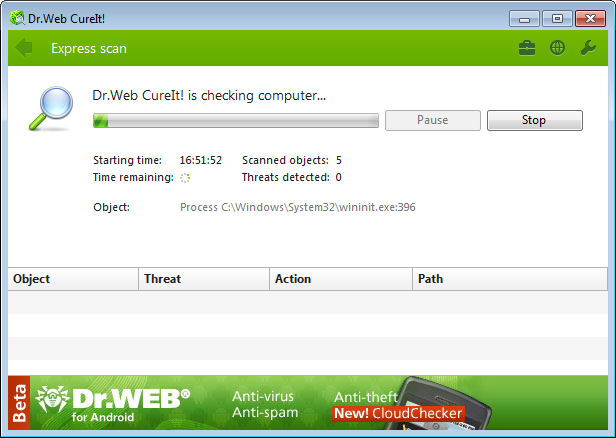
Download Dr.Web CureIt! and launch the utility. A notification will inform you that the utility is running in the enhanced protection mode allowing it to operate even if malicious programs block access to the Windows interface.

In the subsequent window, click Start scanning. Wait while the memory and startup files are being scanned. If you need to scan all or selected drives, select the custom scan mode and specify which files and directories you want to check for viruses and click Start scanning.

Dr.Web CureIt! will cure infected files and place incurable files in quarantine. When the scanning is finished, you can view the report and perform desired actions with quarantined files.

Once the scanning is completed, simply remove the Dr.Web CureIt! file from your computer.
Dr.Web CureIt! does not require installation and is compatible with all known anti-virus software. You do not need to disable your anti-virus software to check your system with Dr.Web CureIt!
With Dr.Web CureIt!, you can test the efficiency of your anti-virus software and then decide whether Dr.Web is right for you.
Unsurpassed self-defence mechanism.
Dr.Web CureIt! is updated at least once an hour.

Graphcat<

Blazor PDF Reader 2023.1.11416

Product Page: https://ironpdf.com/blog/using-ironpdf/blazor-pdf-viewer-tutorial/

blazor-pdf-viewer-screenshot.png

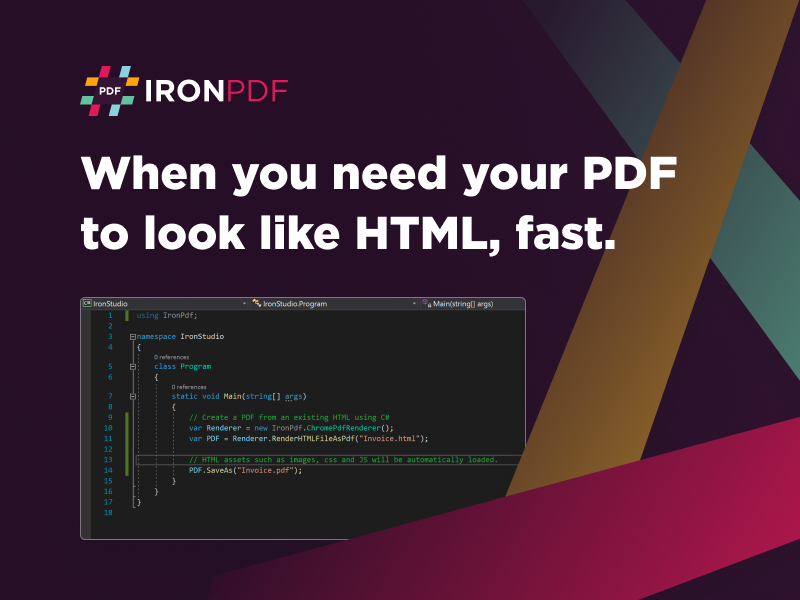
Finding the right enhancement for your next website or flexible project shouldn’t be as hard as it is. There are so many viable solutions out there that finding something perfect for your team can be challenging. Why not start with a simplified solution that helps you stay on budget and within your given timeline? The new Blazor PDF Reader alternative from the team at IronSoftware has no upfront costs and doesn’t require weeks of problem-solving from buggy open-source solutions.

With the Blazor PDF Viewer alternative, you get full support for .NET 5/6, Core, Standard, Framework, and Azure. It doesn’t require a monthly subscription and uses beautiful Pixel Perfect Chromium Rendering, so your final output is fantastic. That is a massive benefit for those end users working through psychical file digital transformation to even a law firm trying to communicate key evidence online. Data can be transformed from MVC, ASPX, HTML, URLs, text, images, and more using an easy-to-understand interface.

Your target market will also be happy with the customization they can use with unique headers, text, and images. That allows anyone to maintain the proper branding with customers, stakeholders, and investors. The Blazor PDF Reader includes the standard security features you would want with this communication, including password protection, user permissions, digital signatures, and metadata management.

You can check out the various features of the Blazor PDF Reader alternative by visiting: https://ironpdf.com/blog/using-ironpdf/blazor-pdf-viewer-tutorial/ . Once you are ready to download the free-to-use package while you are still in project development, go to https://ironpdf.com/ . All these incredibly robust benefits and PDF features make it easy for your target audience to succeed without having to move between multiple apps. Everything can be kept inside your app’s native environment with the Blazor PDF Viewer alternative.