Icons8 Lunacy 9.0

Product Page: https://icons8.com/lunacy

delphi11_800-8824515.png

Lunacy is a vector graphic software for UI/UX and web design. It’s faster than Figma, smarter than Sketch!

100% FREE
Lunacy is absolutely free for personal and commercial use.


CROSS-PLATFORM APP
Lunacy runs on Windows, macOS, and Linux.

REAL-TIME COLLABORATION
Users working on different platforms can collaborate over the same design in real-time.

LOW SYSTEM REQUIREMENTS
Lunacy is not demanding on hardware and runs smoothly even on moderate laptops.

BUILT-IN GRAPHICS
Icons
Photos
Illustrations

AI-POWERED TOOLS ONBOARD
Background remover
Image upscaler
Avatar generator
Text generator

WORKS ONLINE AND OFFLINE
You can work both with cloud and local documents. It’s up to you to choose. You can switch between the cloud and local modes whenever you want.

MINIMUM LEARNING CURVE
If you have experience with Sketch or Figma, in Lunacy youll feel like home.

FULL SUPPORT FOR SKETCH FILES
Open
Edit
Save

NO BOUNDS
Thanks to the native support for the Sketch format, you can use Lunacy with all major hand-off and version control tools like Avocode, Zeplin, Abstract, Simpli, etc.
If it is necessary, you can easily import .sketch files to Figma or XD.

Graphcat<

OCR in .Net 2022.12.10830

Product Page: https://ironsoftware.com/csharp/ocr/technology/ocr-net/

net-ocr-library-screenshot.jpg

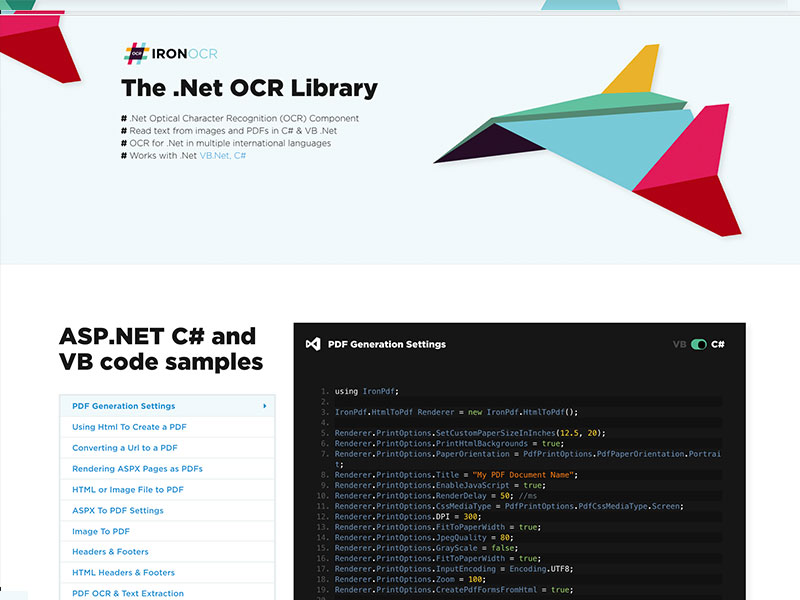
Iron OCR has been specifically designed for use in .NET applications, including console applications, Windows Form Applications, WPF, and web applications such as Windows Forms and MVC. It is built on top of the Tesseract platform, but adds additional functionality, making Tesseract more usable in the real world. https://ironsoftware.com/csharp/ocr/technology/ocr-net/ and https://www.nuget.org/packages/IronOcr/

Iron OCR has been designed with developers in mind, allowing for rapid OCR setup within .NET projects. OCR requires a lot of preprocessing of images to make them readable by OCR libraries, which expect almost perfect input.

Iron OCR can automatically detect the properties of an image, a screenshot, photographs, scans, or PDF document and adjust itself accordingly, preprocessing the images so the OCR is likely to have over 95% accuracy without any settings being adjusted or any Photoshop work on behalf of the client organization.

Language packs are available for multiple languages including: Language packs available for Arabic, Simplified Chinese, Traditional Chinese, Danish, English, Finnish, French, German, Hebrew, Italian, Japanese, Korean, Portuguese, Russian, Spanish, and Swedish. Language packs can be found here: https://ironsoftware.com/csharp/ocr/languages/

Iron OCR can be used with many other Iron products. It is commonly used with Iron Barcode. Iron OCR may be used to extract text from a document, whereas Iron Barcode can be used to detect barcodes with a higher degree of accuracy within a similar scan.

It may also be used with Iron PDF to repurpose content from scanned documents in new PDF documents. For more information, support, licensing questions please contact Iron Software. Product information can be found on the product page: https://ironsoftware.com/csharp/ocr/