
Create PDF in C# 2022.11.10347

Product Page: https://ironpdf.com/blog/using-ironpdf/csharp-create-pdf-tutorial/
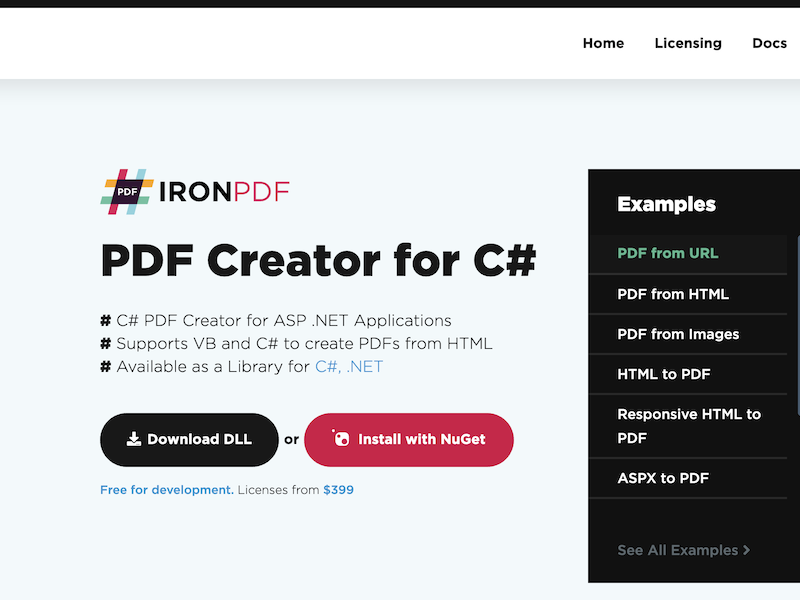
pdf-creator-csharp-screenshot.png

The best way to create a PDF in any web application in .Net is to create it from your existing assets. It would be unfortunate to have to learn a new API or a new way of programming just to create a PDF that was in line with existing branding. In short, the best way to create a PDF is to convert existing assets to PDFs. IronPDF allows you to do this. Rather than programming a new PDF line by line learning the PDF document object by hand, something I wouldn’t wish on my worst enemy. I highly recommend using HTML to PDF conversion. You simply convert HTML strings, files or URLs to PDFs. It makes life so much simpler.

These are some reason you need to create a PDF in C#. Why would we need to create a PDF in any application to create a non editable paper equivalent document? For example, a report, an invoice, a ticket, a receipt, you name it. PDFs are versatile useful file formats.


Which document types and assets can be used to create PDFs in IronPDF? IronPDF has two main ways to create a PDF. One is HTML to PDF. This isn’t just HTML. It fully supports JavaScript, CSS, HTML5, and image formats, including SVG, jpegs, gifs, tifs, and any file format you can open a web browser. IronPDF has a second rendering method, Image to PDF, where we can take one or more images and automatically convert these images straight into a PDF document.

Can IronPDF be used to create PDFs in .Net core and .Net standard projects? Yes, as of 2018, IronPDF, a supported .Net core and .Net standard. You may use IronPDF to create a PDF in any .Net core standard or framework project whether that is a website, Cloud Function, desktop application, any type of project on ACR, Windows, Mac or Linux.

What is the best way to install IronPDF prior to creating PDFs? The easiest way to install on PDF to your application is to use new get and UGET. Simply search for the new jet, new get package, IronPDF from within Visual Studio and add it to your project and the PDF

Graphcat<

iTextPDF Alternative 2022.11.10347

Product Page: https://ironpdf.com/blog/compare-to-other-components/itextpdf-alternative-html-to-pdf-csharp/

itextpdf-screenshot.png

While there are some advantages to trying a resource like iTextPDF that is rooted in open-source systems. There are also the challenges of overcoming the bugs and errors common to such development histories. A much better solution would be the new iText Alternative created by the expert team at IronSoftware. This fully supports .NET 5, Core, Standard, Framework, and Azure – creating great flexibility for your build.

The fact is businesses of all sizes require more robust PDF solutions. It doesn’t matter if the user is a school sending out quarterly report cards or a multi-national corporation issuing invoices to clients. Having PDF capabilities enhances the value of your upcoming project. Using such an iTextPDF HTML to PDF resources allows users to capture various source data like HTML, URLs, ASPX, text, images, and more. The end result is a stunning document due to the Pixel Perfect Chromium Rendering built into the IronSoftware package.

With this iTextPDF Alternative, you can customize various features of your PDF documents. This infuses personalized elements into the headers, footers, images, and text without sacrificing any security measures. Your users will still be able to implement password protection, permissions, digital signatures, and even metadata management for greater digital record-keeping.

Most importantly, there is no upfront cost to the iTextPDF Alternative. You don’t pay a thing until your project is ready for active deployment into the marketplace. You can learn more by downloading a copy of the enhancement at https://www.nuget.org/packages/IronPdf. There are also robust support resources and documentation available at https://ironpdf.com/blog/compare-to-other-components/itextpdf-alternative-html-to-pdf-csharp.

Vivaldi for Windows 32 5.6

Product Page: http://vivaldi.com

win001.jpg

The Vivaldi browser does not track its users and offers more features than any other modern browser. Steered by Jon von Tetzchner (co-founder of Opera browser), Vivaldi is driven by the real needs of users today and ensures that they have the best tool to browse and do the job.

Users can tailor Vivaldi to suit their browsing needs with no limit to customization options. Vivaldi takes browsing to the next level with its numerous features that give users a more dynamic experience of the web. Vivaldi demonstrates that a browser can be the most useful tool to enhance time spent online and not just a means of accessing web pages.

Some of the highlight features that make Vivaldi a personal, do-it-your-way browser include:

Advanced tab management ability to group, tile, move and pin tabs.
Private and Secure Syncing across computers with end to end encrypted Synchronization.
Side Panel with easy access to bookmarks, downloads, tree-style tab manager, notes, browsing history and websites of users choice.
Built-in functionality such as the screenshot Capture tool, Notes and Image Properties.
Powerful History overview that lets users explore their browsing patterns.
Unique and customizable look and feel of the browser interface with custom Themes and more.
Keyboard Shortcuts and Mouse Gestures for quick browser commands.
Built in e-mail client and calendar.
Built in ad-blocker

For more details, visit https://vivaldi.com