HEIC Converter v1.0.1

Product Page: https://www.macuncle.com/heic/converter/
choose-desired-file-format.jpg

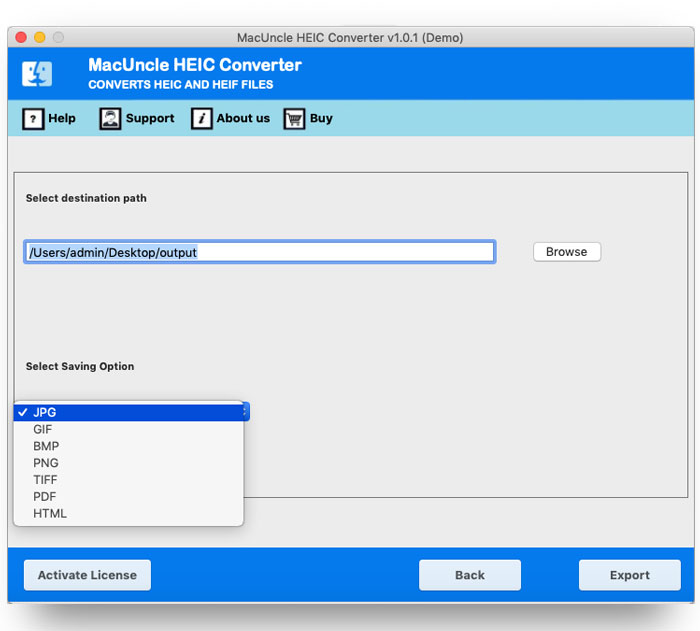
MacUncle HEIC Converter is an application to convert multiple HEIC files to JPG, PNG, TIFF, HTML, PDF, and other formats. Without the aid of any additional programs, the software may process many files at once. The tool itself will carry out the file conversion operation. The HEIC Converter for Mac will therefore carry out the conversion on its own.

Mac OS X versions 10.9 (Mavericks), 10.10 (Yosemite), 10.11 (El Capitan), 10.12 (Sierra), 10.13 (High Sierra), 10.14 (Mojave), and 10.15 (Catalina) are all compatible with the program. There is a Windows version of the application as well.


Without changing the parent files, convert HEIC to JPG, PNG, GIF, TIFF, PDF, DOC, and HTML. The iPhone image will maintain its original quality and resolution. Take advantage of the program to export numerous HEIC files to various formats.

Download the desired version of the program to convert image files in the *.heic or *.heif file format to any other format. Most essential, upload numerous files using the two different upload buttons. Add one or more HEIC files, a folder of files, or several HEIC files. Therefore, without having to repeat many processes, batch convert HEIC to JPG files.

Even after batch converting HEIC image files, the metadata, or EXIF data, will not change. The Exchangeable Image File Format (EXIF) data contains specific details about the image and the camera used to take it. During the HEIC image conversion, the software will maintain all of the data.

Graphcat<

MacUncle ODT Converter v1.0.1

Product Page: https://www.macuncle.com/odt/converter/

choose-any-format.jpg

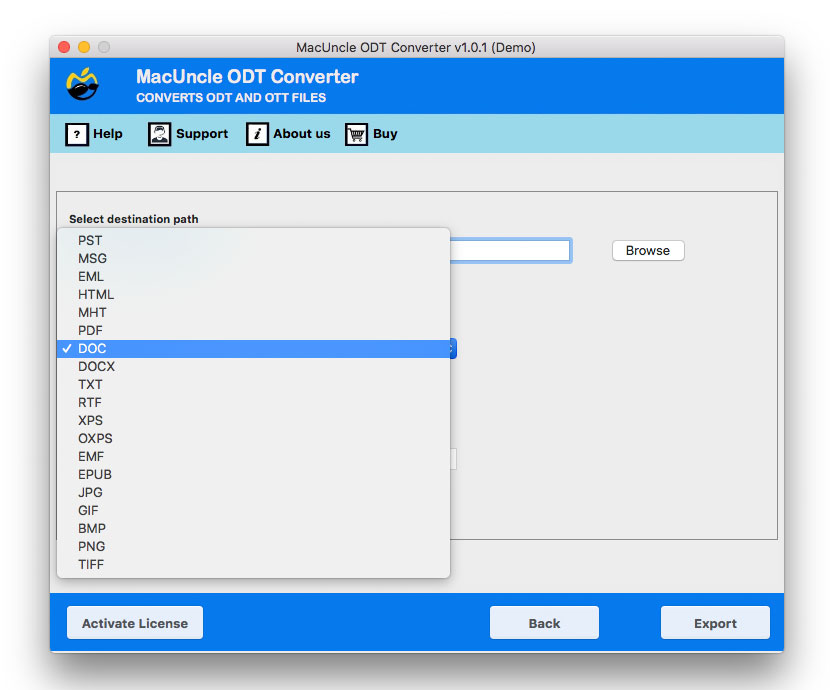
OpenDocument files can be converted by MacUncle ODT Converter into several file formats, including Email, Document, and Image. OpenOffice ODT or OTT files are supported by the application.

Add files with the *.odt extension to the interface. Either use the add folders or files from the program. Additionally, the files can be converted to any desired files from the folder as per the user’s need. Change the file types from document to photo, email, and other document formats with perfect precision.

OpenDocument ODT and OTT files can be converted with MacUncle ODT Converter to a variety of file types, such as MSG, PST, EML, PDF, JPG, GIF, and PNG. On Mac OS devices, convert OpenOffice files without installing any additional software. ODT & OTT files as well as other OpenOffice file types are supported.

Upload numerous *.odt or *.ott files or directories using two different additional options to the application interface. Get 100% accurate results for other file types.

All OS X versions after 10.8 Mountain Lion are compatible with the application. Convert a huge number of ODT files all at once. Also, save the data wherever it best serves your needs.

MacUncle MBOX Converter

Product Page: https://www.macuncle.com/mbox/converter/

choose-the-file-format.jpg

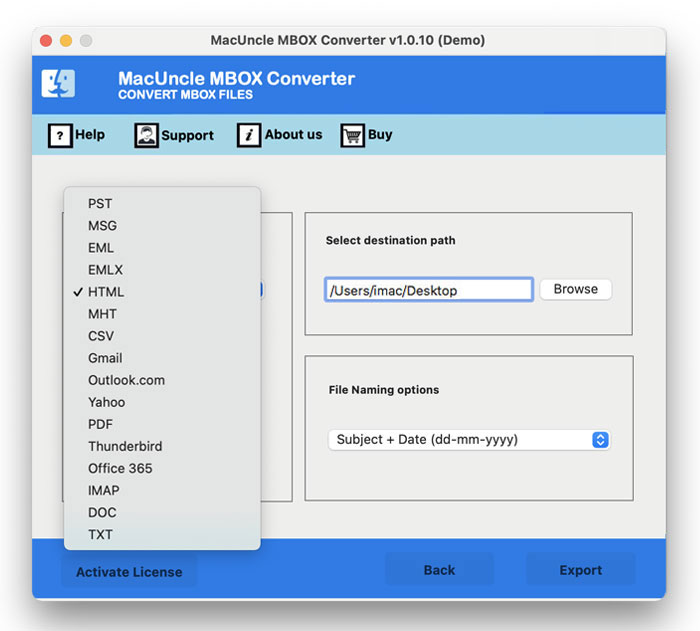
A standalone program MacUncle MBOX Converter to export *.mbox email files. The file extension most frequently used for email files is MBOX. Convert mailboxes to many file formats, including PST, EML, MSG, HTML, Doc, and PDF.

We can handle everything, from converting Mailboxes to uploading MBOX files. Additionally, transfer the mailboxes to online email programs like Apple Mail, Thunderbird, Gmail, and Outlook. The program is offered in Windows and Mac versions. Free conversion of 25 email files to any format is offered with the trial or sample edition.

The MBOX Converter provides all the advanced functions, including batch conversion and a location selection field. The application makes it simple to complete the entire process.
There are options for the file name in the application. Naming patterns are offered for converting email files to single file formats like PDF, DOC, EML, MSG, and others. There are other possibilities, including From + Date (yyyy-mm-dd-hhmm), Subject + Date (dd-mm-yyyy), From + Date (yyyy-mm-dd-yyyy), Auto Increment, etc.

No additional software or service is required at any time throughout the conversion or migration. The MBOX file convert application offers 100% accuracy and is simple to use. Convert one file at a time or several at once.