Tipard DVD Ripper

Product Page: https://www.tipard.com/dvd-ripper.html

screen.jpg

Tipard DVD Ripper can help you rip homemade DVD movie to MP4, AVI, WMV, FLV, MKV, MOV, M4V and other formats. It can also rip your DVD disc to HD H.264, HD AVI, HD MPG, HD TS and more. It also provides multiple editing functions including trimming, cropping and adding watermark. Besides, you can play converted video on iPhone, iPad, iPod Touch, Apple TV, Galaxy Note, Galaxy S series, Microsoft Surface, etc.

Graphcat<

Tipard DVD to iPad Converter for Mac

Product Page: https://www.tipard.com/dvd-to-ipad-converter-for-mac.html

screen.jpg

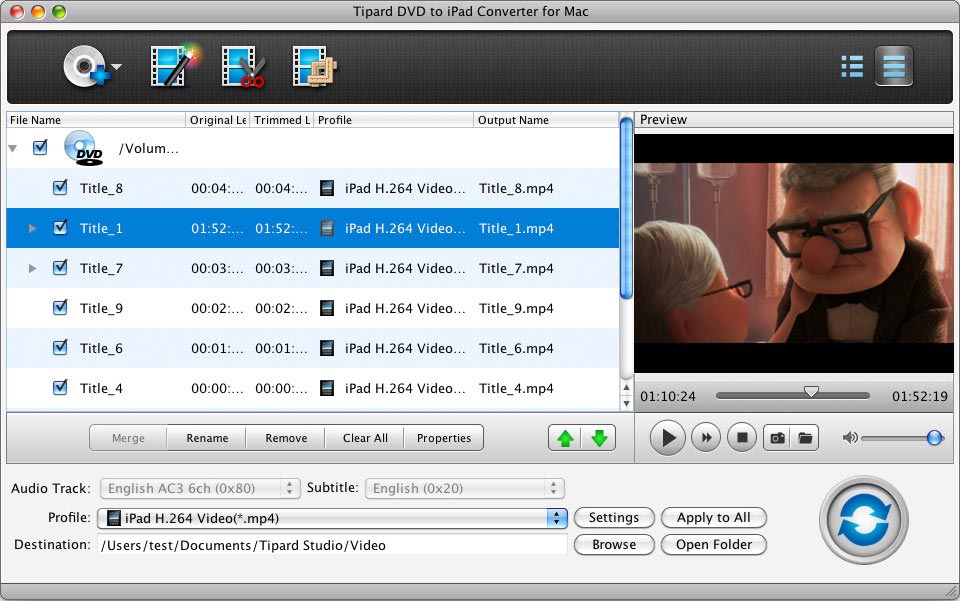
Tipard DVD to iPad Converter for Mac can convert DVD disc/movie to the video formats that is compatible with iPad including H.264/MPEG-4 AVC, MOV, MPEG-4, M4V, etc. In addition, it is able to help you extract audio from DVD, and then convert them to AAC, MP3, WAV, AIFF, M4A, etc. Besides, it owns multiple editing functions so that you can edit it according to your requirements. Key functions: 1. Convert DVD to iPad MP4, MOV and M4V Tipard DVD to iPad Converter for Mac can help you convert any DVD to iPad compatible formats on Mac, like H.264/MPEG-4 AVC, MPEG-4, MOV and M4V and others. 2. Extract audio from DVD disc With Tipard DVD to iPad Converter for Mac, you can extract audio from DVD, and then convert them to AAC, MP3, WAV, AIFF, M4A and other audio formats. So you can enjoy them on iPad, iPod, iPhone, Apple TV, etc. 3. Edit your videos by adjusting, trimming and so on Tipard DVD to iPad Converter for Mac can help you to edit the video effect by adjusting the Brightness, Saturation, Contrast, Hue and Volume. Besides, you are able to trim any segment of the video from DVD, crop the video frame at your disposal, add text or watermark to the video, and adjust the position and transparency of the watermark. 4. Merge several videos into one Tipard DVD to iPad Converter for Mac can help you merge several titles or chapters of several video/audio segments into one file for output, so that you can enjoy a single long movie with a single click. 5. Preview your video Tipard Mac DVD iPad Converter allows you to preview the output video before converting. You can adjust your video effect further after previewing your video. So you can get the most perfect video with this software.

RPM Remote Print Manager Select 32 Bit 6.2.0.531beta

Product Page: https://www.brooksnet.com/lpd/comparing-rpm-elite-and-select

rpms-6.1.0.425.png

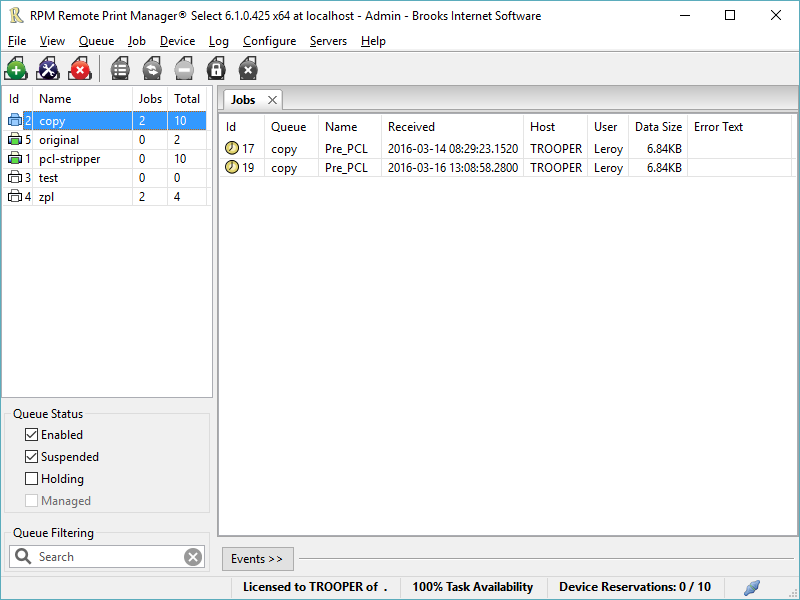
Printing should be one click away. but there are so many problems which make printing difficult if not impossible. RPM Remote Print Manager (RPM) has grown through the years from all the print problems our customers have brought to us. We are here to help you solve your printing problems.

RPM is our virtual printer product. Our customers have been using RPM for 20 years!
RPM as virtual printer


RPM does what you expect a virtual PDF printer to do, and more:

convert incoming print jobs to other formats, such as PDF, TIFF and PCL
save multiple documents into a single document
print the same job to multiple printers
in one pass, send to a printer and save to disk
print the same job multiple times, using separate paper trays

RPM as print server

RPM is implemented as a Windows print server. Its core capabilities include:

managing your print workflow
send print jobs to any Windows printer
send print jobs to any printer on your network using core Windows print protocols, or LPR, or direct with port 9100
archive print jobs to local folders, shared folders, or anywhere via FTP
run any local application on your print job
send your print job via email as an attachment or in the message body

RPM also provides extensive data editing, manipulation and translation.

Windows version support

RPM 6.1 supports these versions of Windows: Vista, 7, Server 2008 (including R2), Windows 8 and 8.1, Server 2012 (including R2), and Windows 10. Support for Windows XP and Server 2003 has been dropped, so we no longer test new RPM versions on these older versions of Windows.