PDF-Tools 9.4.363

Product Page: https://www.tracker-software.com/product/pdf-tools
ToolsV9.png

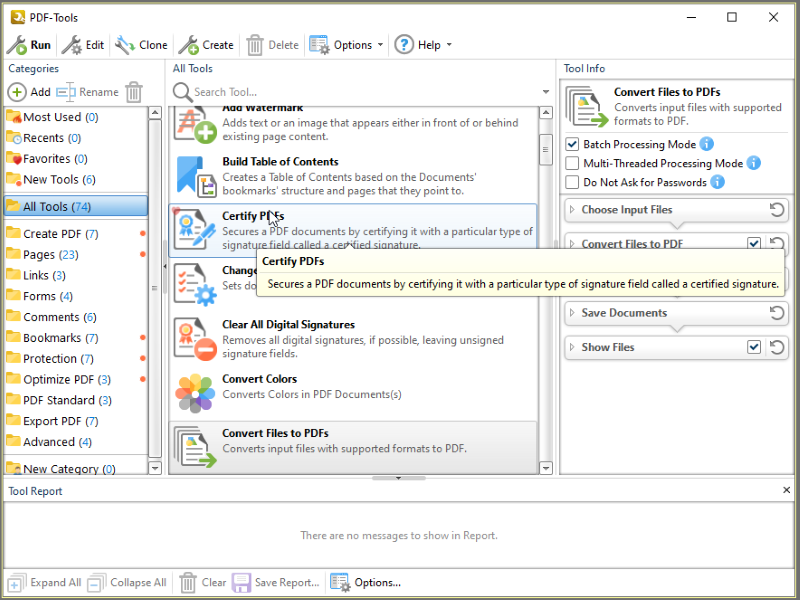
Create new PDF files from the output of any Windows app
Create and Edit Fillable PDF Forms; Dynamic Stamps; Interactive Adobe AcroForms
View Image and MSOffice files natively and convert to PDF automatically
Google Drive Support; OFFice2PDF
Convert PDF to MSPowerPoint format
Improved image and image text character conversion
ISO PDF/A 2a, 2b, 2u(RGB) format support
Supports Revision 6 of Acrobat X password security handler
World leading compression and optimization technology
ISO PDF/A 1a & 1b
Serity/Sign/Secure PDFs
PDF writer Optimization/Compression Controls
Advanced Memory Management
Convert Image files to PDF and back; .RTF & .DOC to PDF
Append/Prepend Pages from one PDF file into another PDF file
Scan Direct to PDF
OCR – searchable layer
Manipulate and Modify PDF files
Extract / Import Content from PDF to Text/Image/PDF formats
Export PDF to many file formats
Add/Edit/Modify/Export Bookmarks
Split/Merge/Delete/Crop/Rotate PDF pages
Re-Order Pages within a PDF file
Optimize PDF
Paper Settings & Custom Forms options
URL links embedded
MS Office Table of Contents
n-UP Printing mode automatically mounts/rescales pages to a single page and calculates correct page positions
Enhanced visual layout previewer resizes pages
Brochure/Booklet/Mirrored Printing
Flexible DPI output 50 – 2400DPI
CJK fonts/character set support
Add Watermarks or Overlay PDF pages to new PDF
Auto Bookmark/Auto Header/Footer generation
Graphics Downsampling embedding options
Extended Font embedding options
Create specific printer preferences and save to Profiles for future use.
MAPI/SMTP Automated Email integration options
Developers API available
Multi-language UI support
Citrix Metaframe/Terminal Server Certified.
‘Macro’ based Auto file naming/location – with JS rule based
Comprehensive Digital Signature and Security
Autosave
Merge pages
Timestamping
Touch/Mouse screen mode
Multilanguage support
Google Drive, SharePoint,
Ribbon/Classic UI


Graphcat<

Accusoft PDF Viewer 2022.9.9056

Product Page: https://ironpdf.com/blog/compare-to-other-components/accusoft-pdf-viewer-tutorial/

accusoft-screenshot.png

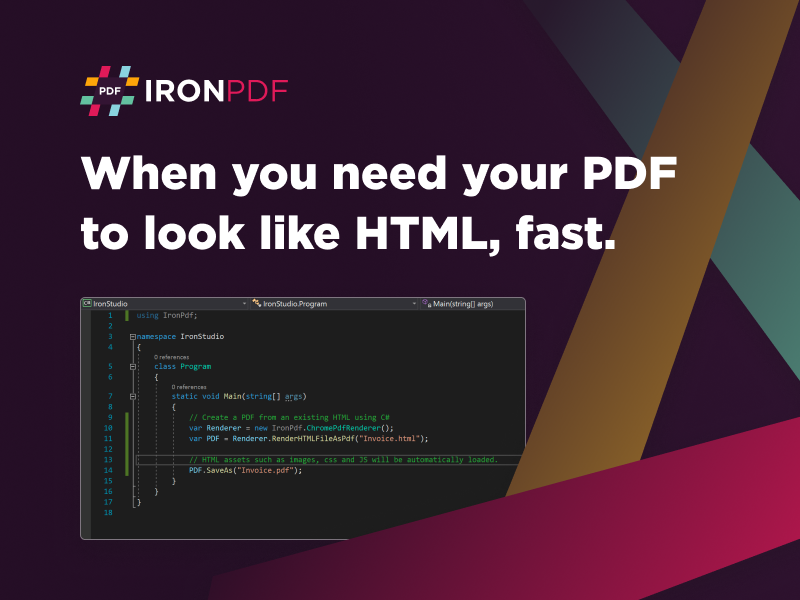
Accusoft PDF Viewer elevates your project development team with PDF capabilities. Now you can let your end users add, merge, edit, split, and manipulate PDF files inside your native environment without having to deal with bulky software. This is an excellent benefit, considering how many businesses are currently in hybrid or remote work settings and need a universal approach to document sharing with so many team members geographically divided.

This is an easy-to-understand enhancement that supports C# and .NET 5 Core, Standard, and Framework. It allows you to import and export PDF documents without sacrificing security measures. You can include permissions, passwords, and digital signatures with the precise metadata needed to ensure that the only people capable of opening the documents have the proper credentials. That is an essential benefit for many users in the legal, health, and personal data industries. Considering how many people have privacy concerns in today’s world, this also improves the marketability of your end product.


The entire Accusoft PDF Viewer integration was created with the support of open-source feedback. Meaning the expert team at Iron Software tested and allowed community insight to ensure all the bugs and errors were already worked out before distribution. This saves your internal teams time and money from having to try and fix cookie-cutter, off-the-shelf solutions that often are overly expensive to fit into your project mold. Part of the reason products from Iron Software are so successful is because they have been so well tested in advance.

You can learn more about Accusoft PDF Viewer by visiting https://ironpdf.com/blog/compare-to-other-components/accusoft-pdf-viewer-tutorial/. This will give your team a better idea of how to integrate the system. It is free to use while you are in development and only requires payment once you reach deployment. You can download a copy at https://ironpdf.com/ when you are ready to begin.

DiskGenius Standard

Product Page: https://www.diskgenius.com/

1111111111111111.png

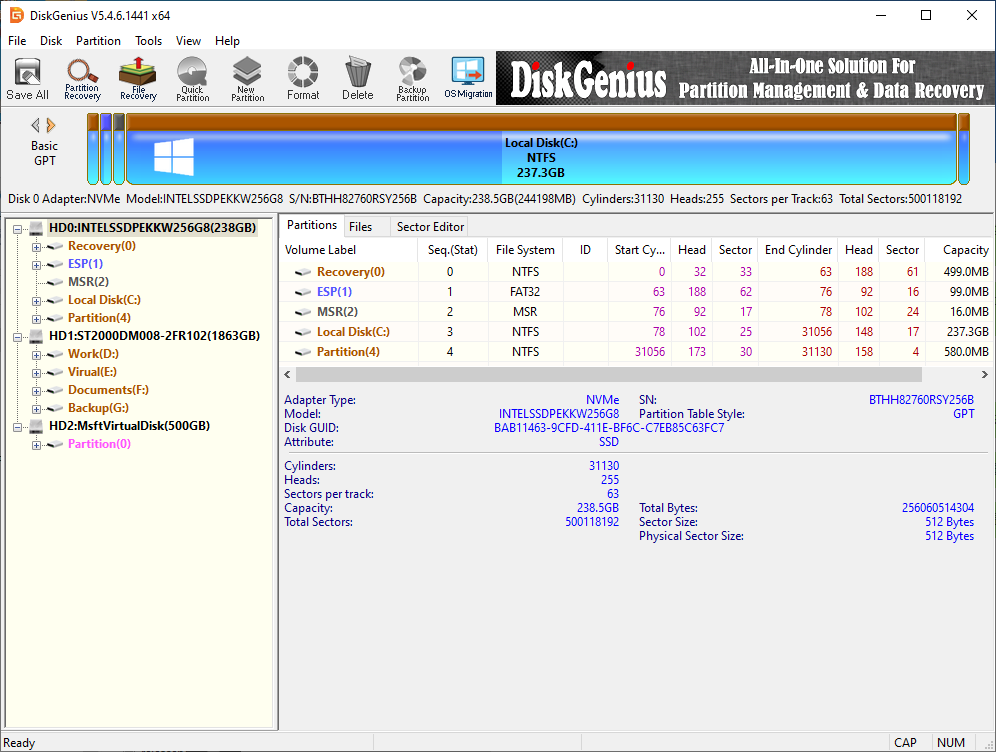
DiskGenius is an excellent utility that comes packed with various useful features on data recovery, disk partition management, backup & restore. With this app you can create, resize, clone, format partitions, backup system, and recover deleted or lost files & partitions from HDD, RAID, Storage Spaces, USB disks and virtual disks. Key features: File & partition recovery – Recover lost data or partition from all data loss scenarios, such as emptied recycle bin, accidental deletion, disk formatting, RAW drive, lost partition, virus attack, system bootable problems, etc. Disk & partition management – Support to create, format, resize, extend, split, image, clone, hide or active partition, repartition disk, image disk, etc. both MBR and GPT disks are supported. Disk & partition conversion – Convert partition table between MBR and GPT without data loss, convert dynamic disk to basic disk without damaging data, convert virtual disk format, convert primary partition to logical without losing data and vice versa. Backup & restore – Backup partition table to avoid partition loss issue; backup operating system, installed apps, settings and data to protect computer against any damage; clone disk or partition as well as create image for partition and disks. Support operating virtual disk files (e.g. VHD, VMDK, VDI, HDD), “.img” disk image files, etc. which includes operating partitions and files of virtual disk or disk image. Create WinPE bootable disk and you can manage disk partition when system crashes or there is no operating system on your computer. Hex editor – A Hex editor is embedded to help users edit raw hex data and recover data manually. Check & repair bad sectors for all storage devices and check HDD S.M.A.R.T. information. Wipe data – Completely delete files, wipe disk or partition or erase free disk space so that data can never be recovered. All types of file system NTFS, FAT16, FAT32, exFAT, Ext2, Ext3 and Ext4 are supported.