Aiseesoft FoneLab for Android

Product Page: https://www.aiseesoft.com/fonelab-for-android/
screen.jpg

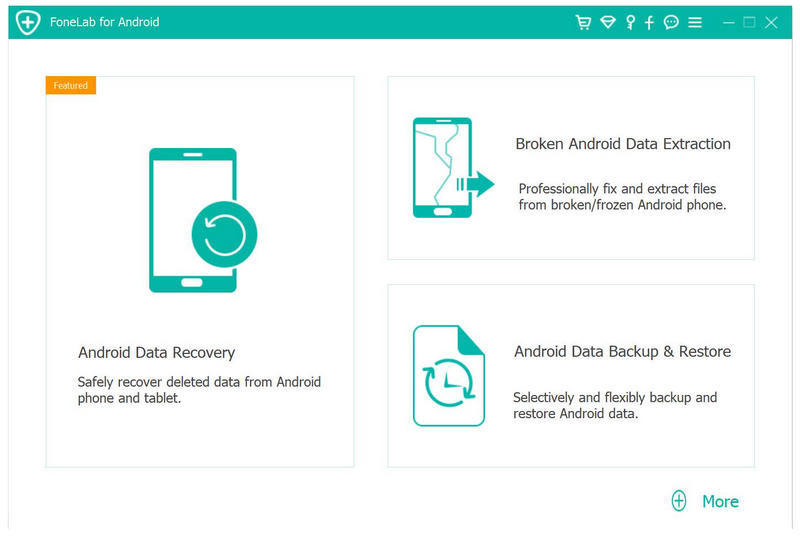
With FoneLab for Android, you can recover deleted text messages, photos, contacts, videos, music and other lost files from your Android phones, tablets and SD cards. When you lost your Android data due to wrong deletion, rooting, and other accidental conditions, you can find your lost and deleted Android data back with the help of this product. In addition, you can back up and transfer your important messages, photos and files to your computer. Key Features: 1. Recover deleted or lost data from Android phone FoneLab for Android supports various data recovery, including deleted SMS, contacts, call logs and documents, lost photos, music, videos and WhatsApp files, etc. 2. Android Data Backup & Restore In this part, you can selectively and flexibly back up and restore Android data. And preview data in details before you restore data from backup. It can also selectively back up and restore Android data without hassle. 3. Broken Android Data Extraction Broken Android Data Extraction part can help you extract data like messages, contacts, call history, WhatsApp, photos, etc. from broken Samsung devices. 4. Work well with almost all Android devices. FoneLab Android Data Recovery supports recovering data from almost all Android devices, like Samsung, Sony, LG, HTC, Huawei, Motorola, Xiaomi, and more.


Graphcat<

Aiseesoft Mac Screen Recorder

Product Page: https://www.aiseesoft.com/screen-recorder/

interface.jpg

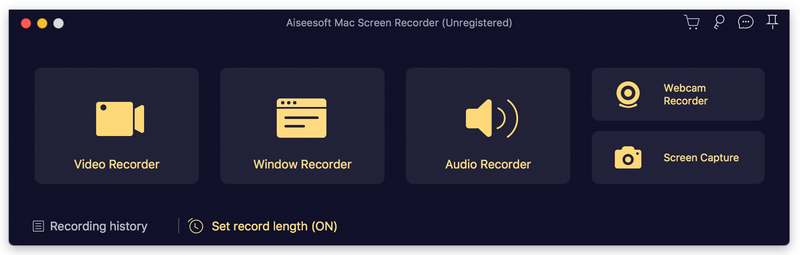
Aiseesoft Mac Screen Recorder makes it easy to record any video or audio played on Mac. The powerful video recording function allows you to save almost any video to your computer, such as video tutorials, online conference, gameplays, video/audio calls and more. You can choose to record system audio of your computer or microphone voice. Key features: 1. Record video, capture audio, take snapshots Aiseesoft Mac Screen Recorder is a professional video recording app. You can set recording area in full screen or customized screen size to record videos with high quality. Besides, you can record any music, radio, audio call and take a snapshot as per your need. 2. Choose audio source as you like You can choose to record the system sound or microphone voice or both according to your need. You can save the recorded audio in MP3/WMA/AAC/M4A for easy playback. This audio grabber can save any audio from your Mac computer, including audio track in MV, voice in teaching videos and more. 3. Edit video/snapshot, record window This Mac Screen Recorder allows you to edit video/snapshot while screen recording, you can also draw new labels to output file. In addition, you are able to record window on your computer and you could choose to record single window or multiple windows as you like. 4. Highlight the mouse cursor as you wish This is especially useful when you make video presentations. You can highlight the mouse cursor to make your action easier to be tracked on screen. Also you can define the color and the shape of the highlight.

Gmail to Microsoft 365 Migration

Product Page: https://www.mailconvertertools.com/gmail-to-microsoft-365-migration/

Step-2.webp

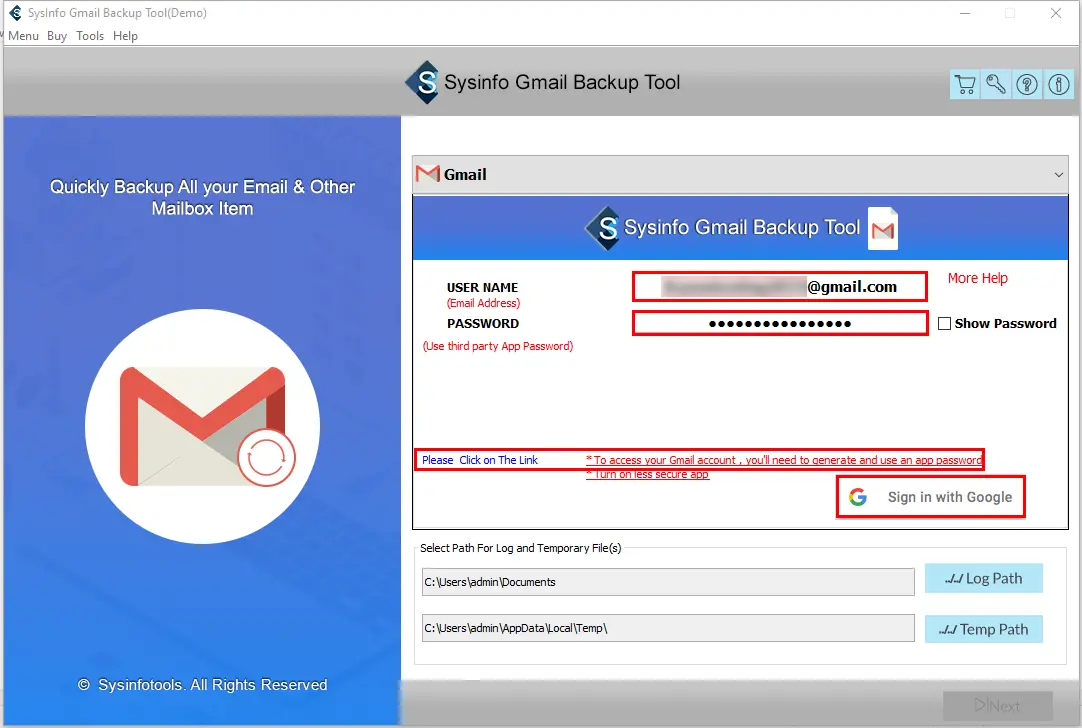
Experts advise using the Gmail to Microsoft 365 Migration Tool to transfer Gmail content, including emails, photos, hangout chats, and other data, to Microsoft 365 accounts. It offers a number of cutting-edge capabilities to make the move from Gmail to Microsoft 365 simple and speedy. The tool’s straightforward yet user-friendly interface makes it easy for users to use it independently. These are the utility’s advanced features.
This utility is the most effective utility to save Gmail data into a Microsoft 365 account.
1. It also provides the facility to directly migrate Gmail items to various email clients like Office 365, Yahoo, Yandex Mail, Thunderbird, etc.
2. The tool is compatible with versions of Windows operating systems.
3. It also allows you to save the email attachments separately on the local drive.