Aiseesoft Video Editor for Mac V1.1.22

Product Page: https://www.aiseesoft.com/video-editor/
add-file.jpg

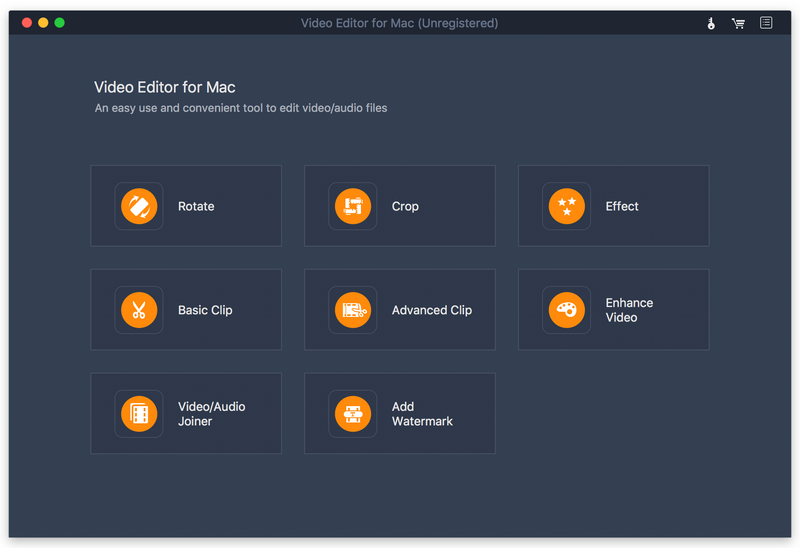
Aiseesoft Video Editor for Mac aims to help you edit video from many aspects. You can easily get a high-quality video with its editing functions. With it, you can set video speed and volume, optimize brightness and contrast, crop video frame and clip video to several segments. It has many other editing functions such as clipping, cropping, rotating, and adding watermark.

Key Features:


1. Set video speed and volume
You are allowed to change video speed to make slow motion video or speed up video and set the video volume to meet your needs.

2. Optimize brightness and contrast
You can easily adjust the brightness of a video file and switch the difference between the darkest and lightest areas of a video.

3. Various editing features
With Aiseesoft Video Editor for Mac, you can drop video in 16:9, 4:3 or other aspect ratio to play on any screen or platform such as TV, computer, smartphone, or tablet. And you can clip and trim video files to remove unwanted video parts and reduce videos to the most important sections. What is more, you can use the product to join the videos you want into one file. It is up to your needs. At the same time, you can preview the output files before conversion to check whether it meets your demands or not and add your own watermark to the output videos.

Graphcat<

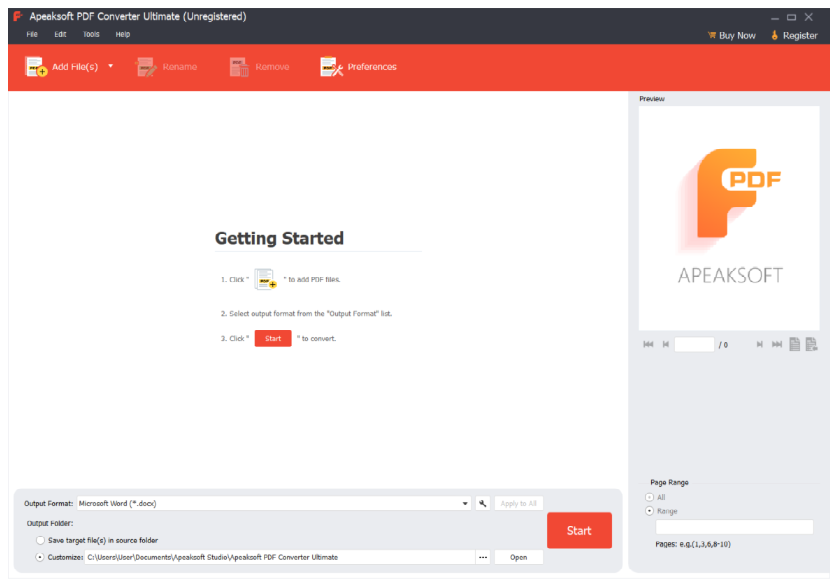
Apeaksoft PDF Converter Ultimate

Product Page: https://www.apeaksoft.com/pdf-converter-ultimate/

screenshot.png

Do you have problem in converting your PDF files to other formats? If so, Apeaksoft PDF Converter Ultimate could do you a favor. It could help you convert PDF files to various other formats.

Key functions:

1. Convert PDF files to other formats
Apeaksoft PDF Converter Ultimate is powerful in converting PDF files to other formats such as Word/Text/Excel/PowerPoint/ePub/HTML/Image, etc. With it, you could convert your PDF files to other file formats for further editing or preservation.

2. Customize and edit PDF files
With Apeaksoft PDF Converter Ultimate, you could set the layout, text encoding and image format/resolution when you convert PDF files to other formats. If you convert PDF files to images, it allows you to set the size and color of output images.

3. Convert selected PDF pages and convert in batch
Apeaksoft PDF Converter Ultimate allows you to convert selected PDF pages of one PDF file. Moreover, you are able to convert multiple PDF files in batch to save time.

4. Advanced OCR technology and fast conversion speed
The advanced OCR technology of Apeaksoft PDF Converter Ultimate is able to recognize up to 190 languages accurately. And with the powerful acceleration technology, Apeaksoft PDF Converter Ultimate could convert PDF files in fast speed.

Apeaksoft Video Converter Ultimate

Product Page: https://www.apeaksoft.com/video-converter-ultimate/

apeaksoft-video-converter-ultimate-screenshot.png

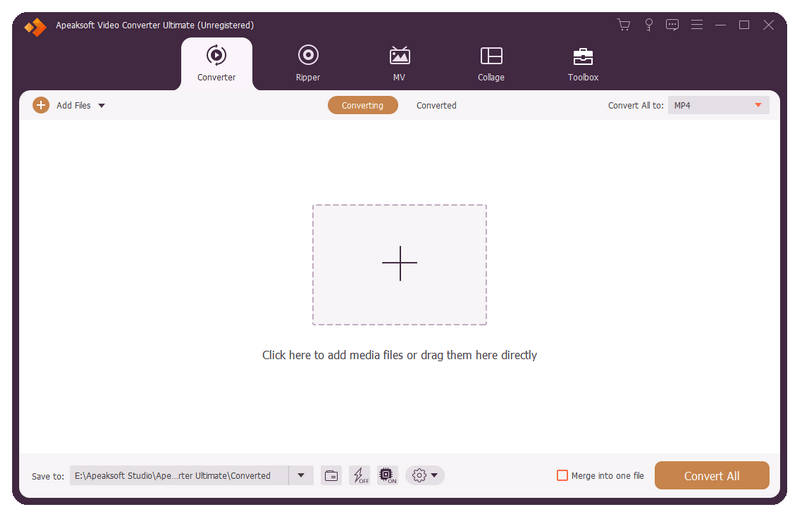
Apeaksoft Video Converter Ultimate is able to convert any media files to other formats so that you can enjoy them on more devices. Before conversion, you could edit video effects according to your need.

Key functions:

1. Convert all kinds of media files
Apeaksoft Video Converter Ultimate is skilled at converting any video/audio files to various formats such as MP4/AVI/WMV/FLAC/WMA/MP3, etc. In addition, it supports different devices, like Samsung, iPhone, PSP, Avid, etc.

2. Convert DVD and 3D videos
With this excellent software, you can edit and convert your DVD disc/ISO files/folder at ease. It could not only convert DVD to main videos, but also convert the selected DVD titles to other file formats. It can also convert common videos to 3D videos so that you could view it with 3D glasses freely.

3. Powerful editing and video enhancement function
You can enhance the video by upscaling resolution, optimizing brightness/contrast, removing video noise and reducing video shaking. You are also able to edit your video such as crop the video area size, clip/rotate your videos or add watermark to your files, etc.

4. Make GIF, MV and collage, edit ID3 tag, compress large files
With this software, you are able to create interesting GIF images. Moreover, you can make your own beautiful MV with various themes. It also allows you to make different collages as you like. Moreover, you could use the metadata editor to edit ID3 tag of your music files and compress the large files to smaller size with the Video Compressor function. Furthermore, it can trim/merge/reverse videos, speed up or slow down videos, etc.