ManyCam for Windows 8.0

Product Page: https://manycam.com/
main_1107X107.gif

ManyCam is a free webcam software and video switcher that helps you produce professional quality live videos. ManyCam allows users to add multiple video sources, like webcams, pre-recorded videos, smartphones, and tablets, to live streams and video calls. With ManyCam, you can stream to multiple platforms at once, add effects, record or share your screen and much more.

ManyCam’s features are:


*Virtual Backgrounds: Remove your background and replace it with any image or video source during your video call.
*Multiple Video sources: Vary your video sources between webcams, smartphones, web sources, images, pre-recorded videos, computer screens & many more.
*Picture-in-Picture & Presets: Create multiple layers, add Pic-in-Pic windows, move each layer around and preview before showing it live.
*3D Masks & Effects: Drag and drop images or animated GIFs to use on video calls and resize them live. Give some flair to your broadcasts with 3D masks that wrap around your face, objects, digital props, effects and filters.
*Enhanced performance & speed: Get HD video with up to 4K resolution with smooth, sharp and clear images. Plus, a faster software with hardware acceleration.
*Screencast: During a video conference or an online class, screencast your desktop live, add graphics overlays, lower thirds, write and draw on your screen.
*Record: Prepare tutorials by recording videos on your desktop while using every other ManyCam features.
*Game Streaming: Live stream or record your gameplay with the Game Source.
*Effects Panel: Create folders, move effects and objects around, to organize them.
*Modular UI: ManyCam’s UI is intuitive and easy to use. It allows broadcasters to use all their favorite tools quicker by customizing their UI. Perfect for beginners and pros.
*Settings: Choose the resolution, fps, and bitrate to get the best results or automate the process. Tweak the brightness, contrast, and color of your image to create amazing live videos.

Graphcat<

Apeaksoft Phone Mirror

Product Page: https://www.apeaksoft.com/phone-mirror/

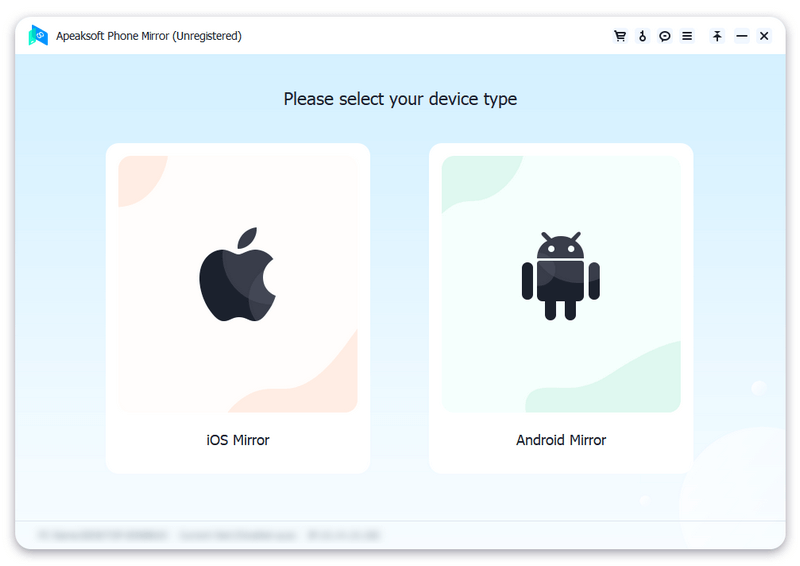
screenshot.png

Do you want to mirror gameplay from phone screen to PC for better visual experience? Do you want to share the movies/music on your phone to computer for home entertainment with your family? Do you want to do conference presentation on bigger screen to share ideas with colleagues? If your answer is yes, you should have a try with Apeaksoft Phone Mirror.

Key functions:

1. Cast phone screen to PC
As a powerful screen mirroring program, Apeaksoft Phone Mirror is able to mirror your iPhone/Android phone to computer. You could enjoy the bigger screen of your phone or share the content on your phone to your family. In addition, you can choose to show your phone screen on computer in full or half size as per your need.

2. Record phone screen and audio
After casting your phone to computer, you could record the screen and audio of your phone without quality loss. You can also take screenshots to save some beautiful pictures on your computer to release phone storage. Moreover, you are able to draw or input text on the phone screen that is cast to the computer.

3. Support various devices
Apeaksoft Phone Mirror is compatible with various popular devices, such as iPhone, iPad, Samsung, Sony, HTC, LG, Motorola, HUAWEI, Xiaomi, OPPO and more. You are able to mirror more than one phone to your computer at the same time to save time.

4. User friendly
Apeaksoft Phone Mirror is easy to use, it provides different methods to mirror your phone. You could connect your phone via WiFi, QR code, PIN code or USB cable. In addition, it is stable and safe enough, so you do not need to worry about privacy leakage.

Planet VPN 1.3.4.12

Product Page: https://freevpnplanet.com/

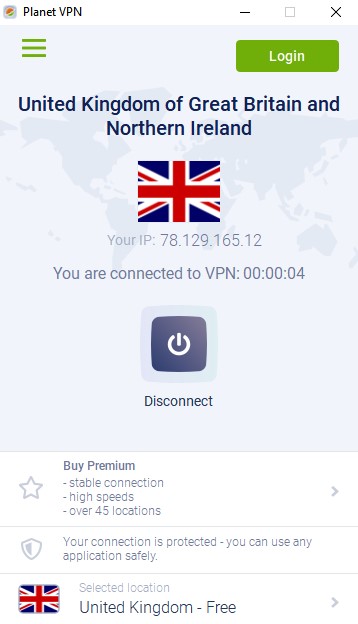
rvpn-2-20220419_081129_593844.jpg

First totally free VPN software Planet VPN – one of the best choices for online security, which provides full access to any blocked web resource. While you hide your real IP address, you also get a military-grade traffic encryption on our servers. No registration required – just install the app and connect to VPN. Thanks to our free VPN Windows app you will get full anonymity, hide your browsing history, encrypt traffic and get full access to blocked websites and services in your country.
Planet VPN provides access to your favorite video or streaming websites, torrent trackers and social networks – YouTube, Facebook, Twitter, VK, Instagram and others.
Free VPN Planet features:
– strict no logs policy;
– strong hard drive encryption on every server all around the world;
– no registration or personal data required;
– no traffic, time or bandwidth limit;
– 5 free locations for you to use;
– high-speed servers, same as most paid services;
– support for all major platforms: Windows, Mac, Android, iOS and browsers Chrome, Firefox;
– support for 10 devices per premium account.
Why Free VPN Planet is a best choice now?
You get totally free app, fully functional and unlimited with characteristics of a premium expensive brands.
In the same time, you have an opportunity to buy a premium subscription to get even more high value features and access to lightning-fast servers in more than 50 countries and 5 continents around the globe.