Aiseesoft iPhone Cleaner for Mac

Product Page: https://www.aiseesoft.com/iphone-cleaner/
screenshot.png

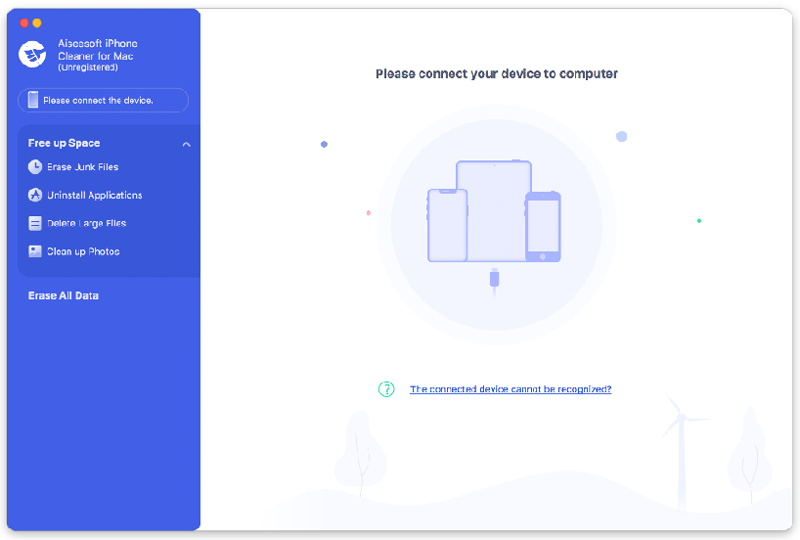
If you want to get more free space in your iOS devices, Aiseesoft iPhone Cleaner for Mac is your best choice. With it, you could delete useless files in your devices or wipe all data in your devices permanently. Key functions: 1. Erase junk files and uninstall apps Aiseesoft iPhone Cleaner for Mac enables you to remove junk files, such as image/iTunes caches, invalid files, downloaded temporary files, crash log files, and so on. It is also powerful in uninstalling the apps which you no longer use. 2. Delete large files As it is known to us, there are often some large video files in our devices which occupy large space. If you want to wipe them, Aiseesoft iPhone Cleaner for Mac could help you. Moreover, it allows you to back up the large files before deleting them. 3. Clean up photos If you saved many photos in your devices, Aiseesoft iPhone Cleaner for Mac could help you manage these photos. You could choose to compress your photos to a smaller size or back up and delete your photos. 4. Wipe all your data permanently If you want to wipe all the data in your iOS devices completely, Aiseesoft iPhone Cleaner for Mac could do this job for you. Just in one click, you could erase all the data in your phone permanently. And it provides three security levels for you, you could choose one according to your need. Aiseesoft iPhone Cleaner for Mac is 100% safe to use, no one can retrieve your private data after cleaning. 5. Erase private data electively This software newly added the function to remove your private data and documents selectively. For example, it can scan and erase contacts, messages, call history, photos, notes, and more. It also allows you to delete the entire content of third-party apps like WhatsApp, Line, Viber, Kik, etc.


Graphcat<

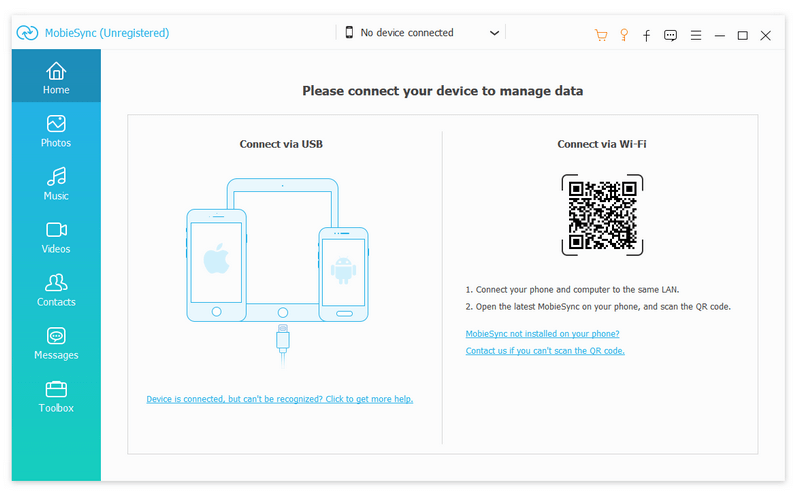
Aiseesoft MobieSync

Product Page: https://www.aiseesoft.com/mobiesync/

connecting.jpg

Aiseesoft MobieSync provides the best solution for users to transfer data between iOS/Android and PC, or between iOS and Android devices. Moreover, it carries many powerful features like Contacts Backup/Restore, Ringtone Maker, HEIC Converter and more to make sure that you can better manage mobile phone data. Key Features: 1. Transfer files between iOS/Android device and PC MobieSync enables you to easily transfer files between iOS/Android and computer. Any frequently-used data type is supported, such as contact, picture, video, music, message, voice memo, and more. It can back up all kinds of iOS/Android files from device to your computer or import various media or other files from Windows PC to your smart phone. 2. Transfer files between iOS and Android devices You can also transfer various files between iPhone, iPad, iPod and Android devices. 3. Back up or restore Contacts With this data transfer software, you can back up important data from iPhone/iPad/iPod/Android to PC and they can be saved in excel, text or html format. You are also allowed to back up files from iOS to iOS or from Android to Android. 4. Ringtone Maker and HEIC Converter An easy-to-use iPhone ringtone maker can help you create M4R iPhone ringtones with your favorite music. What’s more, the HEIC Converter feature can help you convert HEIC to JPEG/PNG without any quality loss. 5. Easy operation One-click Operation function enables you to deal with massive contacts, back up and restore iPhone/Android contacts within just one click.

Barcode Reader Toolkit for Windows 9.1.5

Product Page: https://www.bardecode.com/en1/app/barcode-reader-toolkit-for-windows/

ScreenShot.jpg

Comprehensive barcode recognition sdk to read barcodes from images, PDF and bitmaps. Supported barcodes types include Code-39, Code-128, Code-25, Code-93, Codabar, EAN-13, EAN-8, UPC-A, UPC-E, Patch, QR-Code, GS1-Databar and PDF-417. Download includes code samples for DLL, OCX, COM, Java and .Net interfaces. Supports TIF, JPG, BMP, GIF, PDF and PNG files. Results can be exported to XML files and TIF documents split into sub-files according to the position on barcodes.