Acronis Backup for Virtual Host 12.5.b16428

Type: Shareware
Cost: $619
Size: 9.96 MB
Release date: Mar 26 2021
Platform: Win2000,WinXP,Win7 x32,Win7 x64,Windows 8,Windows 10,WinServer,WinOther,WinVista,WinVista x64
Publisher’s Site:  http://www.acronis.com
Publisher’s Product Page:  https://www.acronis.com/en-us/solutions/backup/virtual-machine/
Country: United States of America

Acronis Backup for Virtual Host

Protect your VMs with Acronis Backup 12 – the world’s fastest, easiest virtual backup!


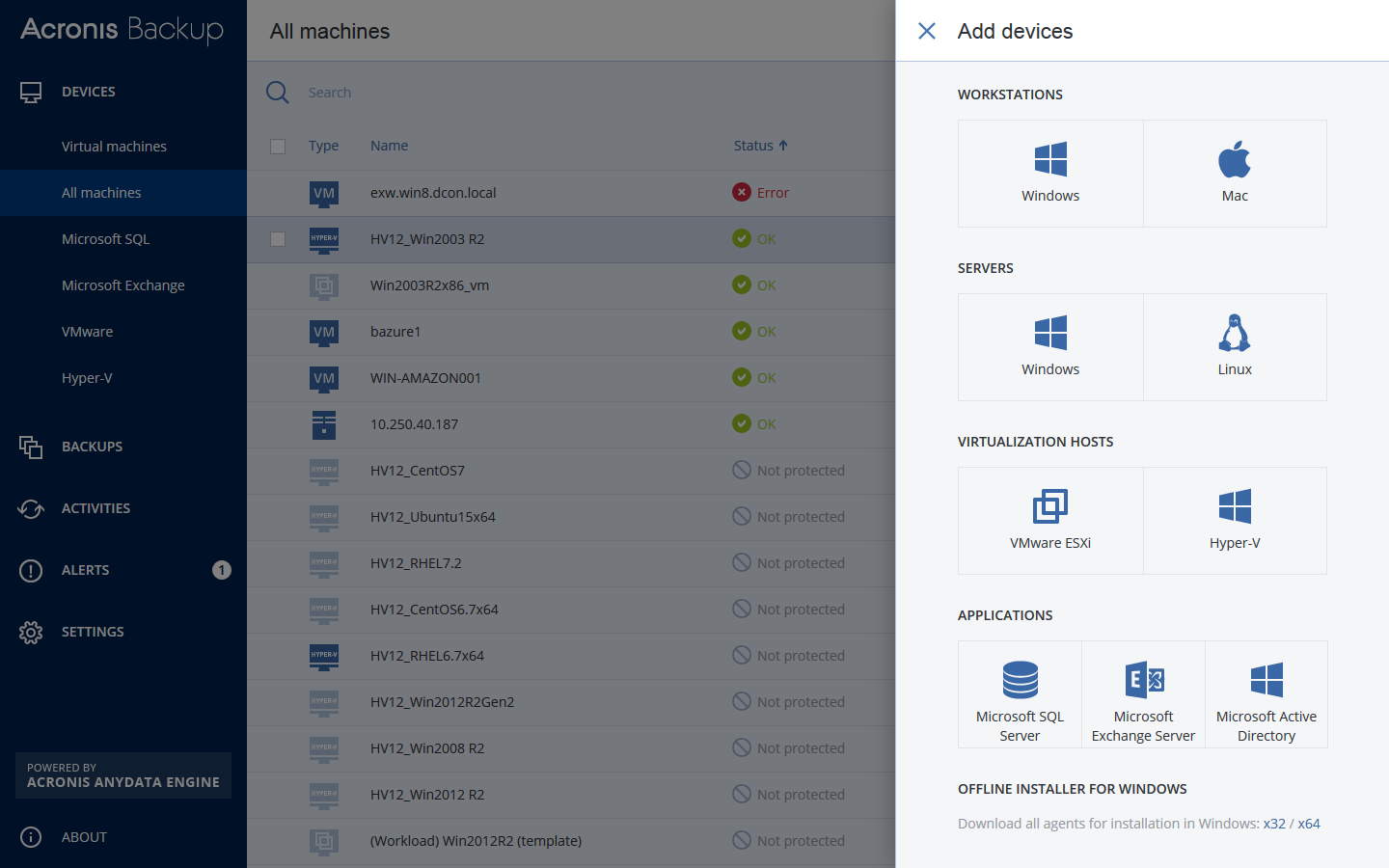
– NEW! Protect VMware ESXi & Microsoft Hyper-V – both on premise & remotely
– NEW! Achieve RTOs of 15 seconds or less with exclusive Acronis Instant Restore
– NEW! Back up all VMs/hosts via 1 unified web console accessible from any device
– NEW! Capture an entire host (including application data) with powerful 1-click imaging
– NEW! Back up unlimited VMs per host without any extra costs
– Restore anything in record time – files, application data, VMs, hosts, more!
– Restore to new, dissimilar hardware without complications
– Enjoy built-in replication & WAN optimization, failover, sandboxing & failback
– Enjoy unlimited P2V/V2V migrations (even from a different hypervisor)
– Disaster-proof your VMs with easy auto-backup to the ultra-secure Acronis Cloud

How does Acronis Backup 12 compare to Veeam? Network Testing Labs performed an independent review of both products, and determined that Acronis Backup 12 is:
– Over 60% faster
– Works better with more system types & environments
– Easier to use, more intuitive & more responsive
– Simpler licensing (per host, not socket) & significantly more affordable

Graphcat<

Screen Watermark 4.1.0.2

Type: Shareware
Cost: $49
Size: 38.92 MB
Release date: Feb 28 2022
Platform: Win2000,WinXP,Win7 x32,Win7 x64,Windows 8,Windows 10,WinServer,WinOther,WinVista,WinVista x64
Publisher’s Site:  https://www.xSecuritas.com
Publisher’s Product Page:  https://www.xsecuritas.com/screen-watermark/
Country: United States of America


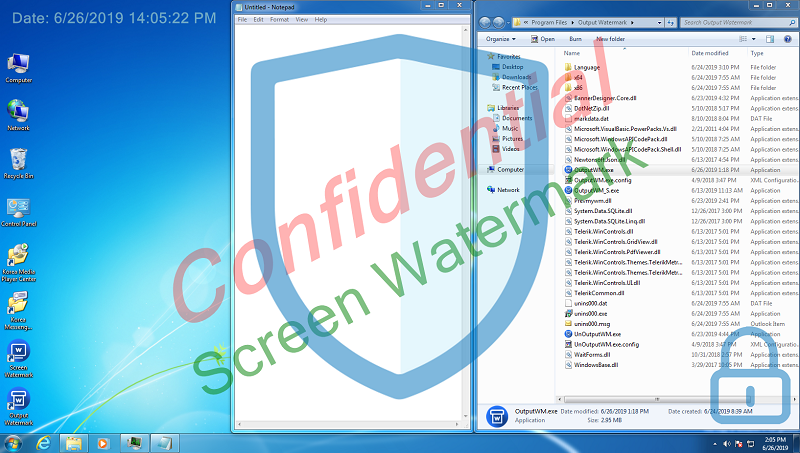
Screen Watermark

Screen Watermark Control

You can print the desired watermark on the screen. This screen watermark does not affect the running of other programs. Also, Up to 4 texts and images can be used as watermark.

Features

* Displays watermark on the monitor.
* Dual monitor support
* The watermark displayed on the monitor has no effect on existing programs, ie there is no restriction on operations such as mouse clicks.
* Supports watermark font, size, color, transparency, location, etc.
* Support
1) Up to 4 text watermarks
2) Up to 4 image watermarks

Related Videos

* Quick Guide: https://youtu.be/tUrtvpx46I0
* See more videos: https://www.youtube.com/channel/UCW9UHqHn07a5Tk_L2bmsXyw

Operating System

* Windows 7 / 8 / 8.1 / 10
* Windows Server 2008 R2 / 2012 / 2016 / 2019

UFS Explorer RAID Recovery 8.14

Type: Shareware
Cost: $144.95
Size: 17.10 MB
Release date: Mar 22 2021
Platform: Win2000,WinXP,Win7 x32,Win7 x64,Windows 8,Windows 10,WinServer,WinOther,WinVista,WinVista x64
Publisher’s Site:  https://www.sysdevlabs.com
Publisher’s Product Page:  https://www.ufsexplorer.com/ufs-explorer-raid-recovery.php
Country: Ukraine


UFS Explorer RAID Recovery

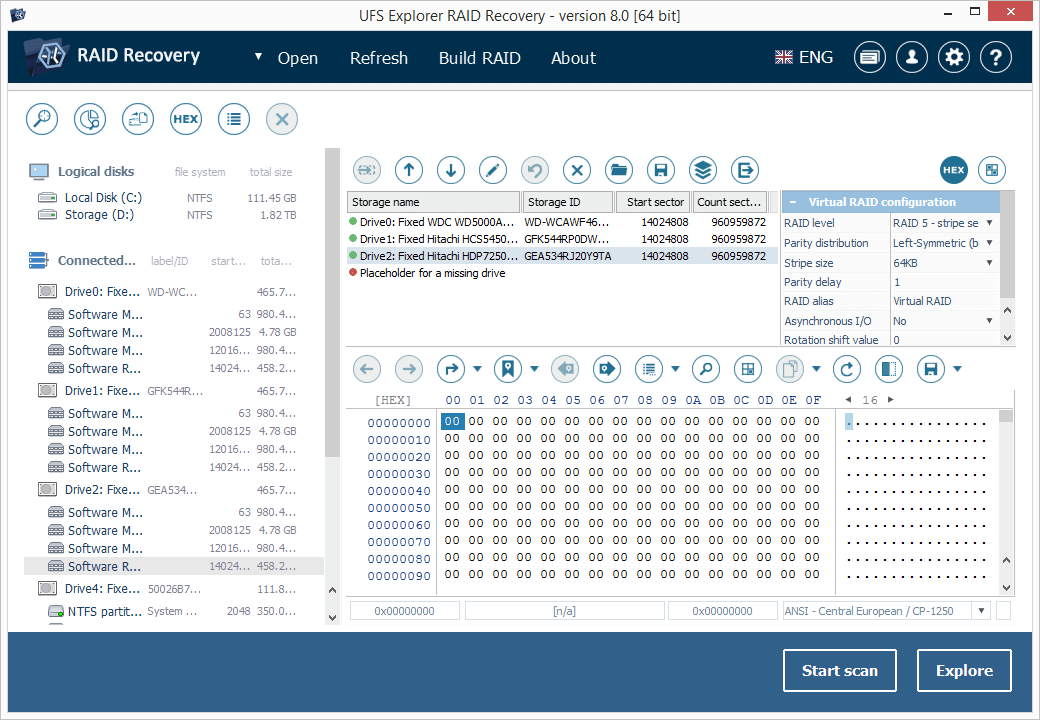
UFS Explorer RAID Recovery is an accomplished software product geared towards RAID-related data recovery cases, besides usual simple tasks. The program allows reconstructing RAID systems of various configurations, including standard, nested or custom RAID patterns, and effectively restores data lost due to various logical issues while a set of helpful options like file sorting, search, filters, preview, etc. make the process easy and smooth. The software supports a wide range of file systems used in Windows (NTFS, FAT, FAT32, exFAT), macOS (HFS+, APFS), Linux (Ext2, Ext3, Ext4, XFS, JFS, ReiserFS, UFS/UFS2, Btrfs), BSD/Solaris (ZFS) and is capable of working with various modern storage technologies, like mdadm, LVM, LDM, MS Storage Spaces, Drobo BeyondRAID, Synology Hybrid RAID, Btrfs-RAID, Apple Software RAID, Apple Fusion Drive, Intel Matrix and others. The utility makes it possible to build RAID in a virtual mode from physical disks or a set of disk images, edit RAID parameters or save them for further work. Also, the software features an embedded hexadecimal viewer for brief analysis of data on partitions and disks. Furthermore, the program provides an extensive set of instruments for work with damaged disks. It allows defining settings related to access and usage of a storage device, creating a full or partial disk image with configurable read timeout, block size and rules for the omission of bad blocks. Disks and arrays with bad blocks can be processed using bad sector maps generated during imaging, through recognition of a given pattern or created by other compatible tools. In addition to RAID and RAID-based devices, like NAS, the software is applicable for data recovery from other storages: PCs and laptops, USB flash drives, memory cards, external hard drives, virtual machines, disk image files, etc. Among the supported virtual technologies are VMware, Hyper-V, VirtualBox, QEMU, XEN, Parallels, disk images of Apple, EnCase, R-Studio and other formats.