Hindi Typing Master 2.5.0.0

Type: Freeware
Cost: $0
Size: 5.88 MB
Release date: Dec 29 2020
Platform: Win2000,WinXP,Win7 x32,Win7 x64,Windows 8,Windows 10,WinServer,WinOther,WinVista,WinVista x64
Publisher’s Site:  https://www.typingpoint.com
Publisher’s Product Page:  https://www.typingpoint.com/hindi/offline-hindi-typing/Hindi-Typing-Master
Country: India


Hindi Typing Master

PC410, Computer Services in Carroll County Maryland
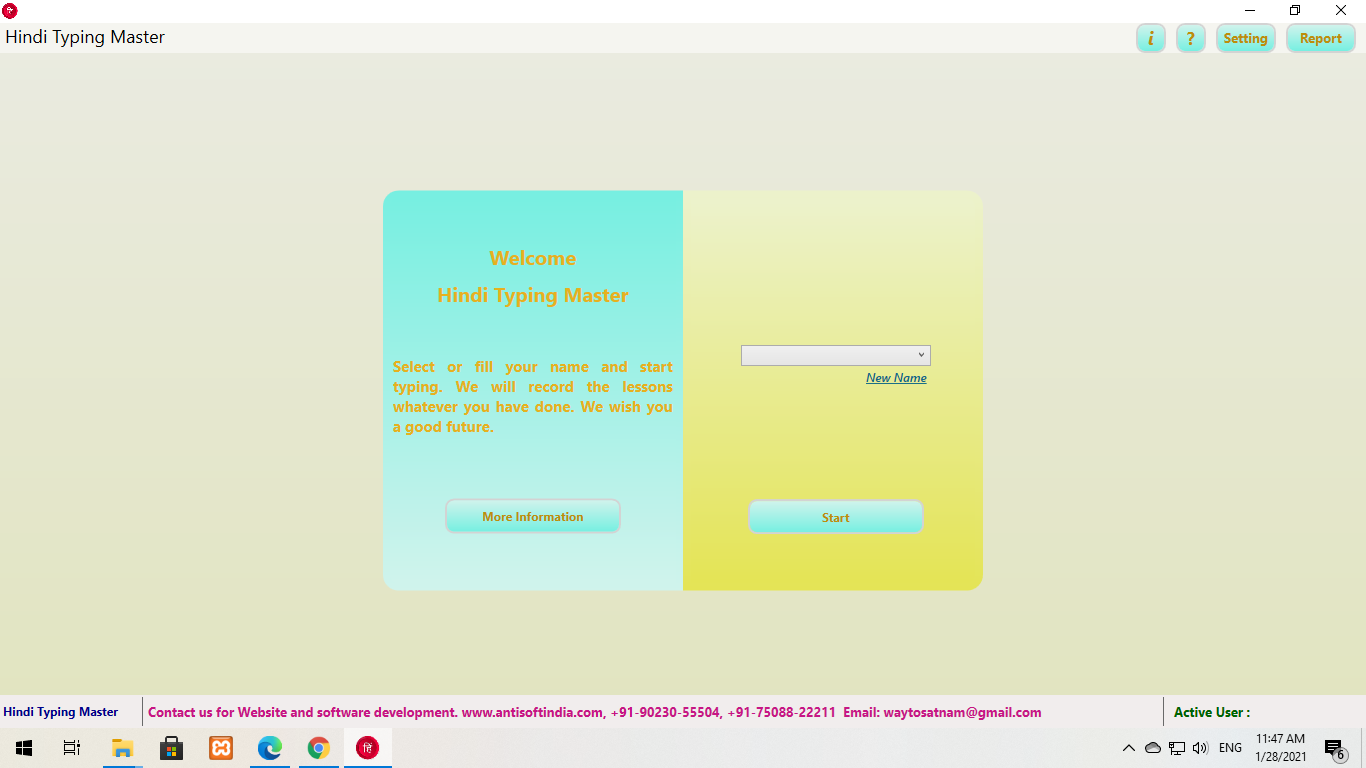
you can easily Offline Hindi Typing from home. The big advantage of offline Hindi typing tutor is that you will not need internet to learn Hindi typing. You can learn typing at home without the net. We are glad to know that you want to use our Hindi typing tutor. We will try our best to help you. That is why we have prepared a good and easy Hindi typing tutor for you. In it you can learn Hindi typing very easily and quickly. With the help of this you can easily pass the official Hindi typing test. Then why are you waiting, use our offline typing as soon as possible and learn Hindi typing. Benefits of Offline Hindi Typing: With the help of offline Hindi typing you can easily pass any Hindi typing test. The Hindi language is very important in your life. If you know Hindi typing then you can easily get jobs related to Hindi typing. If you want to send an e-mail or message to someone, they can easily write in their language Hindi. You will be able to do everything with Hindi typing easily if you have learned Hindi typing. That is why I request you to use our offline Hindi typing tutor and learn Hindi typing easily.

PeaZip 8.4.0

Type: Freeware
Cost: $0
Size: 9.25 MB
Release date: Dec 15 2021
Platform: Win2000,WinXP,Win7 x32,Win7 x64,Windows 8,Windows 10,WinServer,WinOther,WinVista,WinVista x64
Publisher’s Site:  https://peazip.github.io/
Publisher’s Product Page:  http://peazip.github.io/
Country: Italy


PeaZip

PeaZip is a free archiver and file manager software, Open Source WinRar and WinZip alternative.

Create (compress to) 7Z, Brotli, BZip2, GZip, PAQ, PEA, RAR (if Rar.exe is available), TAR, WIM, XZ (lzma2), ZIP, ZIPX, Zstandard files, SFX self-extracting archives, and spanned archives (001 split files)

Open, browse and extract ACE, APPX, APK, ARJ, CAB, DMG, IPA, ISO, JAR, LHA, MSI, UDF, RAR, TAR, ZIP files and more, handle 200+ archive formats

Convert or consolidate existing archives (from any read-supported to any write-supported type), e.g .rar to .zip or .7z

Graphcat

Repair existing ARC and RAR archives.

Focused on security and data protection, provides strong encryption with optional two factor authentication (encrypt with password and keyfile), encrypted password manager, random password/keyfile generation, secure data delete (files, folders, free disk space), verify multiple hash and checksum functions.

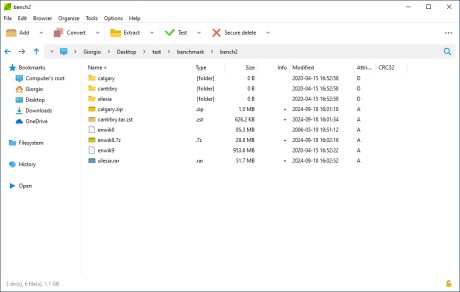
Features tabbed browsing, saving bookmarks, search inside archives, multiple inclusion and exclusion filters, export tasks as command line scripts, save/load custom compression settings profiles.

Released as LGPLv3 software for Linux, macOS, and Microsoft Windows.

Aiseesoft Audio Converter for Mac 9.2.12

Type: Shareware
Cost: $15.20
Size: 52.50 MB
Release date: Jul 28 2021
Platform: Mac OS X,
Publisher’s Site:  https://www.aiseesoft.com
Publisher’s Product Page:  https://www.aiseesoft.com/audio-converter-for-mac.html
Country: China


Aiseesoft Audio Converter for Mac

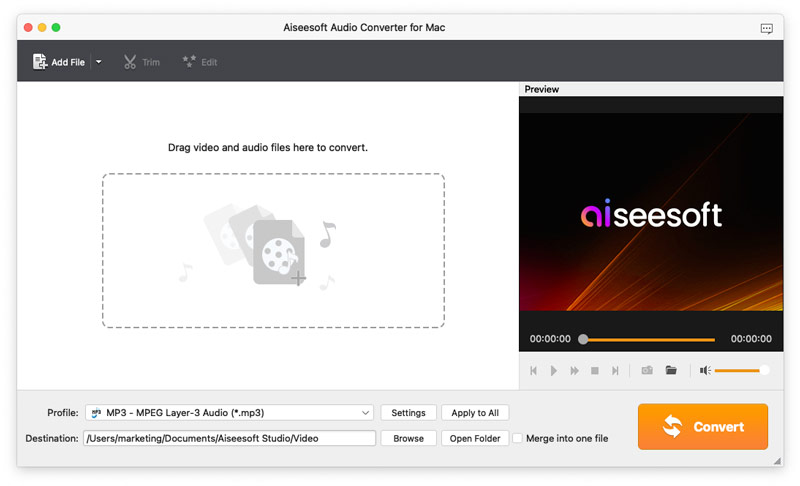
Aiseesoft Audio Converter for Mac enables you to convert all popular video and audio files to any audio (AAC, AC3, FLAC, M4A, MKA, MP2, MP3, OGG, WAV, WMA) formats. It is one of the best audio converters for Mac users. It can merge and cut audio files for you. Highly supporting various audio formats, it lets you enjoy audio files on iPad, iPhone, iPod, Samsung, etc. conveniently.

Key features:

1. Various output audio formats.

With Aiseesoft Audio Converter for Mac, you can extract lossless audio files from videos quickly. You can convert videos to audio formats, such as MP3, OGG, WAV, WMA, AAC, AC3, AIFF, AMR, AU, FLAC, M4A, MKA, MP2 formats on Mac at ease.

2. Merge and cut audio files before converting.

After loading more than one file into Aiseesoft Audio Converter for Mac, you can merge many short files together by clicking the "Merge" button. Meanwhile, you can drag the "Start Time" and "End Time" of the audio files to trim or remove the unwanted part.

3. Customize audio settings.

Apart from audio conversion, you can also define output parameters freely, including audio encoder, sample rate, channels, and audio bitrate. Whats more, you are allowed to adjust the output audio volume and select audio track and subtitle for output files. Most importantly, you can save your time and convert several files in batch in high quality.