Tuxera NTFS for Mac 2020

Type: Shareware
Cost: $15
Size: 97.53 MB
Release date: Jan 15 2021
Platform: Mac OS X,
Publisher’s Site:  https://www.tuxera.com
Publisher’s Product Page:  https://ntfsformac.tuxera.com/
Country: Finland

Tuxera NTFS for Mac

PC410, Computer Services in Carroll County Maryland
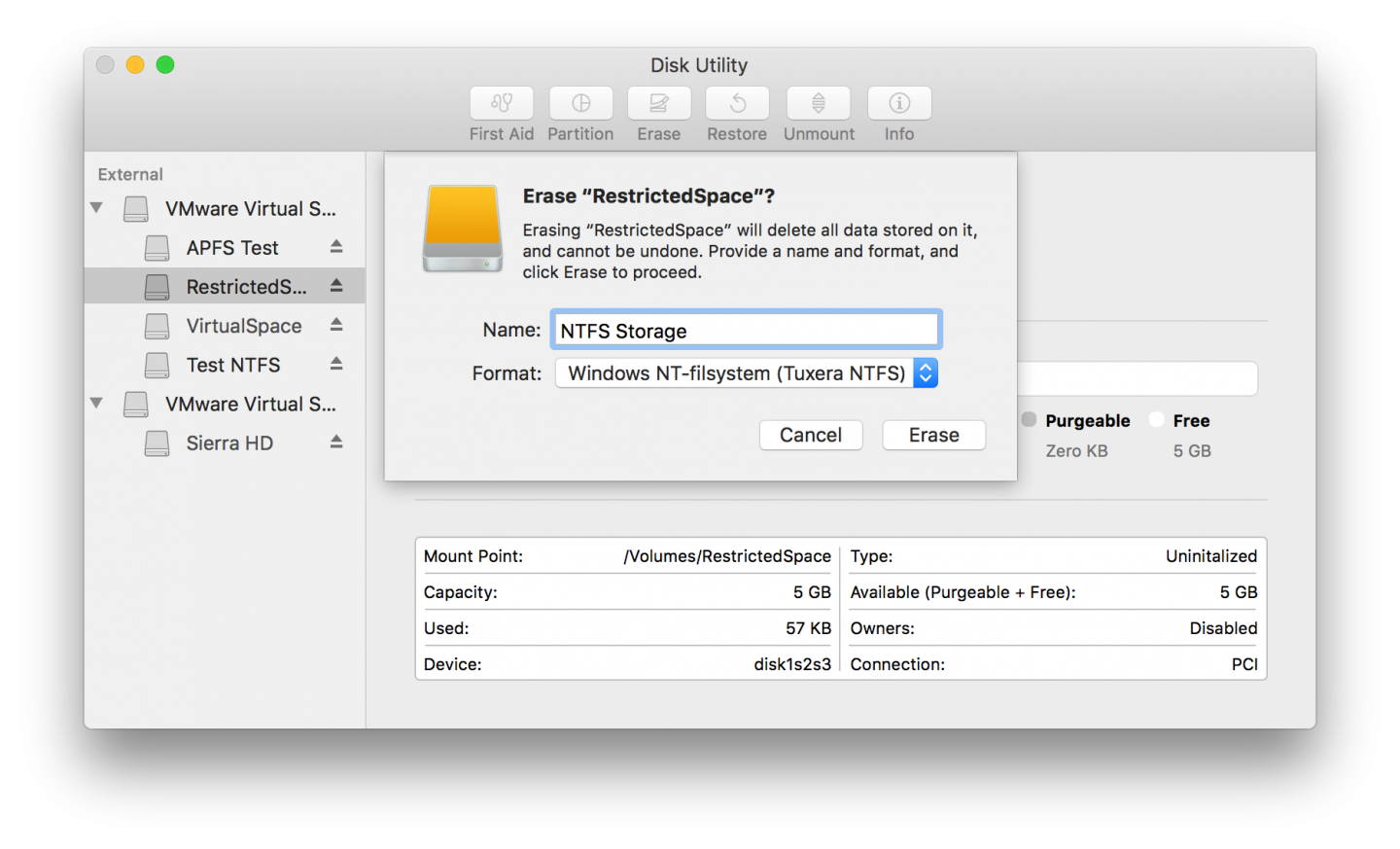
Mac OS X does not support writing to Microsoft Windows formatted NTFS volumes out-of-the box. The solution is here. Tuxera NTFS for Mac is our commercial read/write NTFS software for Mac users. It builds and extends upon the proven stability of Tuxera’s popular open source NTFS-3G to deliver a full featured, commercial grade NTFS driver for your Mac. With Tuxera NTFS for Mac you can access your Windows disks as easily as any Mac disk. Tuxera NTFS for Mac delivers the fastest NTFS data transfer speeds you can have on Mac while protecting your data with its new, smart caching layer.

The software has full support for the new 64-bit kernels introduced with Snow Leopard and OS X Mavericks, and comes with advanced features only available from Tuxera such as support for NTFS extended attributes. Tuxera NTFS for Mac is compatible with popular virtualization and encryption solutions including Parallels Desktop, VMware Fusion and TrueCrypt. The newest version, Tuxera NTFS for Mac 2018, supports OS X High Sierra and Sierra, OS X El Capitan, and all previous OS X versions from 10.4 (Tiger) onward.

15 Languages supported: Arabic, Simplified and Traditional Chinese, English, French, German, Italian, Japanese, Korean, Polish, Brazilian Portuguese, Portuguese, Russian, Spanish and Turkish.

Verify and repair disks integrated in Mac OS X Disk Utility.

Graphcat

Aiseesoft FoneLab iPhone Data Recovery 10.3.10

Type: Shareware
Cost: $55.96
Size: 1.78 MB
Release date: Jul 27 2021
Platform: Win2000,WinXP,Win7 x32,Win7 x64,Windows 8,Windows 10,WinServer,WinOther,WinVista,WinVista x64
Publisher’s Site:  https://www.aiseesoft.com
Publisher’s Product Page:  https://www.aiseesoft.com/iphone-data-recovery/
Country: China


Aiseesoft FoneLab iPhone Data Recovery

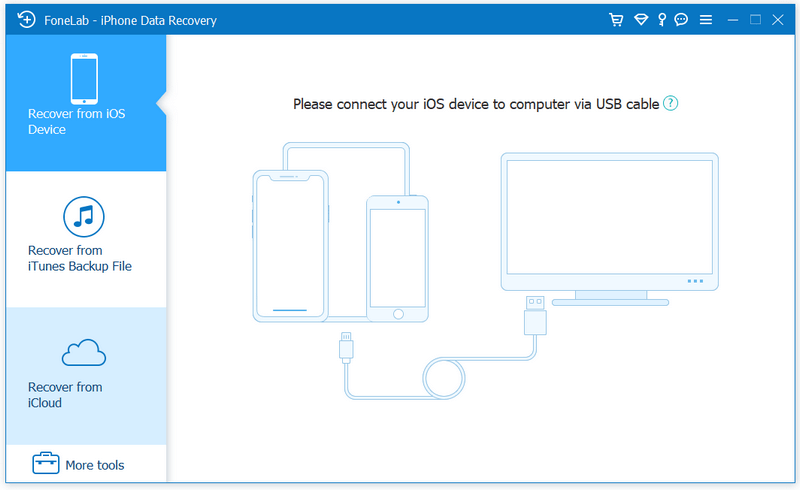
FoneLab, as the best iPhone Data Recovery software, can recover lost/deleted messages, contacts, call history, calendar, notes, WhatsApp/Kik/Line/WeChat/QQ etc. data from iPhone/iPad/iPod and from iTunes backup restore up files. It supports all iOS portable devices like iPhone (the latest iPhone 12 series included), iPad, iPod touch, etc. And you can preview your lost data before recovering it.

Main functions:

1. Recover lost or deleted data from iOS device directly or iTunes/iCloud backup Aiseesoft iPhone Data Recovery enables you to recover Contacts, Messages, Call History, Calendar, Notes, Reminder, Safari bookmark, Camera Roll, Photo Library, Photo Stream, Message attachments, Voice memos, WhatsApp data, Kik/Line/WeChat/QQ messages and photos, etc. from iOS device directly or iTunes/iCloud backup.

2. Preview files before recovery.
This data recovery software for iPhone/iPad/iPod allows you to preview deleted data before recovery. It also allows you to rotate photos when previewing.

3. iOS System Recovery.
It can help you fix your iOS device from DFU mode, recovery mode, Apple logo, headphone mode, etc. to normal state. Moreover, now it also enables you to upgrade or downgrade iOS system according to your demand.

4. iOS Data Backup & Restore.
This software also enables you to back up your iOS data to computer. What’s more, you can also restore data from backup files to iOS device.

5. WhatsApp Transfer
The new WhatsApp Transfer function enables you to transfer WhatsApp files between iOS devices directly, back up WhatsApp messages, photos, videos, attachments, and restore WhatsApp from backup history or local iTunes backup.

Print Conductor 8.0

Type: Freeware
Cost: $0
Size: 109.55 MB
Release date: Nov 10 2021
Platform: Win2000,WinXP,Win7 x32,Win7 x64,Windows 8,Windows 10,WinServer,WinOther,WinVista,WinVista x64
Publisher’s Site:  https://www.fcoder.com
Publisher’s Product Page:  https://www.print-conductor.com/
Country: Latvia


Print Conductor

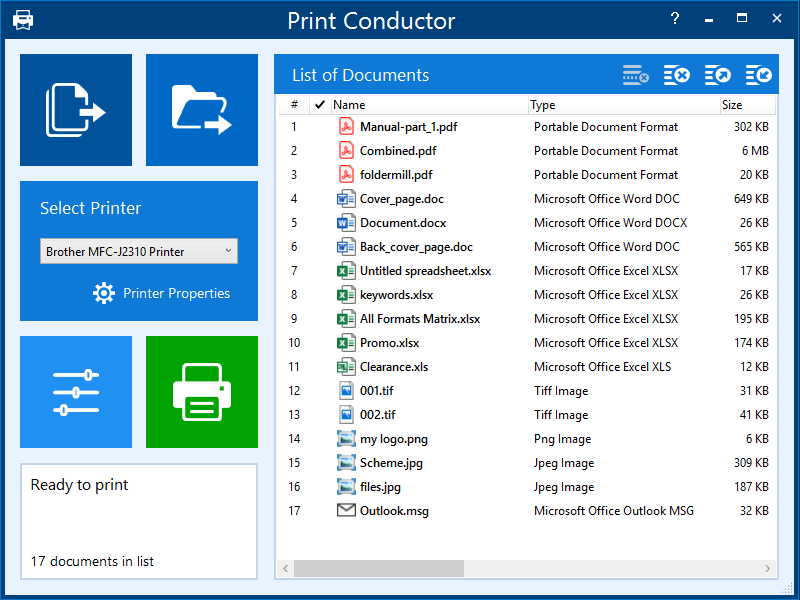
Print Conductor is a batch printing software. If you regularly have to open and print multiple files, this smart tool can be a real time-saver.

Manually printing several files is tedious work – it generally requires opening and printing each file separately in the applications used to create them. Once you add files to print, Print Conductor automates the rest of the process.

Print Conductor is easy to use. Just add files to be printed to the list and click the ‘Start Printing’ button.

All popular file formats are supported: PDF files, plain texts, Microsoft Office and OpenOffice documents and presentations, RTF, HTML, MHT, XML files, AutoCAD, Solidworks and Inventor drawings, Visio charts, Photoshop PSD, JPG, TIFF, PNG, PCX, DCX, BMP and JBIG images, WMF and EMF metafiles.

Print Conductor can batch print large quantities of documents on any type of printer: desktop printers, network printers or virtual printers. If you select Universal Document Converter as a virtual printer to use with Print Conductor, you can batch convert a list of documents, presentations, worksheets or drawings to a variety of other formats: PDF, TIFF, JPEG, PNG, GIF, PCX, DCX, or BMP.

What’s new in version 8.0:
– Printing DOC, DOCX, and RTF files without Microsoft Word
– Printing EML, MSG message files without Microsoft Outlook
– Redesigned Advanced Settings panel with options to export/import current settings
– Ability to set paper source for a specific page range of a document
– Ability to skip repeated pages of documents
– Ability to reverse the order of files in the List of Documents
– Ability to resume printing only when the printer queue is empty
– Ability to process files without extension by checking their signature
– Printing XML and HTML files as source code
– Ability to print HTML files in "fit to page" mode
– Ability to limit the number of copies in a print job
– Other improvements