
AnyMP4 DVD Creator 7.2.70

Type: Shareware
Cost: $35.00
Size: 1.95 MB
Release date: Nov 04 2021
Platform: Win2000,WinXP,Win7 x32,Win7 x64,Windows 8,Windows 10,WinServer,WinOther,WinVista,WinVista x64
Publisher’s Site:  https://www.anymp4.com/
Publisher’s Product Page:  https://www.anymp4.com/dvd-creator/
Country: China
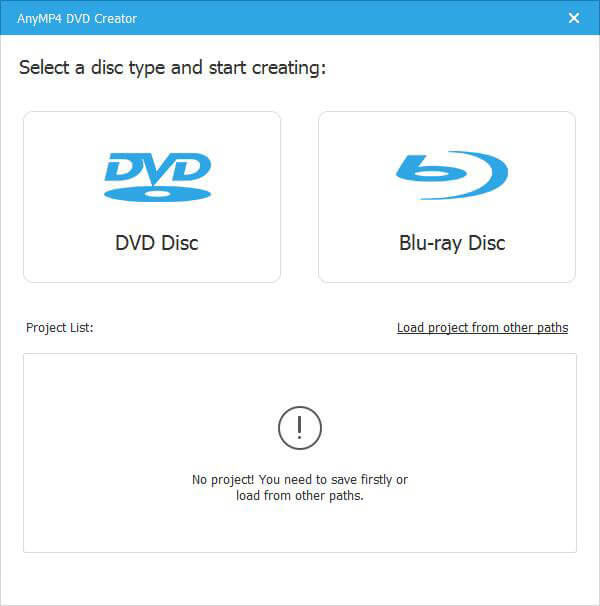

AnyMP4 DVD Creator

PC410, Computer Services in Carroll County Maryland
AnyMP4 DVD Creator is intended to create DVD disc, DVD folder and DVD ISO files from TS, MTS, M2TS, TRP, TP, MGP, MPEG, MPEG-2, MPA, VOB, DAT, MP4, M4V, RM, RMVB, WMV, ASF, MKV, AVI, 3GP, 3G2, FLV, SWF, F4V, MPV, MOD, TOD, QT, MOV, DV, DIF, MJPG, MJPEG, NSV, WEBM video formats. It supports DVD-5 (4.7GB), DVD-9 (8.5GB), and DVD format like DVD-R, DVD+R, DVD-RW, DVD+RW and DVD-RAM.

Key Features:

1. Create DVD from various video files.
Nearly all kinds of video can be burned into DVD disc, DVD folder or DVD ISO files, such as 3GP, AVI, DV, VOB, FLV, M2TS, MTS, SWF, MKV, MPG, MPEG, MPA, DAT, MP4, TS, NSV, MOV, QT, RMVB, etc.

2. Edit the source video.
AnyMP4 DVD Creator provides users with powerful video editing functions. With it, users can clip the video to any time length by setting the start and end time, cut off unwanted playing areas of the video to fit different portable players, personalize the video with the image or text watermarks, even adjust the video brightness, saturation, contrast, hue, and volume. Also, you can now add video filtering effect to video before burning.

Graphcat

3. Create stylish DVD menu.
This DVD Creator allows users to attach menus before burning. You can choose the menu template, select the menu frame, and button style, edit the menu text content, and define its font, size and color, even add the background picture and music.

4. Add and set audio track.
You can choose the audio track and add your own audio track or background music to the DVD. Users are also allowed to adjust the volume, and choose audio encoder, bitrate, and channels.
Apeaksoft Blu-ray Player 1.1.16

Type: Shareware
Cost: $39.20
Size: 1.60 MB
Release date: Sep 26 2021
Platform: Win2000,WinXP,Win7 x32,Win7 x64,Windows 8,Windows 10,WinServer,WinOther,WinVista,WinVista x64
Publisher’s Site:  https://www.apeaksoft.com/
Publisher’s Product Page:  https://www.apeaksoft.com/blu-ray-player/
Country: China


Apeaksoft Blu-ray Player

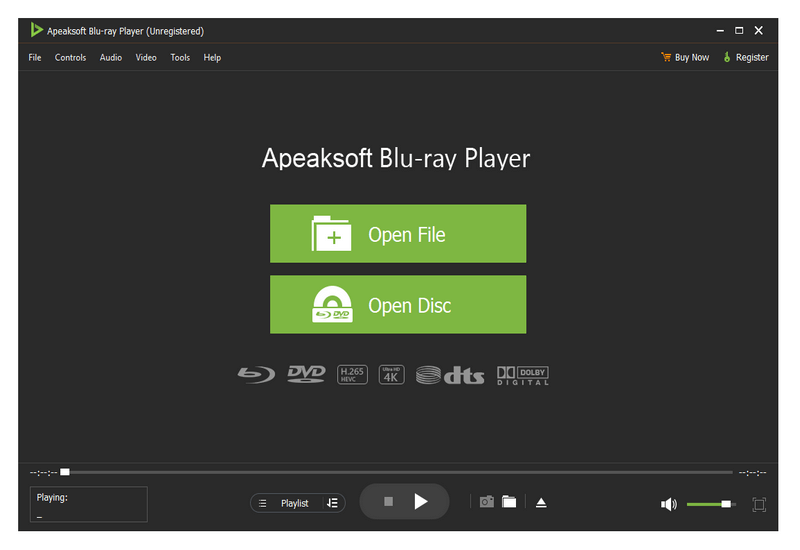
Apeaksoft Blu-ray Player can play DVD/Blu-ray disc/folder/ISO files with high image quality. Meanwhile, it can also support 4K and 1080p HD videos. Besides, it allows you to play common videos including MP4, MOV, AVI, M4V, MPEG, MKV, FLV, etc. This magical software also enables you to select your needed audio track, subtitle track as well as the video track.

Key functions:

1. Play DVD/Blu-ray disc/folder/ISO files with perfect effect
This professional Blu-ray Player can play DVD/Blu-ray disc/folder/ISO files with high-quality and it would bring you wonderful watching experience.

2. Play 4K videos, 1080p HD videos and common videos
With the assistance of Apeaksoft Blu-ray Player, you can play your 4K videos like 4K H.265 MP4, 4K H.264 TS, 4K MKV and others with high-quality. Furthermore, it is able to play 1080p videos like HD AVI Video (.avi), HD H.264/MPEG-4 AVC Video (.mp4), HD MKV Video Format (.mkv), HD MOV Video (.mov) and so on. Meanwhile, it can also play common videos like MP4, MOV, AVI, M4V, MPEG, MKV, FLV, TS etc.

3. Region free and various playback modes
As we all know that more and more Blu-ray discs have a region code, Apeaksoft Blu-ray Player could do you a favor in this case. With it, you could play any Blu-ray disc for region free. In addition, it provides various playback modes for users. When watching videos, you could change the screen size and move to the chapter or part you want to watch according to your need.

4. Customize your watching experience
This Blu-ray player software also allows you to adjust image and audio effect. You are able to change audio track, audio channel and audio device to get better audio effect. You can also choose video track or subtitle.

ACDSee 24.0.1.b1671

Type: Shareware
Cost: $59.99
Size: 1.15 MB
Release date: Sep 23 2020
Platform: Win2000,WinXP,Win7 x32,Win7 x64,Windows 8,Windows 10,WinServer,WinOther,WinVista,WinVista x64
Publisher’s Site:  http://www.acdsee.com
Publisher’s Product Page:  https://www.acdsee.com/en/products/photo-studio-home
Country: Canada


ACDSee

Your Photography Companion
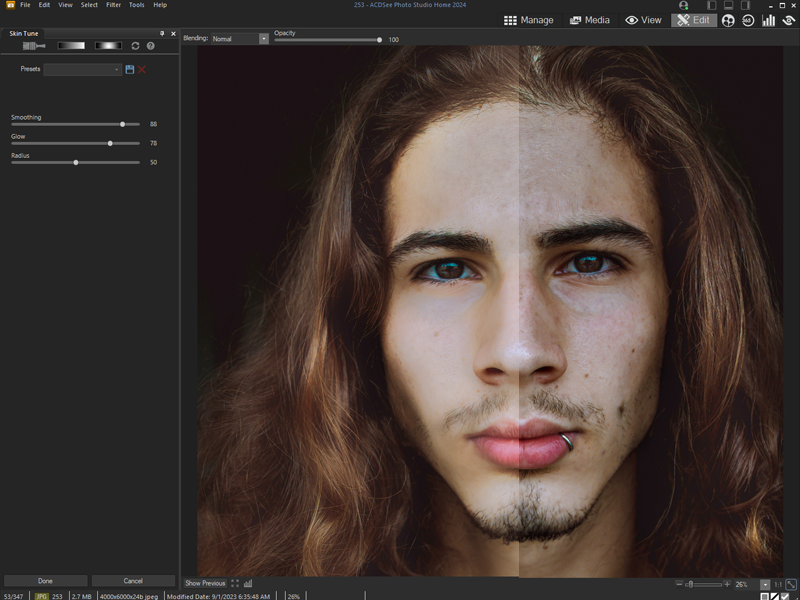
For the home photographer, ACDSee Photo Studio Home 2021 lets you take your photography and your image organization to the next level. For 2021, you get access to new filters and features that optimize your workflow and editing process so you can make your images award winners.

Our Fastest Version Yet
We’ve made some huge performance enhancements this year to let you focus on the task in hand and perfect your images.

New Filters for Creative Freedom
Make more precise edits with new filters that upgrade your images.
Color EQ is combined with Color Balance to give you more control over the colors in your image.
Split Tone is introduced to allow you to tint shadows and highlights with non-destructive edits.

New & Improved Batch Rename
An improved process for renaming multiple images in response to customer feedback. The options are almost endless.

Improved Quick Search
New toggle options for Quick Search makes finding images in large databases much faster.

Improved Watermark
Add watermarks with more accuracy particularly beneficial for applying watermarks to a batch of images.

New & Improved Batch Resize
Relaunched with a huge capability expansion, our Batch Resize tool lets you resize multiple images to any dimension, following pixels or percentages, along either edge, or as a print size.

GoPro Support
Work directly with GoPro RAW images, and perfect your adventures.

Improved Crop
Improved crop tool with relative positioning functionality allows you to crop multiple images in seconds.

Face Detection & Facial Recognition (64-bit only)
ACDSees Face Detection & Facial Recognition tool will find the humans in your photographs so you can name them for quick searching.
The software will immediately learn which names to put to which faces, and even will suggest possible matches.
Easily control the queue of images to be scanned for faces.
