FonePaw Broken Android Data Extraction 5.0.0

Type: Shareware
Cost: $39.95
Size: 2.16 MB
Release date: Sep 01 2021
Platform: Win2000,WinXP,Win7 x32,Win7 x64,Windows 8,Windows 10,WinServer,WinOther,WinVista,WinVista x64
Publisher’s Site:  http://www.fonepaw.com/
Publisher’s Product Page:  https://www.fonepaw.com/broken-android-data-extraction/
Country: Hong Kong


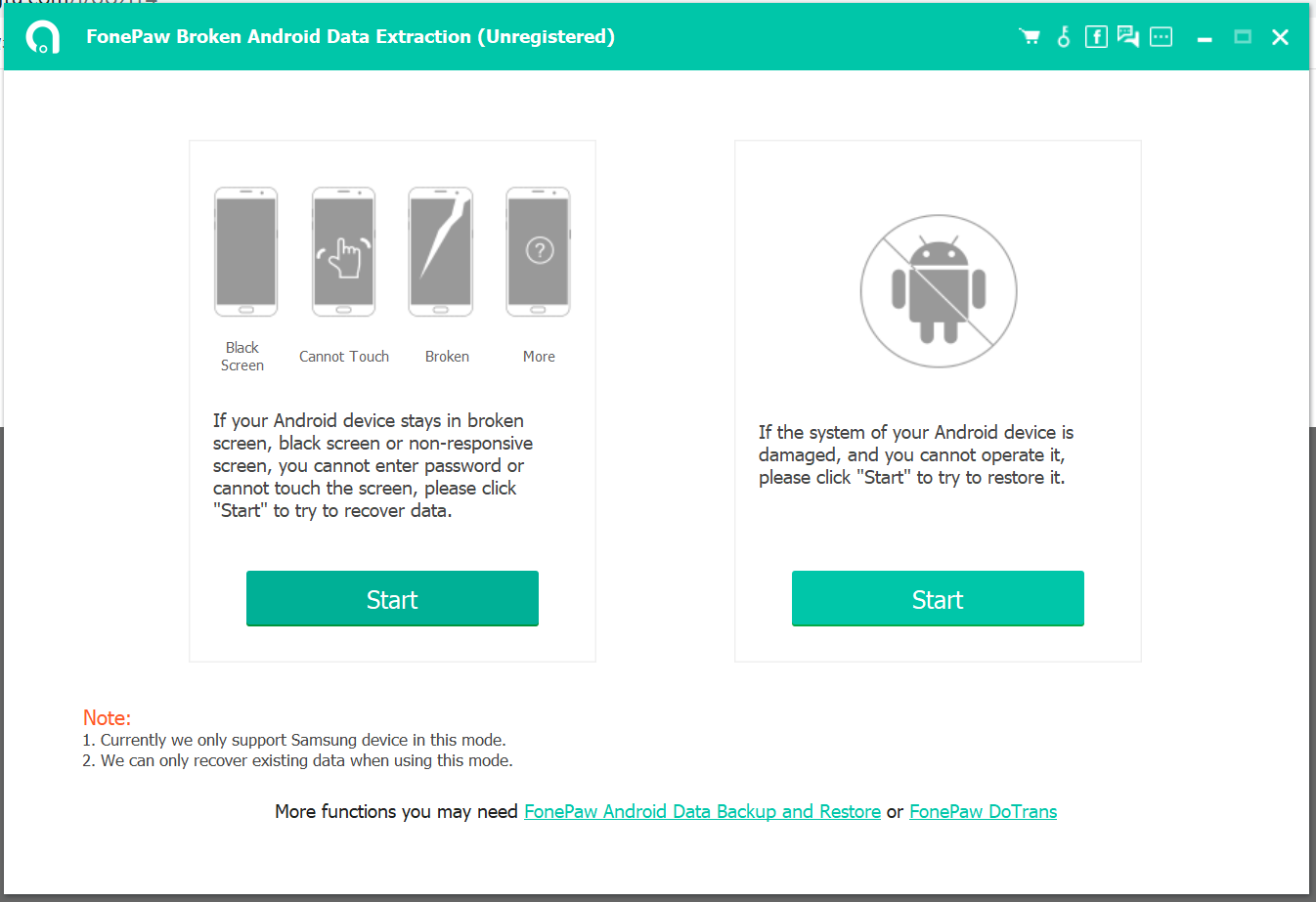
FonePaw Broken Android Data Extraction

PC410, Computer Services in Carroll County Maryland
Either way, there’s a solution.Get Your Data Back with FonePaw Broken Android Data Extraction.
Protect and back up data even though devices are broken.
Safe to get contents back without being leaked.
Data can be previewed in detail before recovery.
Clear guide to direct you to fix bricked phone.
Protect your data here! Easily extract your contacts, call logs, messages, photos, videos, audios, WhatsApp, etc. from frozen or broken Samsung phones/tablets and fix bricked Android phones with safety.

Vivaldi for Windows 32 4.3

Type: Freeware
Cost: $0
Size: 73.76 MB
Release date: Oct 07 2021
Platform: Win2000,WinXP,Win7 x32,Win7 x64,Windows 8,Windows 10,WinServer,WinOther,WinVista,WinVista x64
Publisher’s Site:  http://vivaldi.com
Publisher’s Product Page:  http://vivaldi.com
Country: Norway


Vivaldi for Windows 32

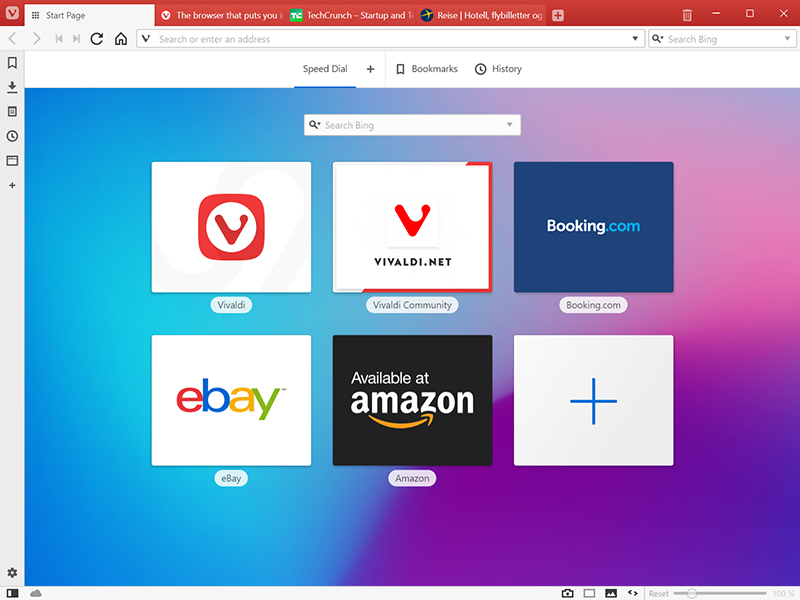
The Vivaldi browser does not track its users and offers more features than any other modern browser. Steered by Jon von Tetzchner (co-founder of Opera browser), Vivaldi is driven by the real needs of users today and ensures that they have the best tool to browse and do the job.

Users can tailor Vivaldi to suit their browsing needs with no limit to customization options. Vivaldi takes browsing to the next level with its numerous features that give users a more dynamic experience of the web. Vivaldi demonstrates that a browser can be the most useful tool to enhance time spent online and not just a means of accessing web pages.

Some of the highlight features that make Vivaldi a personal, do-it-your-way browser include:

Advanced tab management ability to group, tile, move and pin tabs.
Private and Secure Syncing across computers with end to end encrypted Synchronization.
Side Panel with easy access to bookmarks, downloads, tree-style tab manager, notes, browsing history and websites of users choice.
Built-in functionality such as the screenshot Capture tool, Notes and Image Properties.
Powerful History overview that lets users explore their browsing patterns.
Unique and customizable look and feel of the browser interface with custom Themes and more.
Keyboard Shortcuts and Mouse Gestures for quick browser commands.
Built in e-mail client and calendar.
Built in ad-blocker

Graphcat

For more details, visit https://vivaldi.com

Aiseesoft FoneLab iPhone Data Recovery 10.3.26

Type: Shareware
Cost: $55.96
Size: 1.99 MB
Release date: Oct 26 2021
Platform: Win2000,WinXP,Win7 x32,Win7 x64,Windows 8,Windows 10,WinServer,WinOther,WinVista,WinVista x64
Publisher’s Site:  https://www.aiseesoft.com/
Publisher’s Product Page:  https://www.aiseesoft.com/iphone-data-recovery/
Country: China


Aiseesoft FoneLab iPhone Data Recovery

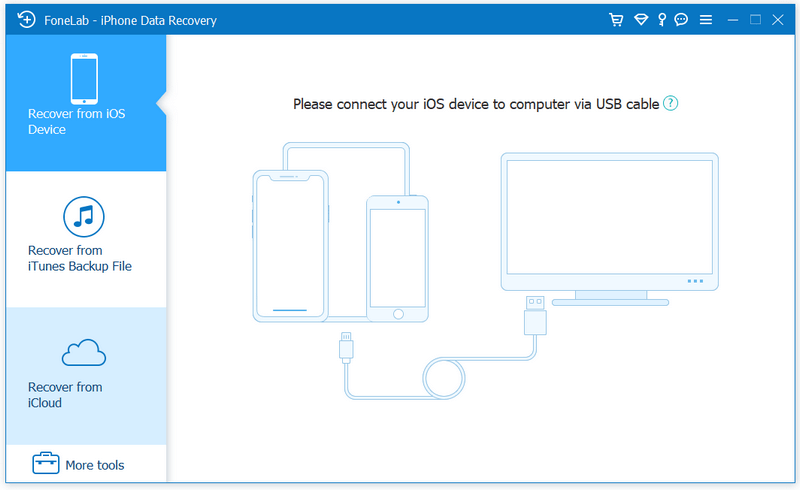
FoneLab, as the best iPhone Data Recovery software, can recover lost/deleted messages, contacts, call history, calendar, notes, WhatsApp/Kik/Line/WeChat/QQ etc. data from iPhone/iPad/iPod and from iTunes backup restore up files. It supports all iOS portable devices like iPhone (the latest iPhone 13 series included), iPad, iPod touch, etc. And you can preview your lost data before recovering it.

Main functions:

1. Recover lost or deleted data from iOS device directly or iTunes/iCloud backup. Aiseesoft iPhone Data Recovery enables you to recover Contacts, Messages, Call History, Calendar, Notes, Reminder, Safari bookmark, Camera Roll, Photo Library, Photo Stream, Message attachments, Voice memos, WhatsApp data, Kik/Line/WeChat/QQ messages and photos, etc. from iOS device directly or iTunes/iCloud backup.

2. Preview files before recovery.
This data recovery software for iPhone/iPad/iPod allows you to preview deleted data before recovery. It also allows you to rotate photos when previewing.

3. iOS System Recovery.
It can help you fix your iOS device from DFU mode, recovery mode, Apple logo, headphone mode, etc. to normal state. Moreover, now it also enables you to upgrade or downgrade iOS system according to your demand.

4. iOS Data Backup & Restore.
This software also enables you to back up your iOS data to computer. What’s more, you can also restore data from backup files to iOS device.

5. WhatsApp Transfer
The new WhatsApp Transfer function enables you to transfer WhatsApp files between iOS devices directly, back up WhatsApp messages, photos, videos, attachments, and restore WhatsApp from backup history or local iTunes backup.