WholeClear EDB to PST Converter 1.0

Type: Shareware
Cost: $199
Size: 24.15 MB
Release date: Feb 13 2021
Platform: Win2000,WinXP,Win7 x32,Win7 x64,Windows 8,Windows 10,WinServer,WinOther,WinVista,WinVista x64
Publisher’s Site:  http://www.wholeclear.com/
Publisher’s Product Page:  http://www.wholeclear.com/exchange/edb/pst/
Country: United States of America


WholeClear EDB to PST Converter

PC410, Computer Services in Carroll County Maryland
WholeClear EDB to PST Converter lets users convert EDB file to PST file format with or without Outlook installation. In a few steps, EDB data is exported to PST format to read by Outlook 2019, 2016, 2013, 2010, 2007, etc. All data like emails, contacts, notes, journals, calendars, events, etc. are smoothly converted from EDB to Outlook PST format. You are free to convert any healthy and corrupt EDB file data to PST format. If you have large or oversized EDB file, then no need to worry the software comfortably convert it into PST file and then split PST file into multiple PST files to save it from corruption. To handle this program, only basic computer skills are enough. No technical knowledge is required. Users can get a detailed preview of EDB file after their scanning. The conversion process of EDB mailboxes to PST format is quick and users can check all EDB file items in preview panel prior their conversion. Also, specific items/folders are exported to PST from offline EDB file using filters. Message Class and Date Range are two filters that users can use. Without any restrictions, private, public and archive mailbox folders are converted from Exchange data to PST file format. The software supports both Unicode and ANSI PST file format. Also, it well supports all Outlook versions. There is full safety to user data throughout EDB file items to PST conversion process. All email components are preserved while converting EDB emails to PST file format. There is no harm to data structure throughout the conversion process. Use demo edition of WholeClear EDB to PST Converter & check the software before you pay for it. It does not have issues with to convert EDB file of any Exchange version. Also, it works with all Windows versions.

Sequentum Enterprise 2.74.2

Type: Commercial
Cost: $5000
Size: 14.00 kB
Release date: Apr 26 2021
Platform: Win2000,WinXP,Win7 x32,Win7 x64,Windows 8,Windows 10,WinServer,WinOther,WinVista,WinVista x64
Publisher’s Site:  https://www.sequentum.com/
Publisher’s Product Page:  https://www.sequentum.com/products
Country: United States of America


Sequentum Enterprise

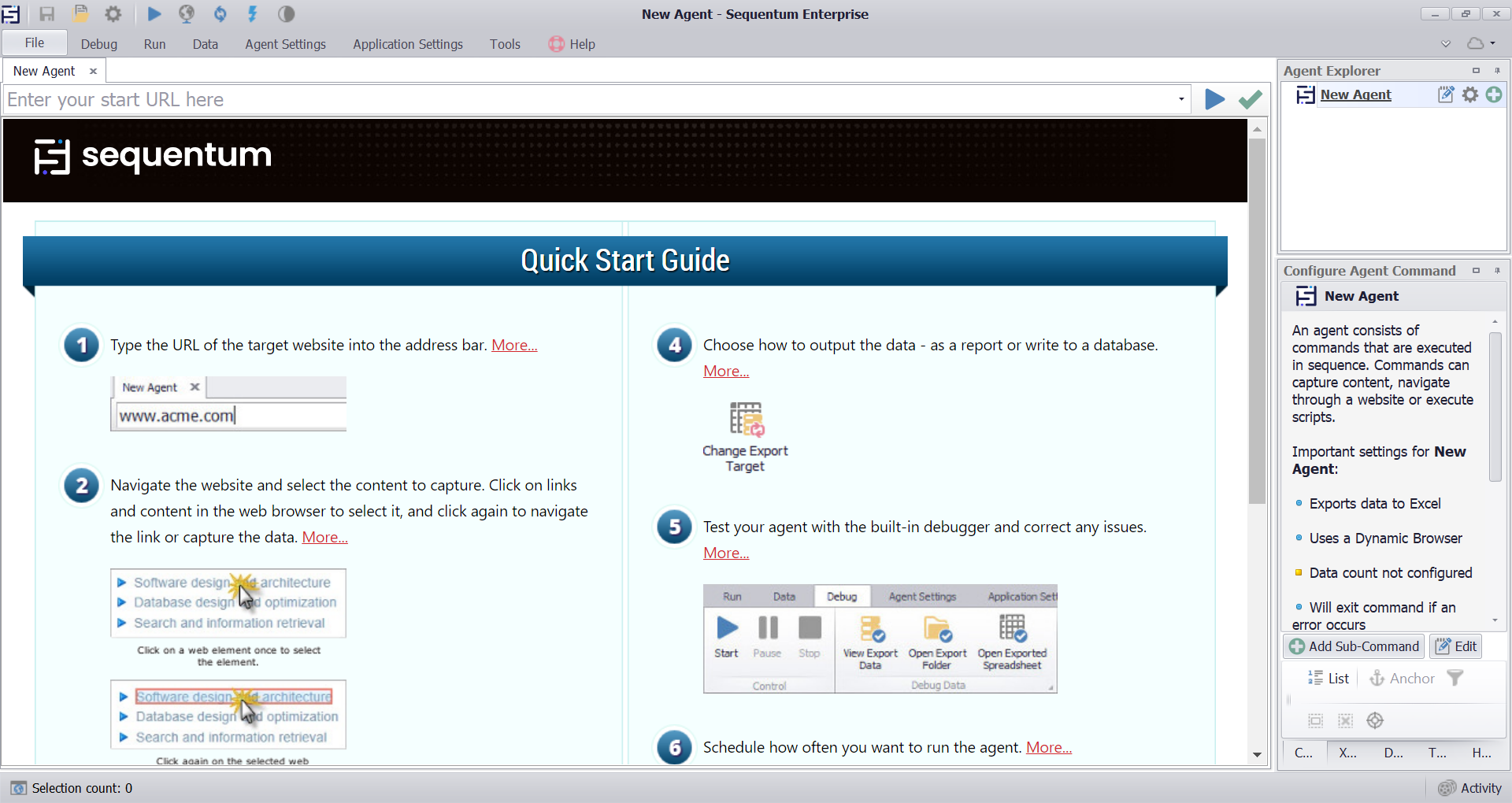
Sequentum Enterprise is the leading enterprise web data extraction solution on the market today, with unparalleled support for large-scale operations. It has been specifically designed for corporations with a critical reliance on structured web data, legal compliance, quality and reliability.

It includes sophisticated features for monitoring data extraction success criteria, legal compliance and production fail-over that aren’t available in other solutions. Sequentum Enterprise includes the full suite of components to run large-scale web data extraction operations within your own cloud or data center environment.

Here’s a quick snapshot of why we think you’ll love it:

– Built from the ground up for optimal performance, scalability and reliability.
– Agent Control Center – provides centralized management of agents, servers, security, software upgrades, schedules, deployments, user access, proxies, support tickets, agent version control repository, and audit trail of any schedule or deployment changes.
– Superior performance.
– Extremely intuitive visual editor which automatically detects and configures the required commands.
– Enterprise level debugging, logging, error handling and error recovery features.
– Fine grained data validation & success criteria that allows teams to specify rules on how to detect and handle data quality issues at runtime.
– Data de-duplication.
– Device fingerprint anonymization.
– Robust proxy rotation across sessions.
– Rate limits.
– Sophisticated parser handling, multi-threading and session management.
– Rich API that exposes the myriad points of integration teams need.
– Diverse export targets (i.e. Parquet, JSON).
– Diverse delivery methods (Amazon AWS S3, Azure, Cosmos DB, SFTP).
– Most databases are supported (i.e. including Maria DB, MongoDB, Cosmos).
– Upgrade of software is supported by remote control.
– Rich error detection and error handling controls with advanced retries and restarts config control.

Graphcat

Aiseesoft Mac Video Converter Ultimate 10.1.10

Type: Shareware
Cost: $25
Size: 107.09 MB
Release date: Jul 16 2021
Platform: Mac OS X,
Publisher’s Site:  http://www.aiseesoft.com
Publisher’s Product Page:  https://www.aiseesoft.com/mac-video-converter-ultimate/
Country: China


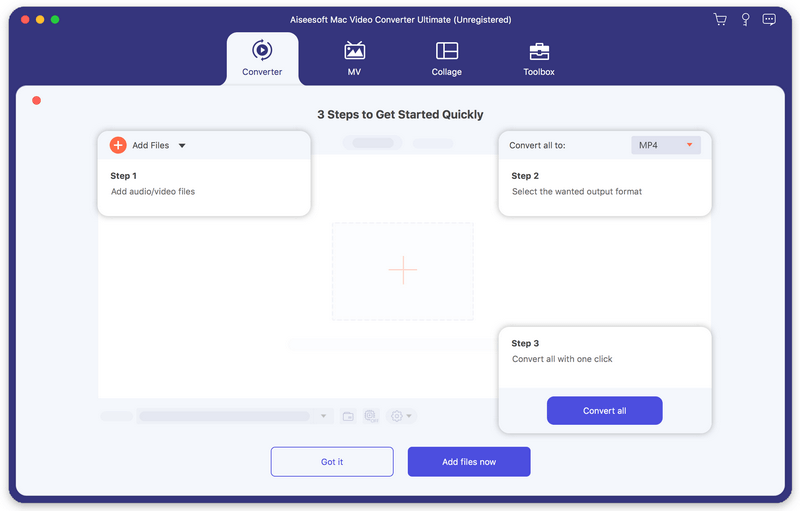
Aiseesoft Mac Video Converter Ultimate

Aiseesoft Mac Video Converter Ultimate helps convert any video to other formats like MP4, MOV, AVI and more, so that you can enjoy your videos on more devices. Before conversion, you could edit video effects. And the enhancement function enables you to enhance video quality. In addition, you could use the fast split function to clip your file equally.

Key features:

1. Convert video/home-made DVD to popular formats on Mac
It is designed to convert home-made DVD and any other video to MP4, AVI, MOV, MKV, etc. You are also allowed to convert music video to any audio formats such as MP3, AAC, AC3 and OGG.

2. Various video editing features
Aiseesoft Mac Video Converter Ultimate is more than a video converter. It can also work as a powerful video editor, which allows you to rotate/crop video, add video effects and filters, clip/merge video, add audio track and subtitles, remove video noise and reduce video shaking, etc. What’s more, the newly added MV feature enables you to produce a cool music video in minutes with various built-in themes and BGM. If you need to upload videos to social platforms like YouTube, Instagram, etc., you can compress video size at first. Moreover, it could keep your original id3 information after conversion.

3. Support external audio track and multi-audio track
You are allowed to add external audio track to your video, and you could import more than one audio file for one video to create your own video effects. You can also add your own subtitle if there is an unsynchronized subtitle to a movie. In the latest Mac version, you can convert 2D video to Anaglyph, Side-by-Side or Top/Bottom 3D. Whats more, you can create head-turning video collage with videos and photo to get a perfect-design layout.

4. Support various devices
This software works well with the latest iPhone, iPad, iPod, Samsung, HTC, and more mobile devices, so that you can play the converted videos with the supported formats and enjoy them anytime.