Privacy Eraser Free 5.14

Type: Freeware
Cost: $0
Size: 8.64 MB
Release date: Aug 01 2021
Platform: Win2000,WinXP,Win7 x32,Win7 x64,Windows 8,Windows 10,WinServer,WinOther,WinVista,WinVista x64
Publisher’s Site:  http://www.cybertronsoft.com
Publisher’s Product Page:  http://www.cybertronsoft.com/products/privacy-eraser/
Country: China


Privacy Eraser Free

PC410, Computer Services in Carroll County Maryland
Privacy Eraser is an all-in-one privacy suite that protects your privacy by cleaning up all your Internet history tracks and past computer activities. It supports popular web browsers such as Internet Explorer, Microsoft Edge, Mozilla Firefox, Google Chrome, Safari and Opera.

With simply one click, Privacy Eraser can quickly erase the Internet cache, cookies, browsing history, address bar history, typed urls, autocomplete form history, saved password and index.dat files of your browser, and Windows run history, search history, open/save history, recent documents, temporary files, recycle bin, clipboard, taskbar jump lists, dns cache, log files, memory dumps, error reporting and much more.

Furthermore, Privacy Eraser supports plug-ins to extend cleaning features, you can easily delete the tracks left by any applications by making your own plug-ins. Privacy Eraser embedded more than 250 FREE plug-ins which supports the most popular programs such as ACDSee, Adobe Reader, Microsoft Office, WinZip, WinRAR, Windows Media Player, VLC Player, eMule, BitTorrent, Google Toolbar and many others. With the flexible, highly customizable and open plug-in architecture, you can even customize your own exclusive Privacy Eraser!

Privacy Eraser works on Microsoft Windows 10/8.x/7/Vista/2012/2008 (32/64-bit) and supports Microsoft Windows FAT16/FAT32/exFAT/NTFS file systems, completely implements and exceeds the US Department of Defense and NSA clearing and sanitizing standard, to gives you confidence that once erased, your file data is gone forever and can not be recovered.

Graphcat

FoneLab iPhone Data Recovery 10.2.80

Type: Shareware
Cost: $55.96
Size: 1.78 MB
Release date: Feb 04 2021
Platform: Win2000,WinXP,Win7 x32,Win7 x64,Windows 8,Windows 10,WinServer,WinOther,WinVista,WinVista x64
Publisher’s Site:  https://www.aiseesoft.com/
Publisher’s Product Page:  https://www.aiseesoft.com/iphone-data-recovery/
Country: China


FoneLab iPhone Data Recovery

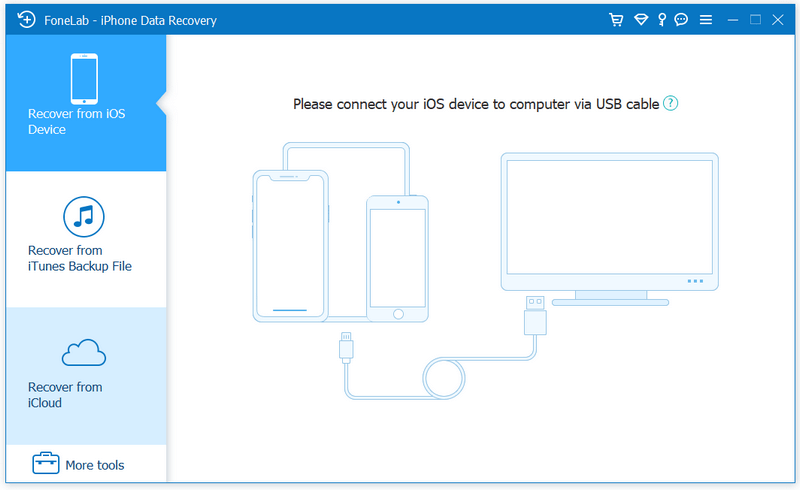
FoneLab, as the best iPhone Data Recovery software, can recover lost/deleted messages, contacts, call history, calendar, notes, WhatsApp/Kik/Line/WeChat/QQ etc. data from iPhone/iPad/iPod and from iTunes backup restore up files. It supports all iOS portable devices like iPhone (the latest iPhone 12 series included), iPad, iPod touch, etc. And you can preview your lost data before recovering it.
Main functions:
1. Recover lost or deleted data from iOS device directly or iTunes/iCloud backup
Aiseesoft iPhone Data Recovery enables you to recover Contacts, Messages, Call History, Calendar, Notes, Reminder, Safari bookmark, Camera Roll, Photo Library, Photo Stream, Message attachments, Voice memos, WhatsApp data, Kik/Line/WeChat/QQ messages and photos, etc. from iOS device directly or iTunes/iCloud backup.

2. Preview files before recovery.
This data recovery software for iPhone/iPad/iPod allows you to preview deleted data before recovery. It also allows you to rotate photos when previewing.

3. iOS System Recovery.
It can help you fix your iOS device from DFU mode, recovery mode, Apple logo, headphone mode, etc. to normal state. Moreover, now it also enables you to upgrade or downgrade iOS system according to your demand.

4. iOS Data Backup & Restore.
This software also enables you to back up your iOS data to computer. What’s more, you can also restore data from backup files to iOS device.

5. WhatsApp Transfer
The new WhatsApp Transfer function enables you to transfer WhatsApp files between iOS devices directly, back up WhatsApp messages, photos, videos, attachments, and restore WhatsApp from backup history or local iTunes backup.

UFS Explorer Network RAID 8.17

Type: Shareware
Cost: $239.95
Size: 17.53 MB
Release date: Jun 14 2021
Platform: Win2000,WinXP,Win7 x32,Win7 x64,Windows 8,Windows 10,WinServer,WinOther,WinVista,WinVista x64
Publisher’s Site:  https://www.sysdevlabs.com
Publisher’s Product Page:  https://www.ufsexplorer.com/ufs-explorer-network-raid.php
Country: Ukraine


UFS Explorer Network RAID

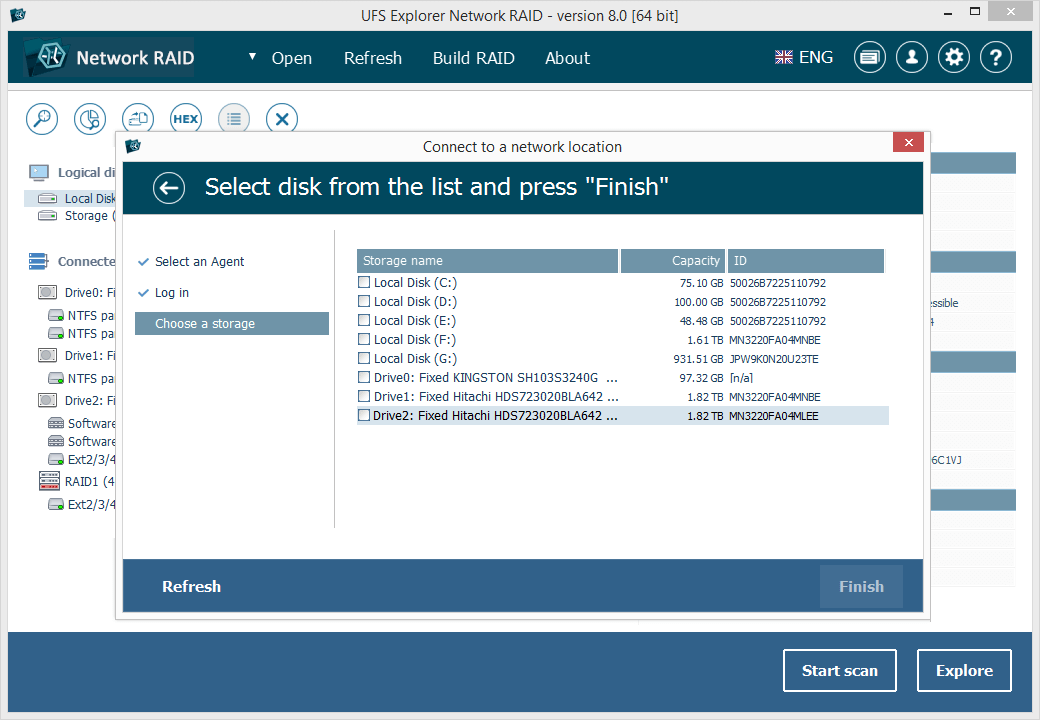
UFS Explorer Network RAID is an advantageous software product suitable for both local and distributed data recovery over LAN from any linear storage medium or a complex RAID system. The program allows restoring files from any storage attached to another remote computer, even if it is running a different operating system, and makes it possible to assemble RAID from disks connected to two or more PCs. RAID sets of various complexity are supported, including standard RAID patterns, nested/hybrid RAID levels and custom RAID configurations. A flexible RAID builder with an embedded script handler makes it easy to define and modify RAID configurations while a hexadecimal viewer allows analyzing raw data of partitions and disks. In addition to RAID, the application works with PCs, laptops, USB flash drives, memory cards, external hard drives, virtual disks of VMware, Hyper-V, VirtualBox, QEMU, XEN, Parallels and disk image files of various formats. The software supports a wide range of file systems of Windows (NTFS, FAT, FAT32, exFAT), macOS (HFS+, APFS), Linux (Ext2, Ext3, Ext4, XFS, JFS, ReiserFS, UFS/UFS2, Btrfs), BSD/Solaris (ZFS) and is capable of handling a variety of modern storage technologies, like mdadm and LVM, Windows dynamic disks and MS Storage Spaces, Apple Software RAID and Fusion Drive, Drobo BeyondRAID, Synology Hybrid RAID and Btrfs-RAID, etc. UFS Explorer Network RAID provides direct access via LAN and allows recovering data from drives containing bad sectors connected through a DeepSpar Disk Imager device. In addition to that, the software features various options for work with damaged disks. It allows configuring parameters for access and usage of a storage device, creating a full or partial disk image with various settings and rules for processing bad blocks. Disks and arrays with bad blocks can be handled using bad sector maps generated during imaging, through recognition of a given pattern or created by third-party tools.