Acronis Backup Standard 12.5.16363

Type: Shareware
Cost: $69
Size: 9.96 MB
Release date: Oct 01 2020
Platform: WinXP,Win7 x32,Win7 x64,Windows 8,Windows 10,WinOther,WinServer,WinVista,WinVista x64
Publisher’s Site:  http://www.acronis.com
Publisher’s Product Page:  https://www.acronis.com/en-us/solutions/backup/workstation/
Country: United States of America

Acronis Backup Standard

PC410, Computer Services in Carroll County Maryland
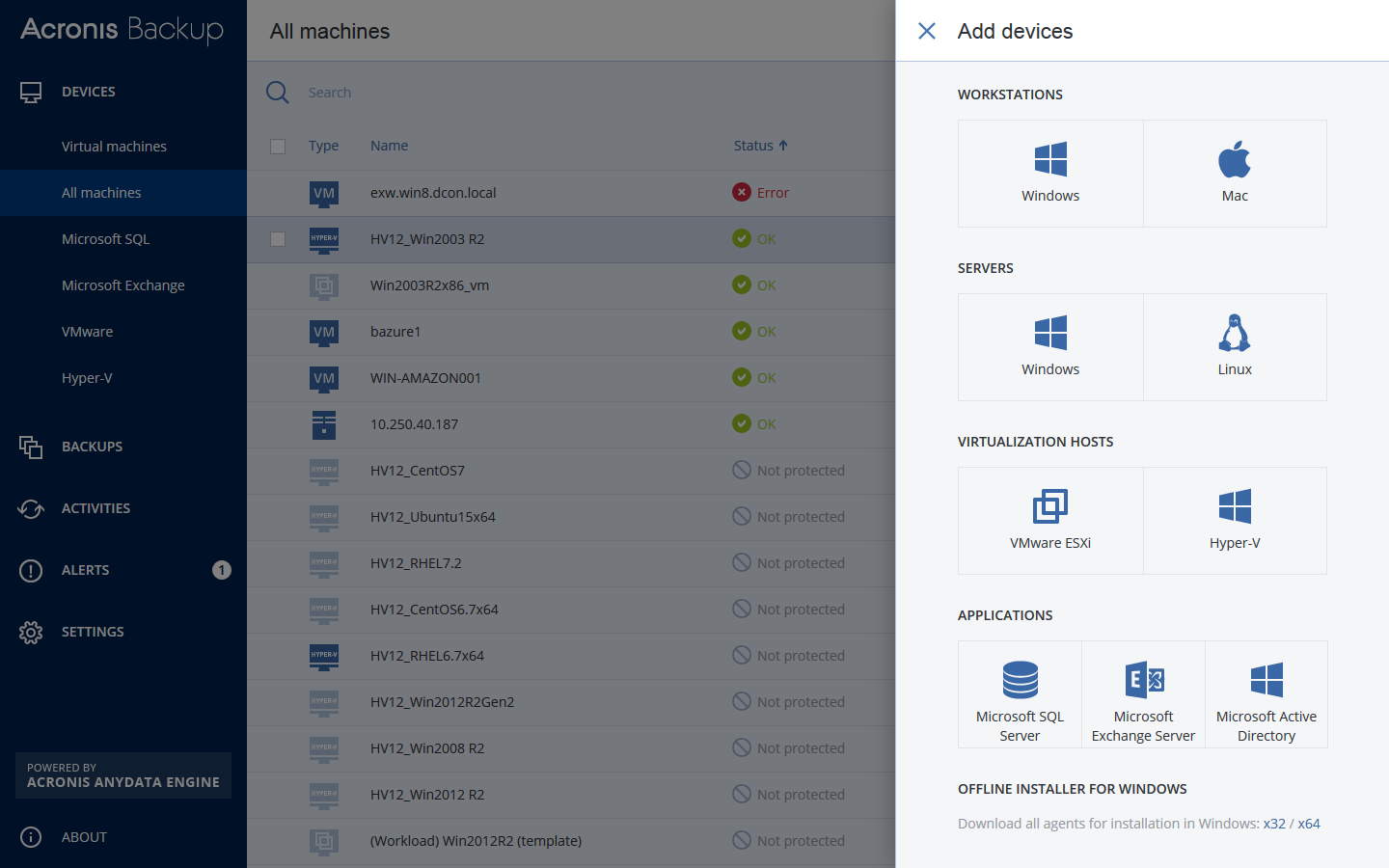
Support your workforce & restore employee data in seconds with Acronis Backup 12 – the world’s fastest, easiest backup!

– NEW! Protect all your Window PC & Mac users – both in the office and on the road
– NEW! Restore computers & tablets in seconds – 2X faster than our closest competitor
– NEW! Protect all your systems via 1 easy web console accessible from any device
– NEW! Install in 3 easy clicks, and get up and running with zero learning curve
– Capture everything – files, applications, OS – with powerful 1-click disk imaging
– Restore anything with a few simple clicks – from a single file to a full system
– Disaster-proof your data with easy auto-backup to the ultra-secure Acronis Cloud
– Restore a system to new, dissimilar hardware without complications
– Automate your backups to keep track of changes without interrupting workflows

ACDSee Professional 14.0.1.1721

Type: Shareware
Cost: $99.99
Size: 1.17 MB
Release date: Sep 23 2020
Platform: Win2000,WinXP,Win7 x32,Win7 x64,Windows 8,Windows 10,WinServer,WinOther,WinVista,WinVista x64
Publisher’s Site:  http://www.acdsee.com
Publisher’s Product Page:  https://www.acdsee.com/en/products/photo-studio-professional
Country: Canada


ACDSee Professional

The Professionals All-in-One
ACDSee Photo Studio Professional 2021 is for photography professionals who want to perfect their imagery, save time with seamless batch processes, and conquer their image organization. Choose ACDSee and take the limit off your editing and organizational capabilities.

Our Fastest Version Yet
We’ve made some huge performance enhancements this year to let you focus on the task in hand and perfect your images.

Refine Selection
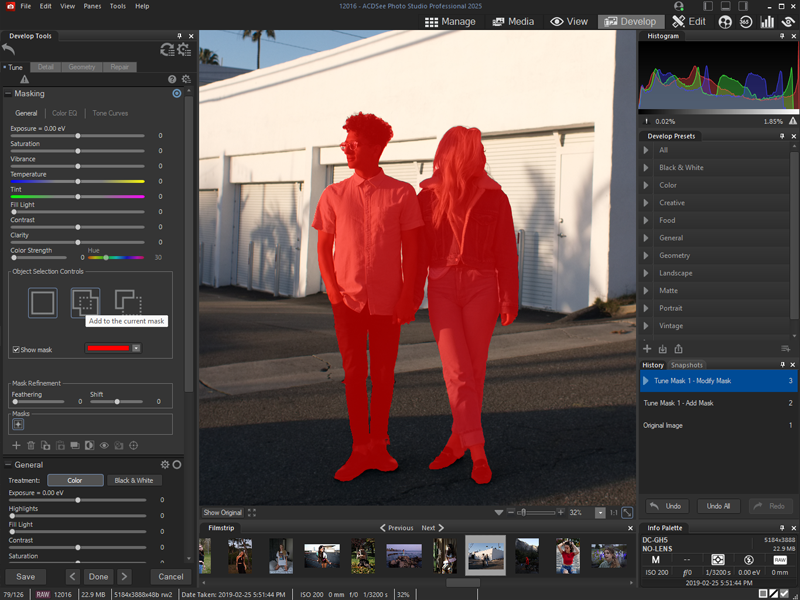
You can now use Refine Selection to shift or soften edges which can maximize the effect of tools like Smart Erase.

Color Wheel
Focus on precise colors throughout your image to manipulate with a new level of precision.

Graphcat

New Develop Mode UI and Panes
New panes enhance your editing process. Create and categorize a library of presets. Take snapshots and view your full edit history.

Improved Quick Search
New toggle options for Quick Search makes finding images in large databases much faster.

Improved Watermark
Add watermarks with more accuracy particularly beneficial for applying watermarks to a batch of images.

Tone Wheels
User-friendly tone wheels make split-toning highlights, midtones, and shadows easy.

New & Improved Batch Rename
An improved process for renaming multiple images in response to customer feedback. The options are almost endless.

New & Improved Batch Resize
Relaunched with a huge capability expansion, our Batch Resize tool lets you resize multiple images to any dimension, following pixels or percentages, along either edge, or as a print size.

GoPro Support
Work directly with GoPro RAW images, and perfect your adventures.

Improved Crop
Improved crop tool with relative positioning functionality allows you to crop multiple images in seconds.

Face Detection & Facial Recognition
Import face data from Lightroom and Picasa and save the effort of renaming everyone in your images. Facial Recognition will then find any matching faces in your ACDSee database.

Dancing Numbers 2020R0

Type: Shareware
Cost: $199
Size: 18.70 MB
Release date: Nov 14 2020
Platform: Win2000,WinXP,Win7 x32,Win7 x64,Windows 8,Windows 10,WinServer,WinOther,WinVista,WinVista x64
Publisher’s Site:  https://www.dancingnumbers.com/
Publisher’s Product Page:  https://www.dancingnumbers.com/
Country: India


Dancing Numbers

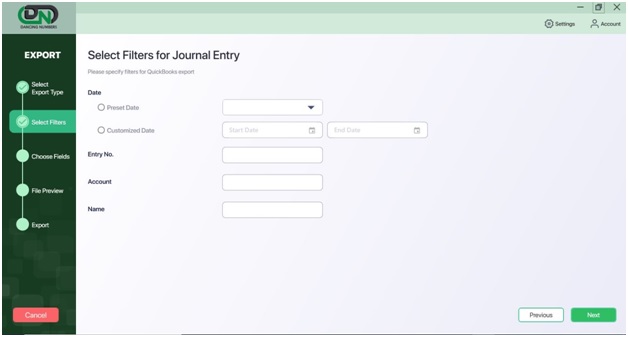
The Dancing Numbers software provides you the services of data import, export & delete your data from/to QuickBooks account. The software also provides you the 7 days free trial. It helps you do it both ways that are in bulk and in a single list or transactions. It supports .xlsx, which is the Microsoft Excel extension. All the files that you import are from Excel to QuickBooks and the files you export are from QuickBooks to Excel. The error happens when you provide the wrong information in the fields of software. You can do all these services in bulk also at 50 rows per process. The process to import, export, and deleting of the file is easy and the steps are also simpler than anyone can implement. To use all the services you have to open both the software QuickBooks and Dancing Numbers on your system. To import the data you have to update the file in the dancing numbers and then map the fields and then import the file. In the export process, you have to select the type you want to export like lists, transactions, and others. After that apply the filters, select the fields, and then do the export. In the Delete process, choose the file, lists, or transactions you want to delete then apply the filters on the file and then click on the Delete option. There are many features that help you import, export, and delete your data according to your requirements. The features that you get are also explained here so that you get the full information. It saves your time in the process of importing, exporting, or deleting the files to/from the QuickBooks account. You get all the updates of the software for free. There is a team that provides premium support to all the customers who are using the Dancing Numbers. Apply filter options for import and export processes when you run it in the software according to the file and your requirements. The benefits are also here that there are no human errors as it is an automatic process. Also, the software has the accuracy of data.