Category Archives: System Utilities

Automation Tools, Backup & Restore, Benchmarking, Clipboard Tools, File & Disk Management, File Compression, Launchers & Task Managers, Other, Printer, Registry Tools, Shell Tools, System Maintenance, Text/Document Editors

Print Conductor 6.2

Type: Freeware
Cost: $0
Size: 75.66 MB
Release date: Oct 30 2018
Platform: Win2000,WinXP,Win7 x32,Win7 x64,Windows 8,Windows 10,WinServer,WinOther,WinVista,WinVista x64
Publisher’s Site:  https://www.fcoder.com
Publisher’s Product Page:  https://www.print-conductor.com/
Country: Latvia

Print Conductor

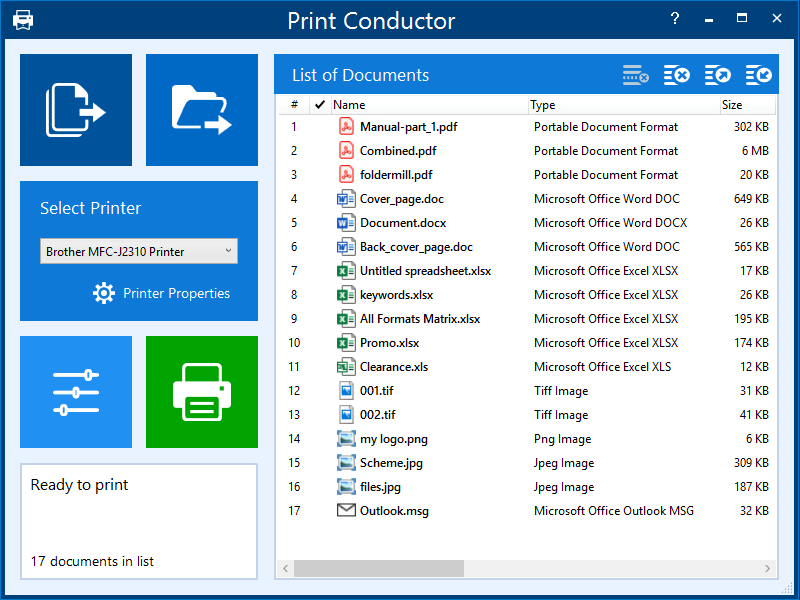
Print Conductor is a batch printing software. If you regularly have to open and print multiple files, this elegant tool can be a real time-saver.


Manually printing several files is tedious work – it generally requires opening and printing each file separately in the applications used to create them. Once you tell it which files to print, Print Conductor automates the rest of the process.

Print Conductor is easy to use. Just add files to be printed to the list and click on ‘Start Printing’ button.

All popular file formats are supported: PDF files, plain texts, Microsoft Office and OpenOffice documents and presentations, RTF, HTML, MHT, XML files, AutoCAD, Solidworks and Inventor drawings, Visio charts, Photoshop PSD, JPG, TIFF, PNG, PCX, DCX, BMP and JBIG images, WMF and EMF metafiles.

Print Conductor can batch print large quantities of documents on any type of printer: desktop printers, network printers or virtual printers. If you choose to use Universal Document Converter to print in Print Conductor, you can convert a list of documents, presentations, worksheets and drawings to a variety of other formats: PDF, TIFF, JPEG, PNG, GIF, PCX, DCX, or BMP.

What’s new in version 6.2:
– Printing multiple DWG and DXF drawings without CAD software
– Printing multipage ZPL labels
– New supported formats: Microsoft Visio VSDM and PowerPoint PPTM
– New cover page template: Filename without extension
– Ability to recover page range value after restarting Print Conductor
– Ability to use special Windows environment variables in document list files
– Compatibility with eDrawings Viewer 2019
– Thumbs.db are no longer added to the program’s list
– Improved localization to European languages
– Minor improvements and fixes

Graphcat<

DataNumen Backup 1.5

Type: Freeware
Cost: $0
Size: 3.57 MB
Release date: Nov 18 2018
Platform: Win2000,WinXP,Win7 x32,Win7 x64,Windows 8,Windows 10,WinServer,WinOther,WinVista,WinVista x64
Publisher’s Site:  https://www.datanumen.com
Publisher’s Product Page:  https://www.datanumen.com/backup/
Country: Hong Kong


DataNumen Backup

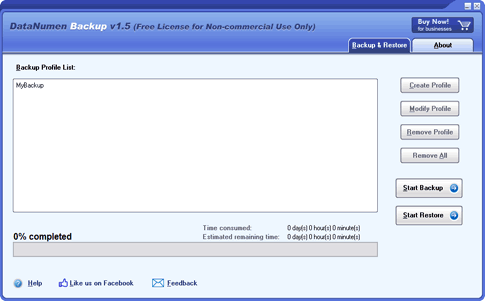
DataNumen Backup (DBKUP) is a powerful tool to back up and recover your important files. It will protect your important files from a data disaster.

Main Features:

1. Support to backup both files and directories.
2. Support full, incremental and differential backup methods. With the incremental or differential backup method, only the changes since the last backup or full backup are saved, so to reduce the time and disk spaces used in the backup.
3. Support to manage multiple backup profiles.
4. Support to backup multiple sources at the same time.
5. Support to compress the backup data.
6. Support to restore to any backup time point.

FileFort Plus for Mac 3.33

Type: Shareware
Cost: $60
Size: 1.02 MB
Release date: Dec 02 2016
Platform: Mac OS X
Publisher’s Site:  https://www.nchsoftware.com/inventory/index.html
Publisher’s Product Page:  https://www.nchsoftware.com/backup/index.html
Country: United States of America


FileFort Plus for Mac

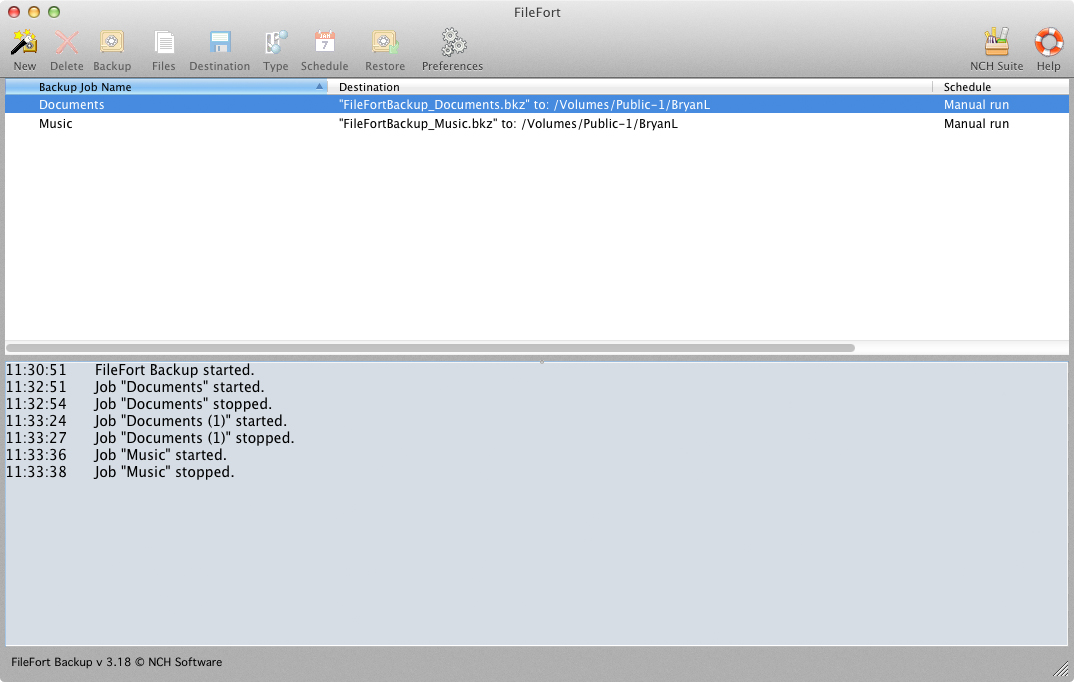
Don’t take chances with your data, set up scheduled file back ups with FileFort easy and automatic file backup software for Mac OS X. Protect your files and save backups to virtually any storage media including CD, DVD, USB drives, FTP servers, or online accounts like dropbox to give you peace of mind that your data is safe and secure. FileFort gives you complete control over your backups. You select what files to backup, where the should be saved and schedule how often the backup should run. Even have a backup copy made automatically when you plug in a USB drive.

FileFort Plus for Mac Features:

* Easy to use setup wizard to start the backup process
* Run either manual or automatic backups
* Back up files on a hard disk or a network folder
* Uploaded backups to a remote FTP server
* Burn backups CD or DVD discs
* Back up files to online storage accounts
* Automatically back up to a USB drive when you plug it in
* Schedule backups for particular dates or times
* Simple, easy to use interface

About NCH Software:
NCH Software offers more than 80 easy-to-use audio, video, business, dictation, computer utilities, and other software solutions that improve productivity and usability for small businesses and consumers. Focusing on specific needs, NCH provides users with what they need at a price they can afford. This approach generates more than four million unique visitors and nearly three million downloads per month from www.nchsoftware.com