Category Archives: System Utilities

Automation Tools, Backup & Restore, Benchmarking, Clipboard Tools, File & Disk Management, File Compression, Launchers & Task Managers, Other, Printer, Registry Tools, Shell Tools, System Maintenance, Text/Document Editors

RPM Remote Print Manager Elite 64 Bit 6.2.0.489

Type: Shareware
Cost: $750
Size: 64.37 MB
Release date: Nov 05 2018
Platform: Win2000,WinXP,Win7 x32,Win7 x64,Windows 8,Windows 10,WinServer,WinOther,WinVista,WinVista x64
Publisher’s Site:  http://www.brooksnet.com/
Publisher’s Product Page:  https://www.brooksnet.com/content/virtual-print-server
Country: United States of America
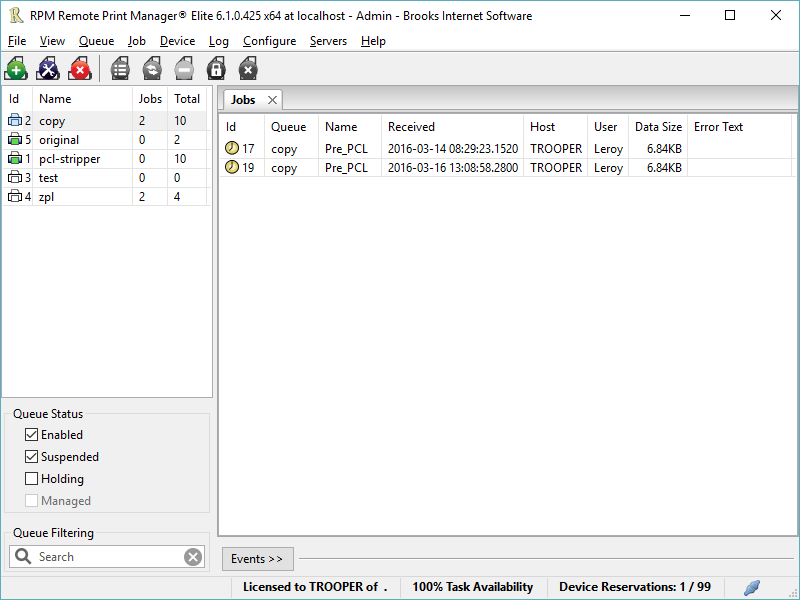

RPM Remote Print Manager Elite 64 Bit

Printing should be one click away. but there are so many problems which make printing difficult if not impossible. RPM Remote Print Manager (RPM) has grown through the years from all the print problems our customers have brought to us. We are here to help you solve your printing problems.


RPM is our virtual printer product. Our customers have been using RPM for 20 years!
RPM as virtual printer

RPM does what you expect a virtual PDF printer to do, and more:

convert incoming print jobs to other formats, such as PDF, TIFF and PCL
save multiple documents into a single document
print the same job to multiple printers
in one pass, send to a printer and save to disk
print the same job multiple times, using separate paper trays

RPM as print server

RPM is implemented as a Windows print server. Its core capabilities include:

managing your print workflow
send print jobs to any Windows printer
send print jobs to any printer on your network using core Windows print protocols, or LPR, or direct with port 9100
archive print jobs to local folders, shared folders, or anywhere via FTP
run any local application on your print job
send your print job via email as an attachment or in the message body

RPM also provides extensive data editing, manipulation and translation.

Windows version support

RPM 6.1 supports these versions of Windows: Vista, 7, Server 2008 (including R2), Windows 8 and 8.1, Server 2012 (including R2), and Windows 10. Support for Windows XP and Server 2003 has been dropped, so we no longer test new RPM versions on these older versions of Windows.

Graphcat<

PDF Reducer Cloud 1.0.10

Type: Freeware
Cost: $0
Size: 2.21 MB
Release date: Nov 21 2018
Platform: Win2000,WinXP,Win7 x32,Win7 x64,Windows 8,Windows 10,WinServer,WinOther,WinVista,WinVista x64
Publisher’s Site:  http://www.orpalis.com/
Publisher’s Product Page:  http://pdfreducer.orpalis.com/
Country: France


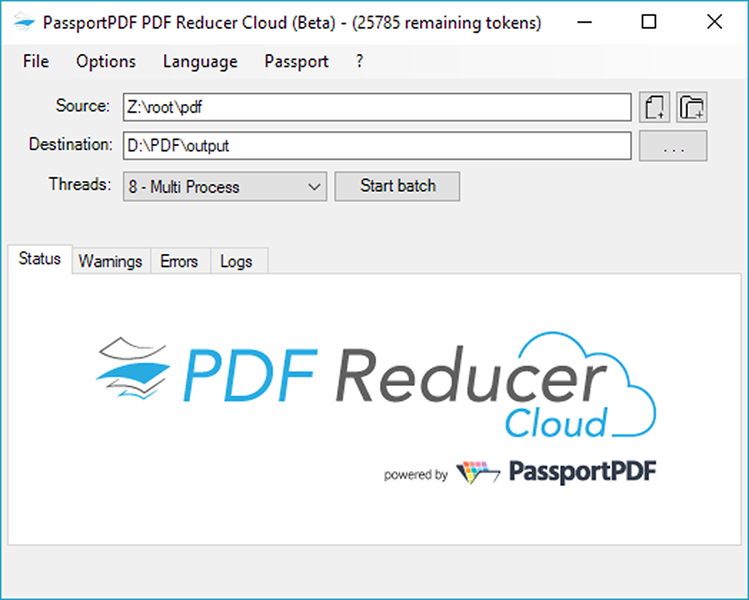
PDF Reducer Cloud

PDF Reducer Cloud is a free PDF compressor software, powered by the innovative and sophisticated PassportPDF technology.
No system resources are used client-side, everything is managed server-side.
Compress all your documents and images (100+ formats supported) with PDF Reducer Cloud. Major features include: multithreading support, unlimited batch processing, content segmentation, automatic color detection, Fast Web View support, removal of unwanted objects, drag and drop support, fonts optimization, Mac and Linux versions, and more.
Freemium and Premium plans are available.
Compared to PDF Reducer On-Premises, PDF Reducer Cloud uses a specific technology with better compression rates.
PDF Reducer Cloud is open source. Try it now!

WinNc 8.4.0.0

Type: Shareware
Cost: $37.52
Size: 12.14 MB
Release date: Oct 26 2018
Platform: Win2000,WinXP,Win7 x32,Win7 x64,Windows 8,Windows 10,WinServer,WinOther,WinVista,WinVista x64
Publisher’s Site:  https://ontwerpbureaudunes.nl
Publisher’s Product Page:  https://www.winnc.com/
Country: Netherlands


WinNc

Norton Commander Filemanager

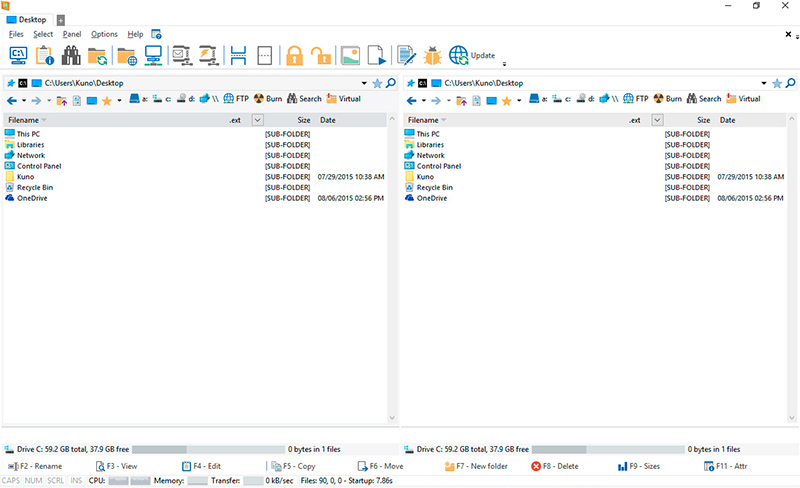
WinNc is a tabbed file manager especially developed for Windows 10. It also works on the older versions of Windows. This NC clone file manager is inspired on the dual panel concept of the old file manager Norton Commander. It has shortcuts to all the Windows special folders and the multiple tabbed interface allows you to organize your data by projects.

Projects can include files and folders from all over the disks that relate to the project tab and are stored virtually in the project folder as a link. With a new Windows 10 interface WinNc can do all the basic tasks you expect from a modern file manager like copy, move, delete, compress, uncompress and create links. WinNc uses logical colors for the file actions so you can quickly see if a file is being copied (green), being moved (orange) or being packed (yellow).

WinNc allows you to perform multiple tasks by setting the maximum parallel tasks to more than one task in the configuration panel. Otherwise WinNc will wait to start the new action until the previous action has finished. WinNc also converts audio, burns files on dvd and cd, creates and reads iso files, sets file attributes and you are able to keep you files synchronized using an internal sync module. From existing zip files it allows the creation of self extracting .exe files. It has a built in slideshow viewer, an audio preview player and a video player for quickly browsing and skipping through your media.

WinNc is available in the following languages:
English, German, Dutch, French, Spanish. (More languages available in beta version)