Category Archives: System Utilities

Automation Tools, Backup & Restore, Benchmarking, Clipboard Tools, File & Disk Management, File Compression, Launchers & Task Managers, Other, Printer, Registry Tools, Shell Tools, System Maintenance, Text/Document Editors

Turgs EML Wizard 2.0

Type: Shareware
Cost: $39
Size: 14.19 MB
Release date: Nov 07 2016
Platform: Win2000,WinXP,Win7 x32,Win7 x64,Windows 8,Windows 10,WinServer,WinOther,WinVista,WinVista x64
Publisher’s Site:  http://turgs.com/
Publisher’s Product Page:  http://turgs.com/eml/
Country: United States of America

Turgs EML Wizard

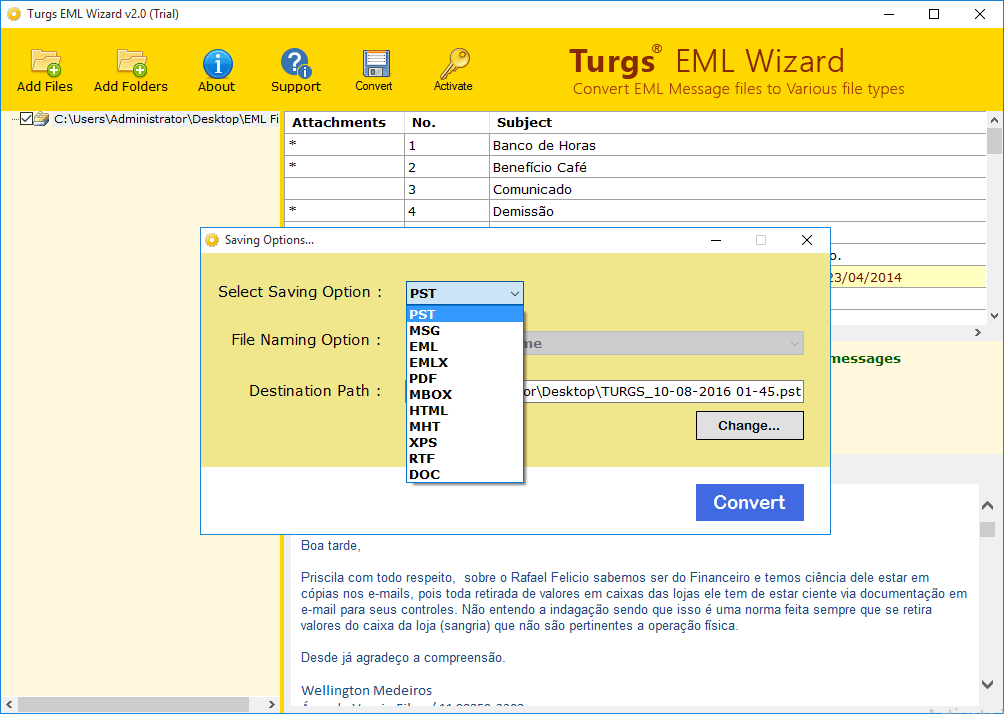
EML to PST converter is embedded with advanced technology and QDRT techniques that make every task possible whether it is based on conversion or recovery. It is marked as the best email conversion utility because of its conversion options that can provide you the access of EML files in almost all email platforms. There are various conversion options like EML to PST, MSG, EML, EMLX, PDF, MBOX, HTML, MHT, XPS, RTF, and DOC file formats. Saving option is also useful for users as it provides different file naming options to save the file with subject wise, date wise, according to from data, and etc. You can convert multiple EML files at once via using this EML file converter. You can download its free demo version to evaluate the functionality of software. Demo version will provide a free preview of EML files in software wizard and can be saved with desired file format on user-specified location. But, it restricts you to save the entire data on local disk. If you satisfied with demo version and it works according to you then go ahead for full functional version which is available at affordable price. Now, enjoy safe and risk free EML file conversion using Turgs EML Wizard.

Graphcat<

Turgs OST Wizard 2.0

Type: Shareware
Cost: $49
Size: 14.19 MB
Release date: Oct 10 2016
Platform: Win2000,WinXP,Win7 x32,Win7 x64,Windows 8,Windows 10,WinServer,WinOther,WinVista,WinVista x64
Publisher’s Site:  http://turgs.com/
Publisher’s Product Page:  http://turgs.com/ost/
Country: United States of America


Turgs OST Wizard

Convert OST to PST instantly with Turgs OST Wizard that supports Exchange cached mode OST and IMAP OST file. So, if you want to access orphaned OST file created by any mode then you should select this tool to convert orphaned as well as IMAP OST file. Corrupted, password-protected, and highly encrypted OST file will be also recovered by using this OST file recovery solution as it is designed with advanced scanning algorithms. This single utility supports more than 10 conversions like OST to PST, PDF, MBOX, MSG, EML, EMLX, XPS, DOC, RTF, HTML, and MHTML. The added benefit of this tool is that it provides an option to split converted PST files according to folder. You can export only selected folder like inbox, contacts, calendar by creating separate PST file. To create PST from OST, you should try this tool.


It supports to convert all OST items like messages, calendars, journals, contacts, to-do list, task etc and keep emails metadata in original form as it is before. Make sure that this is your first consideration to save OST file as PST.

Free demo version of the tool is available that will export first 25 items from each folder of OST database. After checking its free preview with the demo version, you can purchase its full version of the software at affordable price.

Turgs Backupify Wizard 2.0

Type: Shareware
Cost: $69
Size: 14.21 MB
Release date: Dec 22 2016
Platform: Win2000,WinXP,Win7 x32,Win7 x64,Windows 8,Windows 10,WinServer,WinOther,WinVista,WinVista x64
Publisher’s Site:  http://turgs.com/
Publisher’s Product Page:  http://turgs.com/backupify/
Country: United States of America


Turgs Backupify Wizard

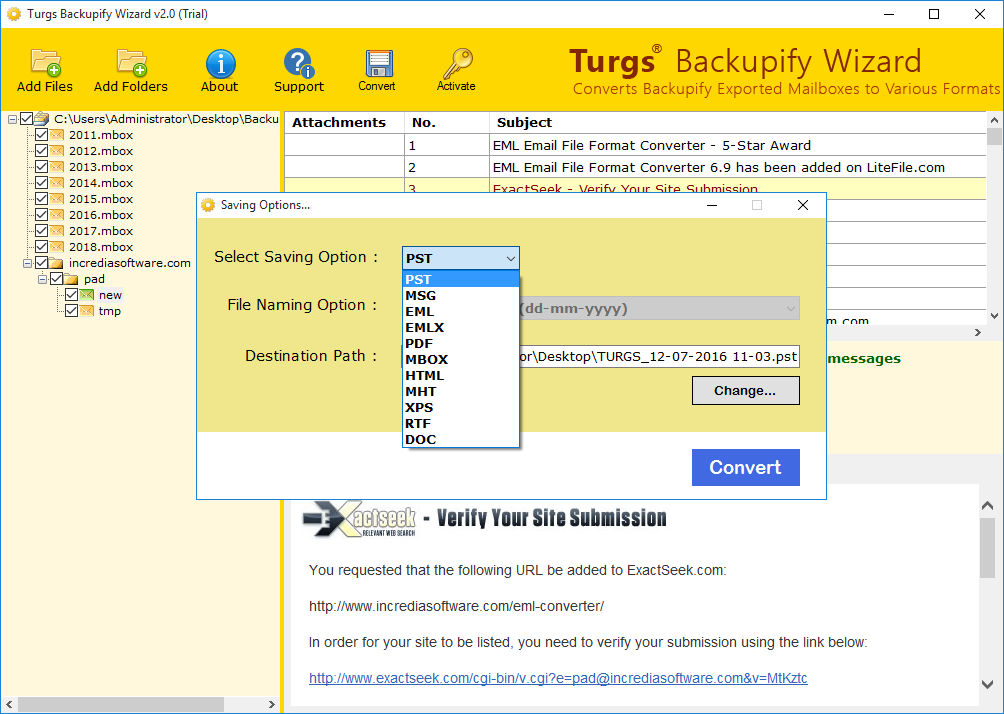
Backupify to Outlook converter provided by Turgs makes you able to access Backupify data in MS Outlook PST form or you can also convert your data in other file formats like MSG, EML, EMLX, PDF, MBOX, HTML, MHT, XPS, RTF, and DOC file formats. Backupify is an easy option to create backup of Cloud data in cloud for Gmail, Google Apps etc. But for ease of users, it also provides you an option to create archive of Backupify data into MBOX format that can be stored in local drive. You can access this data using MBOX supported email client but, if you want to access or convert Backupify data into Outlook PST then, you need to use some third party tools like Backupify to Outlook converter provided by Turgs. It also provides you an option to merge multiple MBOX files created by Backupify tool into single MBOX or PST file format. This tool is beneficial in many aspects like it preserves data integrity and emails metadata information like to, cc, bcc, sent/receive date & time. Etc, maintains files and folders hierarchical order etc. Now, you can secure your cloud data in an efficient way. Free demo version is available on site to examine the software working capabilities that will export your first 25 items into desired file format. For saving complete items into required format, you have to purchase its full licensed version.