Category Archives: System Utilities

Automation Tools, Backup & Restore, Benchmarking, Clipboard Tools, File & Disk Management, File Compression, Launchers & Task Managers, Other, Printer, Registry Tools, Shell Tools, System Maintenance, Text/Document Editors

QuickMove 3.1

Type: Shareware
Cost: $19.99
Size: 4.41 MB
Release date: Jul 09 2016
Platform: Win2000,WinXP,Win7 x32,Win7 x64,Windows 8,Windows 10,WinServer,WinOther,WinVista,WinVista x64
Publisher’s Site:  http://www.thecodeline.com
Publisher’s Product Page:  http://www.thecodeline.com/wp/products/quickmove
Country: Australia


QuickMove

Move Files with a Simple Right-Click of your Mouse!
Always cutting and pasting the same types of files to the same folders?
Always navigating deep folder structures to archive the same types of files?
Wish you could just be prompted for a list of your favourite target folders?
Wish that you could just ‘right-click’ on a file and see it automatically moved based on rules learnt?
QuickMove has the solution!
Now with an Automation Plugin that moves new files from watched folders automatically.
Pro users of the ShareWatcher product can also pair with QuickMove to watch for new files and run a QuickMove rule-based action.

Graphcat<

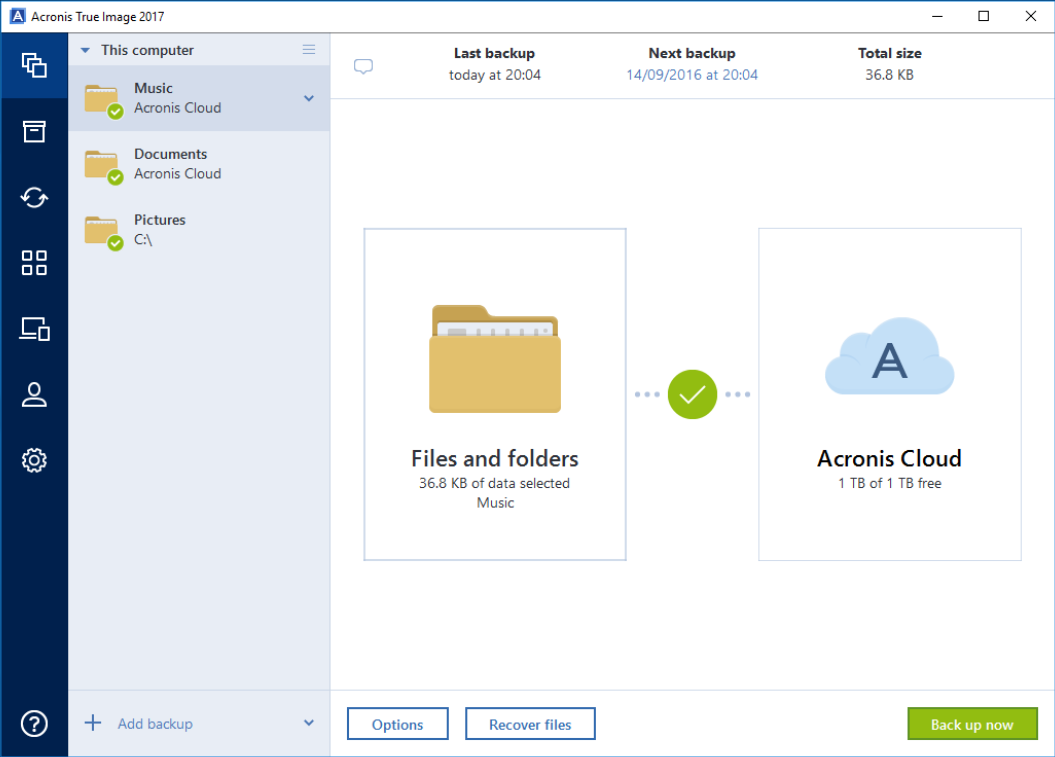
Acronis True Image 2017

Type: Shareware
Cost: $39.99
Size: 5.87 MB
Release date: Aug 22 2016
Platform: Win2000,WinXP,Win7 x32,Win7 x64,Windows 8,Windows 10,WinServer,WinOther,WinVista,WinVista x64
Publisher’s Site:  http://www.acronis.com
Publisher’s Product Page:  http://www.acronis.com/personal/computer-backup/
Country: United States of America


Acronis True Image

Acronis True Image 2017 has a powerful set of data protection features and tools including:


Full image backup back up everything on your hard drive so that you can restore a fully-bootable computer with your operating system, applications, settings, and data.

Bootable media / Universal Restore Recover disk image backups to any hardware. Ensure the backup can be recovered using Acronis technology that enables you to start up a system on a new computer.

NEW! Unlimited mobile device backup Back up an unlimited number of iOS and Android devices to your local computer, the cloud or both.

NEW! Remote backup Back up and manage computers and devices across the house and across the world.

NEW! Facebook backup Backup Facebook albums, posts, contact lists and more in a few easy steps. Protect data from accidental deletion or hacked accounts.

NEW! Archive large or rarely used files to external drives, NAS devices, or to the cloud. Retain easy access to them via Windows Explorer, Mac Finder, or a browser.

MacX MediaTrans 2.0

Type: Shareware
Cost: $29.95
Size: 40.17 MB
Release date: Jul 13 2016
Platform: Mac OS X
Publisher’s Site:  http://www.macxdvd.com
Publisher’s Product Page:  http://www.macxdvd.com/mediatrans/
Country: China


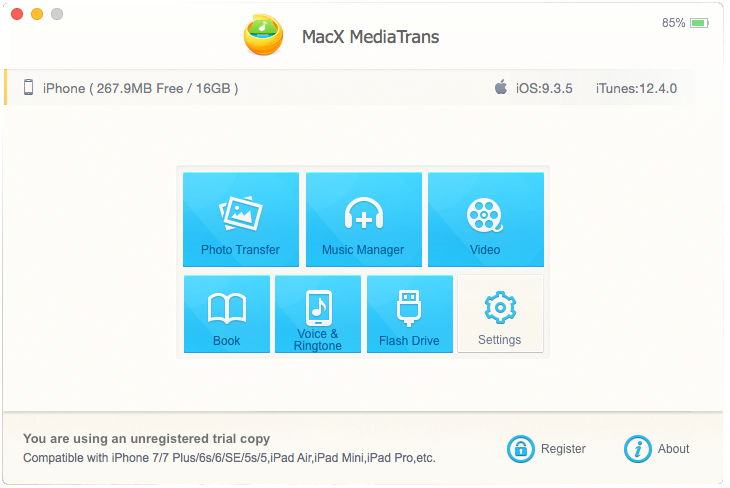
MacX MediaTrans

MacX MediaTrans is the best solution to transfer &amp; backup data between iPhone iPad iPod and Mac. It not only manages and organizes the file on your device, like video, music, photo, movie, TV show, but also supports backing up PDF, APP, dmg to iPhone by using it as USB drive. This Mac file manager also empowers you to create/delete/edit playlists, and to manage music tracks, albums & genres in batch like a breeze. In addition,this iPhone transfer can auto rotate sideways videos and convert AVI, WMV, MKV, etc. to Mp4 to fit iPhone iPad with high quality preserved. On top of this, MacX MediaTrans has NO.1 fast speed. With cutting-edge tech, this iPhone manager is able to transfer data at a speed of 20 Megabits per second, so even 100 4k photos can be transferred in 8 seconds!

Working as iTunes alternative, MacX MediaTrans is the fastest data transfer to backup your iPhone iPad files, free up more storage space before updating to new iOS or change to a new iPhone. No more erasing original data, complicated operation, awkward one-way sync process or strict format limitation.

Main Features:
1. Directly transfer music from iPhone to Mac and vice versa as you wish.
2. Freely transfer video, HD movie, TV show and home video to iPad iPhone from Mac or Mac to iDevice.
3. Export &amp; import photo on iPhone to Mac in batch, without iCloud limits.
4. Backup iPhone data by using iPhone as USB drive, like PDF, APP, dmg, etc.
5. Backup files at world?s fastest transferring speed, without quality loss or data loss.
6. Auto convert AVI, FLV, MKV, etc. to Apple compatible video formats.
7. Two sync process is available.
8. Auto rotate sideways videos frame by frame for better watching experience on iPhone.
9. Ability to create/delete/edit playlists without iTunes limits and batch manage tracks, albums &amp; genres.
10. Reduce big video file size to 50% on iPhone iPad.
11. Let you beam photos/videos/music to your device by drag & drop.