
DynamicPDF Alternative 2022.11.10347

Product Page: https://ironpdf.com/blog/compare-to-other-components/dynamicpdf-csharp-alternative/
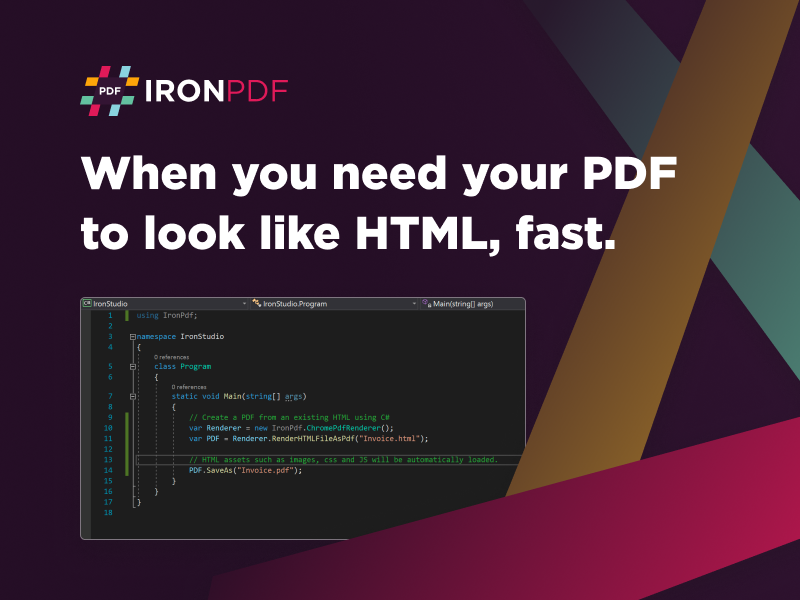
dynamicpdf-screenshot.png

There are many different ways to use PDF documentation inside your Visual Basic project build. Often, that requires some sort of upfront financial obligation or a recurring subscription package from an off-the-shelf solution. Other times that means dealing with buggy open-sourced solutions that take your team a long time to repair and integrate. However, with the new DynamicPDF Alternative from IronSoftware, you get easy-to-use .NET libraries that allow your end users to create, read, manipulate, and edit PDF documents.

This comprehensive PDF tool fully supports .NET 5 Core, Standard, and Frameworks. In addition, it allows for creating PDFs from assets sourced from HTML, ASPX, URLs, images, text, and more. That makes the DynamicPDF HTML to PDF Alternative highly versatile without the complex integrations, allowing for a more agile solution to bringing full PDF capabilities to your project build.


The DynamicPDF Alternative from IronSoftware does not sacrifice any of the additional features users have come to expect with PDF documents. There are plenty of security enhancements like passwords, permissions, metadata management, and digital signatures. Considering the current marketplace environment requiring massive privacy protections for user data, this is a welcome feature many developers will utilize for the final MVP build before going live. You can also add custom headers, footers, images, and text overlays to the PDF document for more personalization of each file.

The DynamicPDF Alternative is free to use while you are in the development phase of your next project build. You won’t have to waste valuable time or money trying to make something fit because of the wide array of support documents and use cases available at https://ironpdf.com/blog/compare-to-other-components/dynamicpdf-csharp-alternative/, where you can also learn more about how this DynamicPDF Alternative differs from the rest. Download directly at https://www.nuget.org/packages/IronPdf/.

Graphcat<

System Mechanic Professional 22.7

Product Page: http://www.iolo.com/products/system-mechanic-professional/

SMP-21-dashboard-screenshot-with-boxshot150X100.gif

System Mechanic Pro uses patented technology to restore speed, power, and stability to your PC. It fixes errors, boosts performance, defends against infections, and proactively prevents problems from reoccurring. This all-in-one solution to complete Windows care also recovers deleted files, securely wipes data, and includes high-performance triple-certified antivirus protection that wont slow you down.

System Mechanic Pro can help you speed up your PC no matter what your experience level. One-click power tools perform vital services, intelligently diagnosing and resolving PC headaches and performance bottlenecks. Advanced tools such as Startup Optimizer and LiveBoost give gamers and power users the total control they crave to fine-tune their system for maximum speed. Exclusive patented ActiveCare technology automatically maintains the PC when it’s idle, so your computer can run like new for as long as you own it.

Now with more than 70 features, System Mechanic Pro is engineered to address all root causes of PC slowdown, and can improve your PCs performance in the following critical areas:

-Faster Windows startup
-Faster program launching
-Faster program responsiveness
-Faster internet browsing
-Faster gaming experience
-More available RAM memory
-Prevents crashes and freezes
And more…

Enjoy fast, reliable performance – no computer expertise required.

Nero BackItUp 2023

Product Page: https://www.nero.com/enu/products/nero-backitup/index.php

Screen2.png

Its the reliable PC backup you need, for the irreplaceable files you love.
Use Nero BackItUp now to protect all the data on your digital devices: Have your files backed up automatically, e.g. to an external hard drive or WebDAV online storage. The backups can be encrypted and secured with a password.

(1) Fully automate your backups
Relax now, knowing your files are protected: Back up your files daily, weekly, monthly – or whenever you want! Just set a time and date. You can even set up continuous backup so that Nero BackItUp continuously protects new files as you update data.

(2) Multiple Targets
Back up your data locally to an additional hard drive or to an external USB drive; or store it in the NAS system – the choice is yours! In any case, our product will help you reliably back up your files twice. Now you can also run your backups using your cloud storage “OneDrive” and “Google Drive”. Of course, data can also be restored online this way. This means that backups and restores with Nero BackItUp are now possible anywhere.

(3) Version management
Unlike other services that only save the most recent version of a file, Nero BackItUp even backs up older versions that you want to protect. When you change a file, all older versions are kept locally. So even if you delete your file or it gets corrupted, it’s always recoverable!

(4) Encryption & Compression
You can rest assured that your files are stored securely thanks to hardware-accelerated AES 256-bit encryption. And with our smart compression algorithm, you can even save some space when you store your files on the USB hard drive.