UFS Explorer Network RAID 8.15

Type: Shareware
Cost: $224.95
Size: 17.46 MB
Release date: Apr 22 2021
Platform: Win2000,WinXP,Win7 x32,Win7 x64,Windows 8,Windows 10,WinServer,WinOther,WinVista,WinVista x64
Publisher’s Site:  https://www.sysdevlabs.com
Publisher’s Product Page:  https://www.ufsexplorer.com/ufs-explorer-network-raid.php
Country: Ukraine


UFS Explorer Network RAID

PC410, Computer Services in Carroll County Maryland
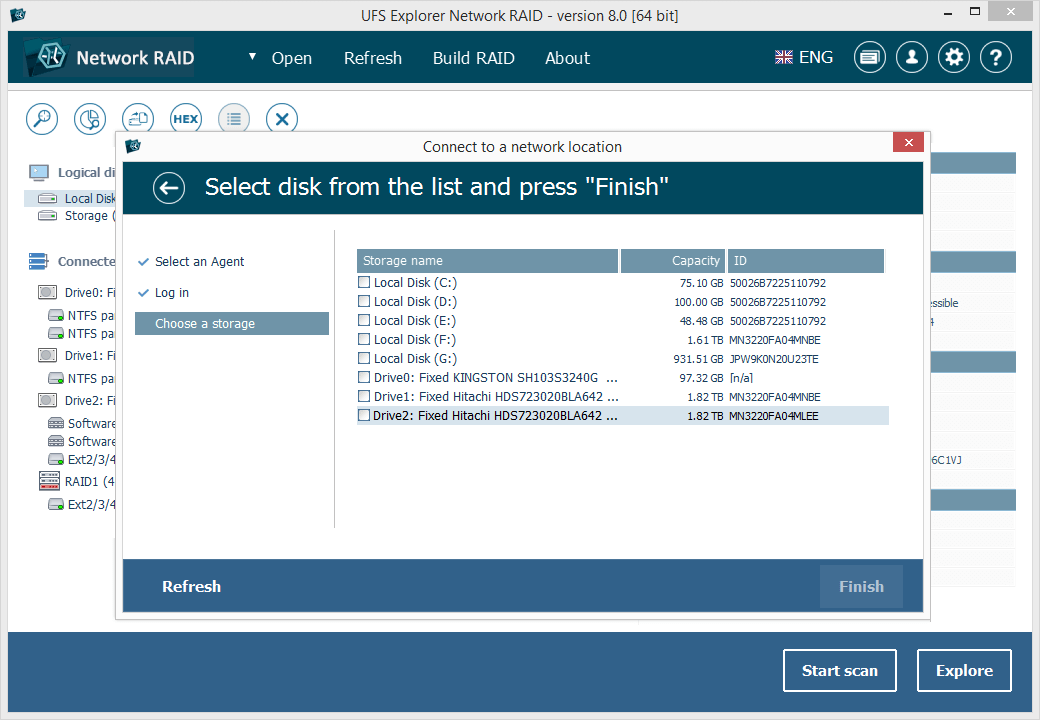
UFS Explorer Network RAID is an advantageous software product suitable for both local and distributed data recovery over LAN from any linear storage medium or a complex RAID system. The program allows restoring files from any storage attached to another remote computer, even if it is running a different operating system, and makes it possible to assemble RAID from disks connected to two or more PCs. RAID sets of various complexity are supported, including standard RAID patterns, nested/hybrid RAID levels and custom RAID configurations. A flexible RAID builder with an embedded script handler makes it easy to define and modify RAID configurations while a hexadecimal viewer allows analyzing raw data of partitions and disks. In addition to RAID, the application works with PCs, laptops, USB flash drives, memory cards, external hard drives, virtual disks of VMware, Hyper-V, VirtualBox, QEMU, XEN, Parallels and disk image files of various formats. The software supports a wide range of file systems of Windows (NTFS, FAT, FAT32, exFAT), macOS (HFS+, APFS), Linux (Ext2, Ext3, Ext4, XFS, JFS, ReiserFS, UFS/UFS2, Btrfs), BSD/Solaris (ZFS) and is capable of handling a variety of modern storage technologies, like mdadm and LVM, Windows dynamic disks and MS Storage Spaces, Apple Software RAID and Fusion Drive, Drobo BeyondRAID, Synology Hybrid RAID and Btrfs-RAID, etc. UFS Explorer Network RAID provides direct access via LAN and allows recovering data from drives containing bad sectors connected through a DeepSpar Disk Imager device. In addition to that, the software features various options for work with damaged disks. It allows configuring parameters for access and usage of a storage device, creating a full or partial disk image with various settings and rules for processing bad blocks. Disks and arrays with bad blocks can be handled using bad sector maps generated during imaging, through recognition of a given pattern or created by third-party tools.
Raise Data Recovery 8.14

Type: Shareware
Cost: $24.95
Size: 15.19 MB
Release date: Mar 22 2021
Platform: Win2000,WinXP,Win7 x32,Win7 x64,Windows 8,Windows 10,WinServer,WinOther,WinVista,WinVista x64
Publisher’s Site:  https://www.sysdevlabs.com
Publisher’s Product Page:  https://www.raisedr.com/
Country: Ukraine


Raise Data Recovery

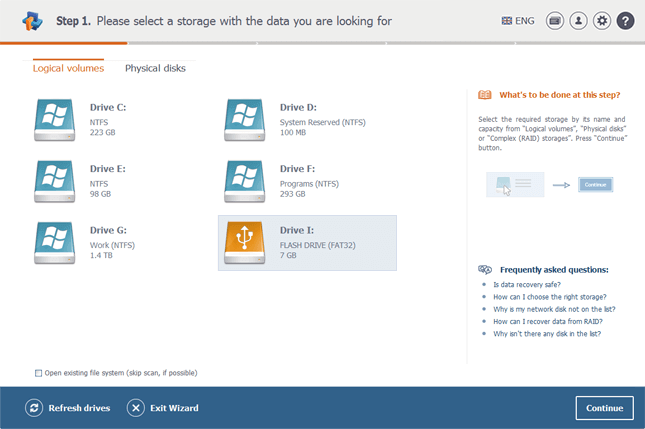
Raise Data Recovery is a handy program for smooth data recovery after logical failures, malware attacks, accidental file deletion and hardware faults. The utility can recover files from any storage device attached to the local computer and controlled by any of the file systems of Windows (FAT/FAT32, ExFAT, NTFS, ReFS), macOS (APFS, HFS+) and Linux (Ext2, Ext4, Ext4, ReiserFS, XFS, JFS). Raise Data Recovery can also be applied to RAID systems and composite volumes, including Linux LVM, Windows dynamic disks, Apple Software RAID, as well as most NAS devices. Owing to its maximum simplicity, the software doesnt require any extra user actions or skills to perform the data recovery procedure. The application automatically selects the necessary data recovery methods and quickly recovers the lost information. Raise Data Recovery employs powerful analysis, search and recovery mechanisms similar to those used in professional product series. After the user starts the scanning operation, the utility analyzes the storage space finding all the intact folders and files that have been inside the file system. The program offers such useful additional features, as preview of files, their sorting, adjustable search and in most cases, reconstructs the initial structure of directories. Several licensing options are provided depending on the purpose of use: from the free Trial License with the limitations on the size of files to be saved to the Personal license with several sub-licenses for lifting the limitations depending on the chosen set of file systems for recovery Windows, Linux or macOS. The activated set of storage formats that can be processed under any of the supported operating systems.

Apeaksoft Video Converter Ultimate 2.3.6

Type: Shareware
Cost: $55.20
Size: 1.68 MB
Release date: Sep 15 2021
Platform: Win2000,WinXP,Win7 x32,Win7 x64,Windows 8,Windows 10,WinServer,WinOther,WinVista,WinVista x64
Publisher’s Site:  https://www.apeaksoft.com/
Publisher’s Product Page:  https://www.apeaksoft.com/video-converter-ultimate/
Country: China


Apeaksoft Video Converter Ultimate

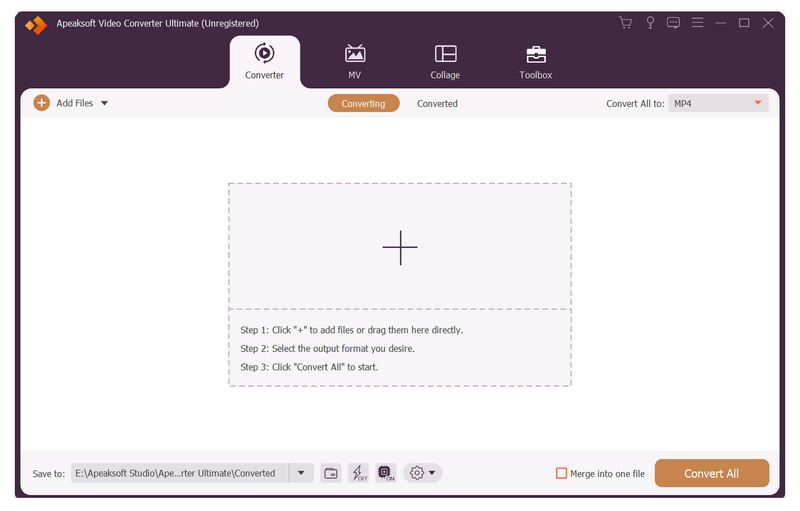
Apeaksoft Video Converter Ultimate is able to convert any media files to other formats so that you can enjoy them on more devices. Before conversion, you could edit video effects according to your need.

Key functions:

1. Convert all kinds of media files
Apeaksoft Video Converter Ultimate is skilled at converting any video/audio files to various formats such as MP4/AVI/WMV/FLAC/WMA/MP3, etc. In addition, it supports different devices, like Samsung, iPhone, PSP, Avid, etc.

2. Convert DVD and 3D videos
With this excellent software, you can edit and convert your DVD disc/ISO files/folder at ease. It could not only convert DVD to main videos, but also convert the selected DVD titles to other file formats. It can also convert common videos to 3D videos so that you could view it with 3D glasses freely.

Graphcat

3. Powerful editing and video enhancement function
You can enhance the video by upscaling resolution, optimizing brightness/contrast, removing video noise and reducing video shaking. You are also able to edit your video such as crop the video area size, clip/rotate your videos or add watermark to your files, etc.

4. Make GIF, MV and collage, edit ID3 tag, compress large files
With this software, you are able to create interesting GIF images. Moreover, you can make your own beautiful MV with various themes. It also allows you to make different collages as you like. Moreover, you could use the metadata editor to edit ID3 tag of your music files and compress the large files to smaller size with the Video Compressor function. Furthermore, it can trim/merge/reverse videos, speed up or slow down videos, etc.