Database Workbench Pro 5.8.0.0

Type: Shareware
Cost: $316
Size: 33.29 MB
Release date: Jul 05 2021
Platform: Win2000,WinXP,Win7 x32,Win7 x64,Windows 8,Windows 10,WinServer,WinOther,WinVista,WinVista x64
Publisher’s Site:  http://www.upscene.com
Publisher’s Product Page:  http://www.upscene.com/database_workbench/
Country: Netherlands


Database Workbench Pro

PC410, Computer Services in Carroll County Maryland
Cross database engine developer IDE for PostgreSQL, InterBase, SQL Server, Firebird, MySQL, Oracle, NexusDB, MSDE and Sybase SQL Anywhere including many tools like: Diagramming Tools, Visual Object Editors, Schema Browser, Test Data Generator, SQL Insight (SQL Intellisense), Cross Database Migrator and Compare, Data Compare, Object Templates, SQL Catalog, Stored Procedure Debugger, Two-way Visual Query Builder, Dependency Browsing, Data Export and Import Tools, Metadata Printing, BLOB Viewer/Editor (including several image formats, hex view and others), Drag – Drop editing and much more.

Paranoia Text Encryption for PC 15.0.1

Type: Freeware
Cost: $0
Size: 1.15 MB
Release date: Aug 26 2021
Platform: Win2000,WinXP,Win7 x32,Win7 x64,Windows 8,Windows 10,WinServer,WinOther,WinVista,WinVista x64
Publisher’s Site:  https://paranoiaworks.mobi
Publisher’s Product Page:  https://paranoiaworks.mobi
Country: Czech Republic


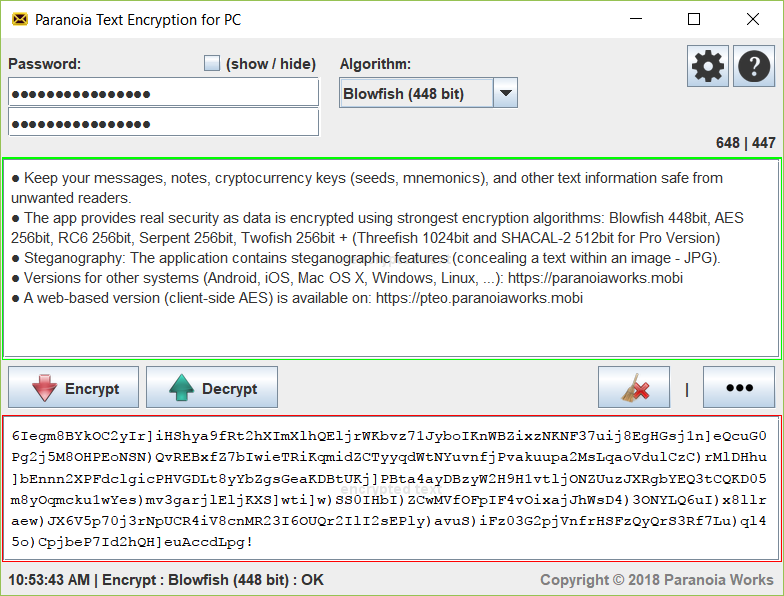
Paranoia Text Encryption for PC

Keep your notes, messages (emails, chat posts, social networking posts, SMS, …), cryptocurrency keys (seeds, mnemonics), and other texts safe from all unwanted readers.

Texts are encrypted using strong encryption algorithms: AES (Rijndael) 256bits, RC6 256bit, Serpent 256bit, Blowfish 448bit, Twofish 256bit, GOST 256bit + (Threefish 1024bit and SHACAL-2 512bit for Pro Version) ciphers are available.

A steganography implementation is included (concealing a text within an image – JPG). A steganographic algorithm (F5 algorithm) is used in combination with chosen symmetric cipher algorithm to make a final steganogram (JPEG image).

Fully compatible with Paranoia Text Encryption for iOS (iPhone/iPad/iPod) and Secret Space Encryptor for Android – more on: https://paranoiaworks.mobi

Graphcat

Cross-Platform (Windows, Linux, Mac OS X, …) versions are available: https://paranoiaworks.mobi/download

A web-based version (client-side AES) is available on: https://pteo.paranoiaworks.mobi

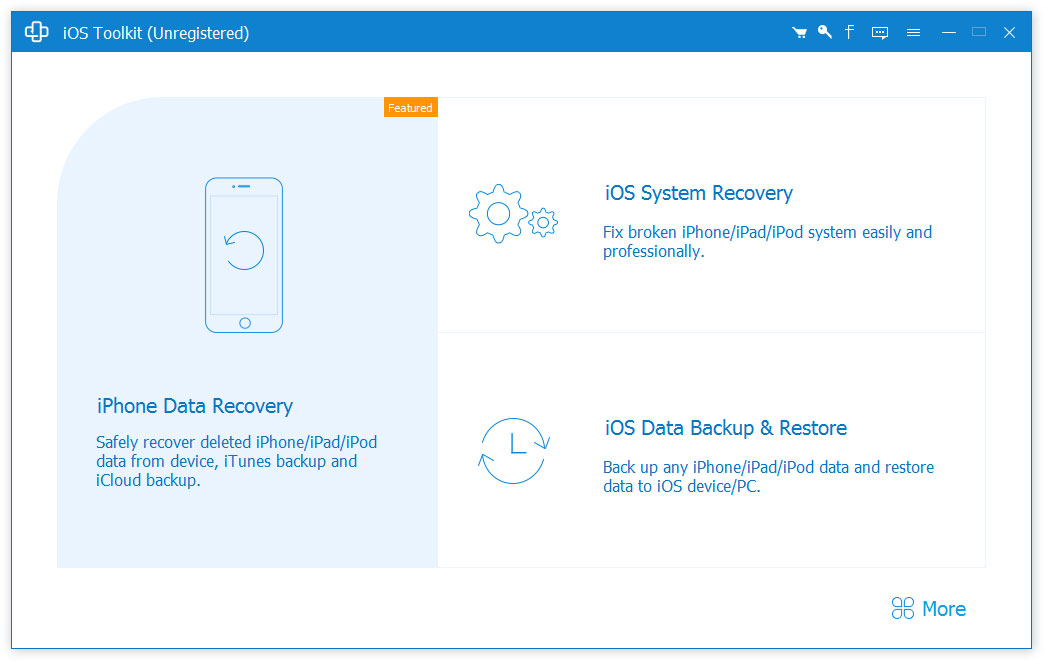
AnyMP4 iPhone Data Recovery 9.0.78

Type: Shareware
Cost: $44.96
Size: 1.68 MB
Release date: Oct 27 2021
Platform: Win2000,WinXP,Win7 x32,Win7 x64,Windows 8,Windows 10,WinServer,WinOther,WinVista,WinVista x64
Publisher’s Site:  https://www.anymp4.com/
Publisher’s Product Page:  https://www.anymp4.com/iphone-data-recovery/
Country: China


AnyMP4 iPhone Data Recovery

As the best iPhone Data Recovery software, AnyMP4 iPhone Data Recovery can recover lost/deleted Messages, Contacts, Call History, Calendar, Notes, WhatsApp data, Line, Line Attachments, Viber, Viber Attachments, Viber Call History, Messenger, Messenger Attachments, WeChat, WeChat Attachments, QQ, QQ Attachments from iPhone/iPad/iPod and from iTunes/iCloud backup files. It supports almost all portable iOS devices (iOS 15 supported), including iPhone/iPad/iPod and so on.

Key Functions:

1. Recover lost/deleted data from iPhone/iPad/iPod directly
AnyMP4 iPhone Data Recovery is a professional data recovery program which can recover lost/deleted SMS, Contacts, Call History, Notes, WhatsApp data, Photos, Line, Line Attachments, Viber, Viber Attachments, Viber Call History, Messenger, Messenger Attachments, WeChat, WeChat Attachments, QQ, QQ Attachments from iPhone/iPad/iPod directly, etc.

2. Restore data from iTunes/iCloud backup files
AnyMP4 iPhone Data Recovery can recover lost/deleted data as long as your device has been backed up with iTunes/iCloud. So, if your data was deleted incautiously or intentionally, you can get them back.

3. iOS System Recovery
With this function, you can fix your abnormal phones from such as DFU/recovery/Apple logo/headphone mode to normal state and recover iOS system from blue/black/white screen problem easily.

4. iOS Data Backup & Restore
You can back up almost all types of data on iPhone/iPad/iPod devices with no limitation in one click and then restore the data to your iPhone/PC. At the same time, it supports exporting WeChat voice.

5. WhatsApp Transfer
With the WhatsApp Transfer function, you could transfer WhatsApp data between iOS devices. In addition, you are able to back up your WhatsApp data and restore the backed-up data to iOS devices or computer simply.