
Video Converter Ultimate for Mac 2.0.10

Type: Shareware
Cost: $55.20
Size: 102.54 MB
Release date: Jul 07 2021
Platform: Mac OS X,
Publisher’s Site:  https://www.apeaksoft.com/
Publisher’s Product Page:  https://www.apeaksoft.com/video-converter-ultimate/
Country: China
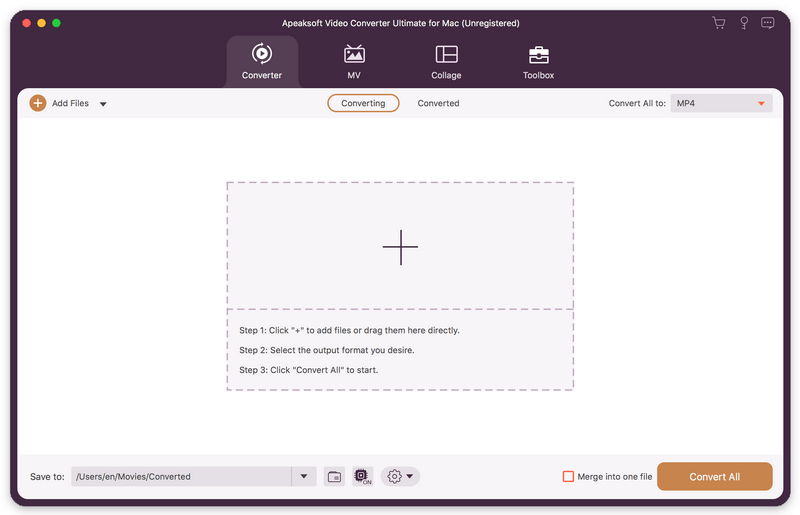

Video Converter Ultimate for Mac

PC410, Computer Services in Carroll County Maryland
Apeaksoft Video Converter Ultimate for Mac is able to convert any media files to other popular formats like MP4, MOV, AVI, MP3, and more so that you can enjoy your videos on more portable devices. Before conversion, you could edit video effects as you like.

Key functions:

1. Convert various media files
Apeaksoft Video Converter Ultimate for Mac could convert all kinds of media files to other formats such as MP4, AVI, FLV, WebM, TS, MKV, MOV, MXF, AAC, FLAC, M4A, WAV, WMA, etc. More over, it supports many portable devices, like Samsung, iPhone and so on.

2. Convert DVD
If you have trouble in playing your DVD, Apeaksoft Video Converter Ultimate for Mac is your best choice. With it, you could convert your DVD disc, folder, ISO files to videos so that you could view them easily.

Graphcat

3. Edit your videos before conversion
Apeaksoft Video Converter Ultimate for Mac is not only a video converter but also a video editor. With the powerful video editing function, you could rotate/crop/merge/trim your videos, adjust brightness, contrast, saturation and hue, select suitable filter, add watermark, choose audio track, add/edit subtitles, etc.

4. Edit media metadata, compress file, enhance video, make GIFs and 3D files
Apeaksoft Video Converter Ultimate also provides some useful tools for users. You are able to edit the ID3 tag, compress large files to smaller size, enhance your videos. In addition, you could also make wonderful GIFs and create your own 3D files.
Datavare NSF to EMLX Converter 1.0

Type: Shareware
Cost: $69
Size: 2.33 MB
Release date: Mar 06 2021
Platform: Win2000,WinXP,Win7 x32,Win7 x64,Windows 8,Windows 10,WinServer,WinOther,WinVista,WinVista x64
Publisher’s Site:  http://www.datavare.com
Publisher’s Product Page:  http://www.datavare.com/software/nsf-to-emlx-converter-expert.html
Country: South Africa


Datavare NSF to EMLX Converter

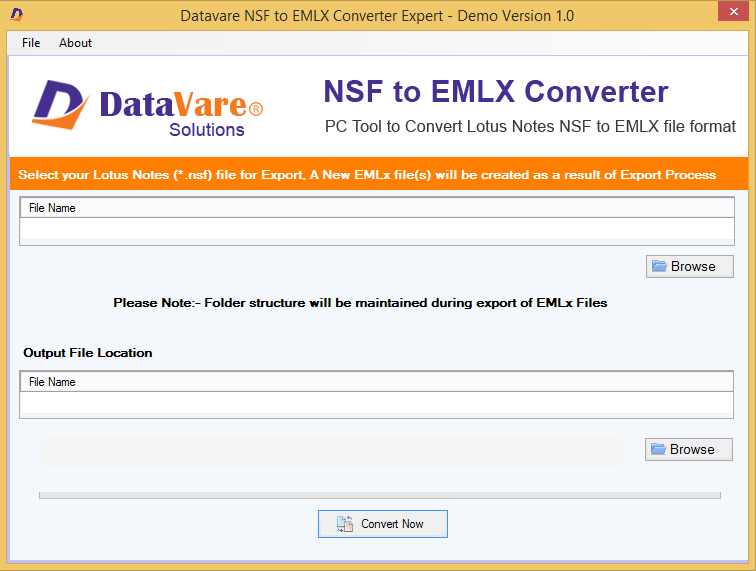
Use Datavare NSF to EMLX Converter and import all your Lotus Notes emails to Apple Mail with attachments. The software smartly convert NSF file to EMLX file format without any trouble. There is complete safety to attachments and email properties while exporting NSF file to EMLX file format. You need Lotus Notes installation on your system for the conversion of NSF file to EMLX file format. Any size NSF file is smartly converted to EMLX file format. Having a friendly interface, one can smoothly operate the software. One by one multiple NSF files to EMLX conversion is performed by the software. In a few minutes, NSF data is exported to EMLX format. You dont take stress of data loss at all as this application is 100% safe to use. You can export all emails from IBM Notes to Apple Mail without misplacing or modifying a single detail. The added NSF file is well scanned & previewed at first before exporting to EMLX file format. You can download freeware Datavare NSF to EMLX Converter and export first 10 items from each folder of Lotus Notes to Mac Mail EMLX file format. You can use this application smoothly on all versions of Windows like Windows 10, 8.1, 8, 7, and others. The resultant EMLX file can be saved at any location of user choice. If you have any queries regarding the purchase and use of this software, freely contact to our technical team 24*7 through live chat or email.

Vidmore Video Converter for Mac 2.1.8

Type: Shareware
Cost: $19.95
Size: 65.34 MB
Release date: Apr 15 2021
Platform: Mac OS X,
Publisher’s Site:  https://www.vidmore.com/
Publisher’s Product Page:  https://www.vidmore.com/video-converter/
Country: China


Vidmore Video Converter for Mac

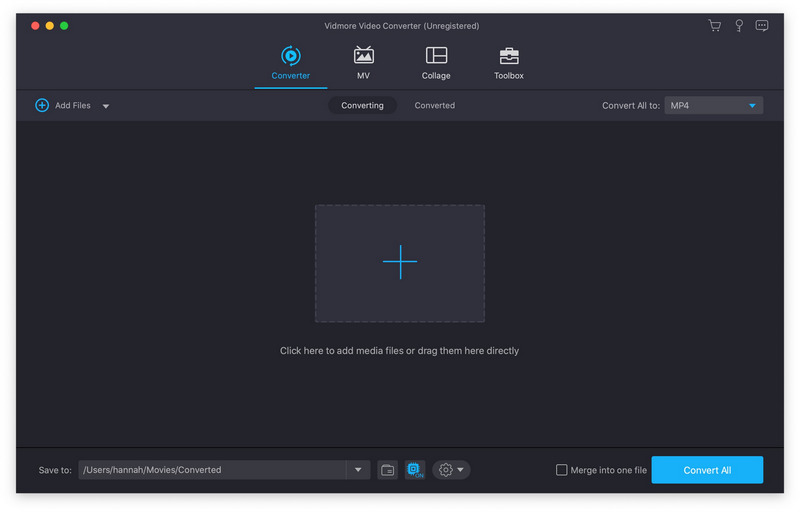
Vidmore Video Converter for Mac is powerful software which could help you convert your video and audio files to any other formats. You can easily choose an output format and convert your videos without hassle. In addition, you could also rotate, crop, clip your videos freely.

Key functions:

1. Convert video/audio files to any other formats
Vidmore Video Converter for Mac is powerful in converting your video/audio files to other formats such as AVI/MKV/MOV/MP4, etc. Moreover, it is able to convert 4K videos to other formats or convert videos to 1080p. In addition, it supports many kinds of devices, including iPhone/iPad/Samsung/Huawei/Sony and so on.

2. Various video editing functions
If you want to edit your videos before conversion, with Vidmore Video Converter for Mac, you could trim/rotate/crop/merge your videos, add watermark to videos or change the brightness/contrast/saturation and hue of your files.

3. Compress large files, make GIF and 3D files, enhance your videos
With the built-in Video Compressor function, you could compress your large files to a smaller size. In addition, you could make your own GIFs with the GIF Maker. And you could also convert common files to 3D format with the 3D Maker. With the Video Enhancer function, you could enhance your video quality simply.

4. High quality of the output files and fast conversion speed
Vidmore Video Converter for Mac could keep the original media metadata and quality of your videos, including 1080p HD and 4K Ultra HD videos. With advanced hardware acceleration of NVIDIA CUDA, it could provide fast conversion speed for you, so you do not need to wait long for the conversion process.
