
Apeaksoft DVD Creator 1.0.60

Type: Shareware
Cost: $44.76
Size: 1.80 MB
Release date: Apr 07 2021
Platform: Win2000,WinXP,Win7 x32,Win7 x64,Windows 8,Windows 10,WinServer,WinOther,WinVista,WinVista x64
Publisher’s Site:  https://www.apeaksoft.com/
Publisher’s Product Page:  https://www.apeaksoft.com/dvd-creator/
Country: China

Apeaksoft  DVD Creator

PC410, Computer Services in Carroll County Maryland
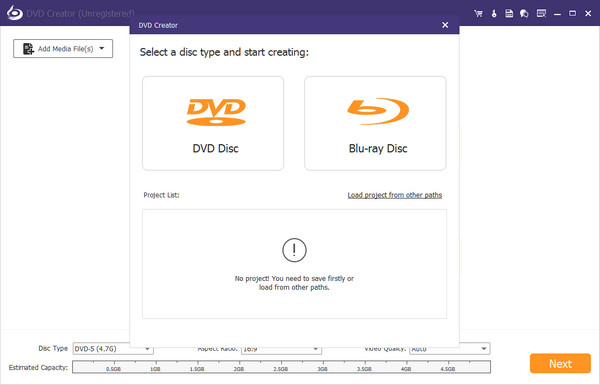
Apeaksoft DVD Creator can create DVD/Blu-ray disc/folder/ISO files with all kinds of popular videos. Therefore, you can burn MP4/AVI/MKV and other videos to DVD/Blu-ray. Moreover, it can also help you add the audio track and subtitle. In addition, you can choose your preferred menu templates, frames and button styles and add background music. Furthermore, you can trim the video length, crop the video frame and add watermark to the video as you like.

Key functions:

1. Create DVD/Blu-ray with any video formats
Apeaksoft DVD Creator can not only burn videos to DVD disc/folder/ISO files but also burn videos to Blu-ray disc/folder/ISO files. It supports various video formats including MP4, AVI, WMV, MKV, MOV, M4V, TS, MTS, etc.

2. Customize DVD/Blu-ray menu
With this DVD Creator, you can choose your favorite DVD/Blu-ray menu from various menu templates and you could also create your own templates. Moreover, you can add background music, change background picture, or add opening film according to your needs.

Graphcat

3. Edit video /audio, chapter and subtitles
Apeaksoft DVD Creator is able to help you rotate, flip, crop and adjust the videos as you want. You are allowed to add watermark to your videos. With the powerful tools, you are able to merge or split chapters. Meanwhile, you could add or edit subtitles/audio track.

4. Fast speed and super high quality
Apeaksoft DVD Creator can provide you with fast burning speed and high quality. You never need to wait for long time for the creation. Just a few minutes, you can enjoy your burned videos.

IP Tools for Excel 3.6.2.0.1

Type: Shareware
Cost: $39.95
Size: 9.81 MB
Release date: Apr 01 2019
Platform: Win2000,WinXP,Win7 x32,Win7 x64,Windows 8,Windows 10,WinServer,WinOther,WinVista,WinVista x64
Publisher’s Site:  https://CheckTheNetwork.com
Publisher’s Product Page:  https://CheckTheNetwork.com/ip-tools-for-excel
Country: United States of America


IP Tools for Excel

NEW Version – IP Tools for Excel – Add-in / Plug-in for Microsoft Excel

Instant Productivity – Instant Results – in Microsoft Excel

Provides functionality to execute and display results from commands and functions: ping, nslookup, tracert, OpenTCP, OpenHTTP, GetCertificateSSL()

— Ping sweep or nslookup an entire list of IP addresses or names instantly – Very Fast Results
— Subnet Calculator in Excel

Features:

– Right click and choose command on any cell or range including entire column up to 1,048,576
– Get SSL certificate from server and test the expiry date. Any x.509 certificate field
– Nslookup – DNS lookup forward or reverse — Do they match
– Trace Route via the tracert command
– Ping any selected list of IP addresses or host names – sweep it – run continuous
– openTCP ports and scan – openHTTP to test web
– Ping packet parameters are customizable – 1 to 200k pings per address
– Launch to http or https from any list of host names or IP addresses
– Launch SSH Telnet RDP connections
– Sort IP Addresses in Excel – 192.168.45.252 does not come before 192.168.45.54
– Output directly in Excel with 1000’s of output and format options
– Set output to ANY cell
Comments
Cell Shading
Text Color
– Subnet Calculator
– IPAM
– And more

*** GUI interface for setting options and settings

Very Fast Results output with as many display options.

The installation contains also contains IP Tools for Excel Maintenance which is available from the Start Menu. Useful to enable or disable IP Tools startup in Excel. Additionally the installation provides for clean removal via Control Panel – Add Remove programs if required.

Used by network engineers, system administrators, NOC personnel, network security professionals and auditors. Plenty of positive feedback received.

try it now for FREE

Thank you.

Productive Solutions Inc. at https://checkthenetwork.com/

NCheck Bio Attendance Trial for Windows 5.1.15

Type: Shareware
Cost: $105
Size: 490.39 MB
Release date: Aug 05 2021
Platform: Win2000,WinXP,Win7 x32,Win7 x64,Windows 8,Windows 10,WinServer,WinOther,WinVista,WinVista x64
Publisher’s Site:  http://neurotechnology.com/
Publisher’s Product Page:  https://www.ncheck.net/
Country: Lithuania


NCheck Bio Attendance Trial for Windows

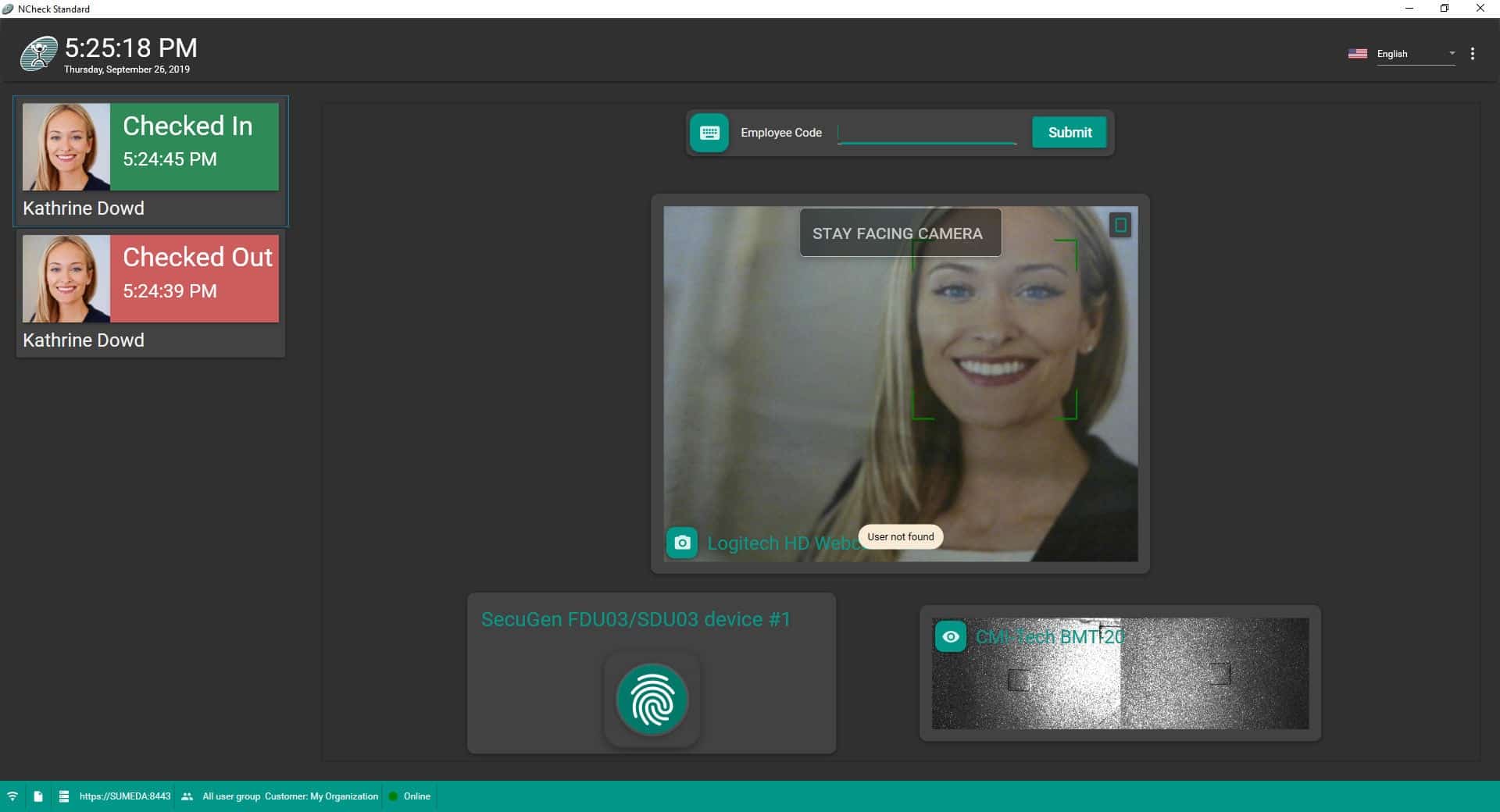
NCheck Bio Attendance is an automatic ready-to-use time tracking system with biometric fingerprint and face identification. May be used from employee attendance control to check-in at events, clubs, clinics, etc. Protection against human-factor errors or user fraud. Employee GPS logging (optional). User groups, shifts and schedule planning. Reports in XLS, PDF or CSV. Webcams and 90+ fingerprint reader models from 40+ manufacturers support.

+ Ready-to-use attendance control automation system.
+ Fingerprint, face and iris biometrics protect against errors or user fraud.
+ GPS logging for remote employee location tracking.
+ Employee groups and configurable shifts.
+ Reports generation for users’ attendance.
+ Cloud, client-server and stand-alone architectures.
+ Delayed database synchronization for remote locations.
+ Bring Your Own Device (BYOD) support.
+ Windows and Android supported.
+ Webcams, all major models of fingerprint scanners and iris scanners supported.
